
No products in the cart.
WP Trove SEO Automation: The Complete Guide to Streamlining Your WordPress Rankings
31
Jul
Jul
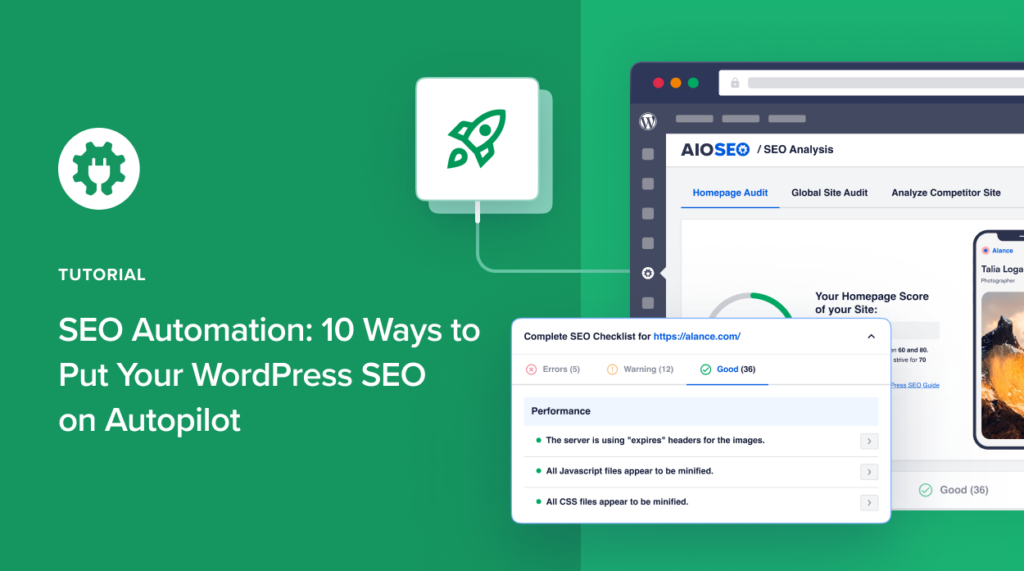
Managing SEO for a WordPress site involves dozens of repetitive tasks, from generating meta descriptions to optimizing image alt text and monitoring keyword performance. WP Trove SEO Automation addresses this exact pain point by offering a suite of tools designed to handle these processes without constant manual intervention. This guide breaks down what this automation system offers, how it works, and how you can leverage it to improve your search visibility while saving significant time.
What Is WP Trove SEO Automation?
WP Trove SEO Automation refers to a set of WordPress plugins and cloud-based services that automate on-page and technical SEO tasks. Instead of manually editing each post, page, or product, the system uses predefined rules, templates, and API integrations to apply SEO best practices across your entire website automatically. The core value proposition is simple: reduce human error, speed up content publishing, and maintain consistent optimization standards.
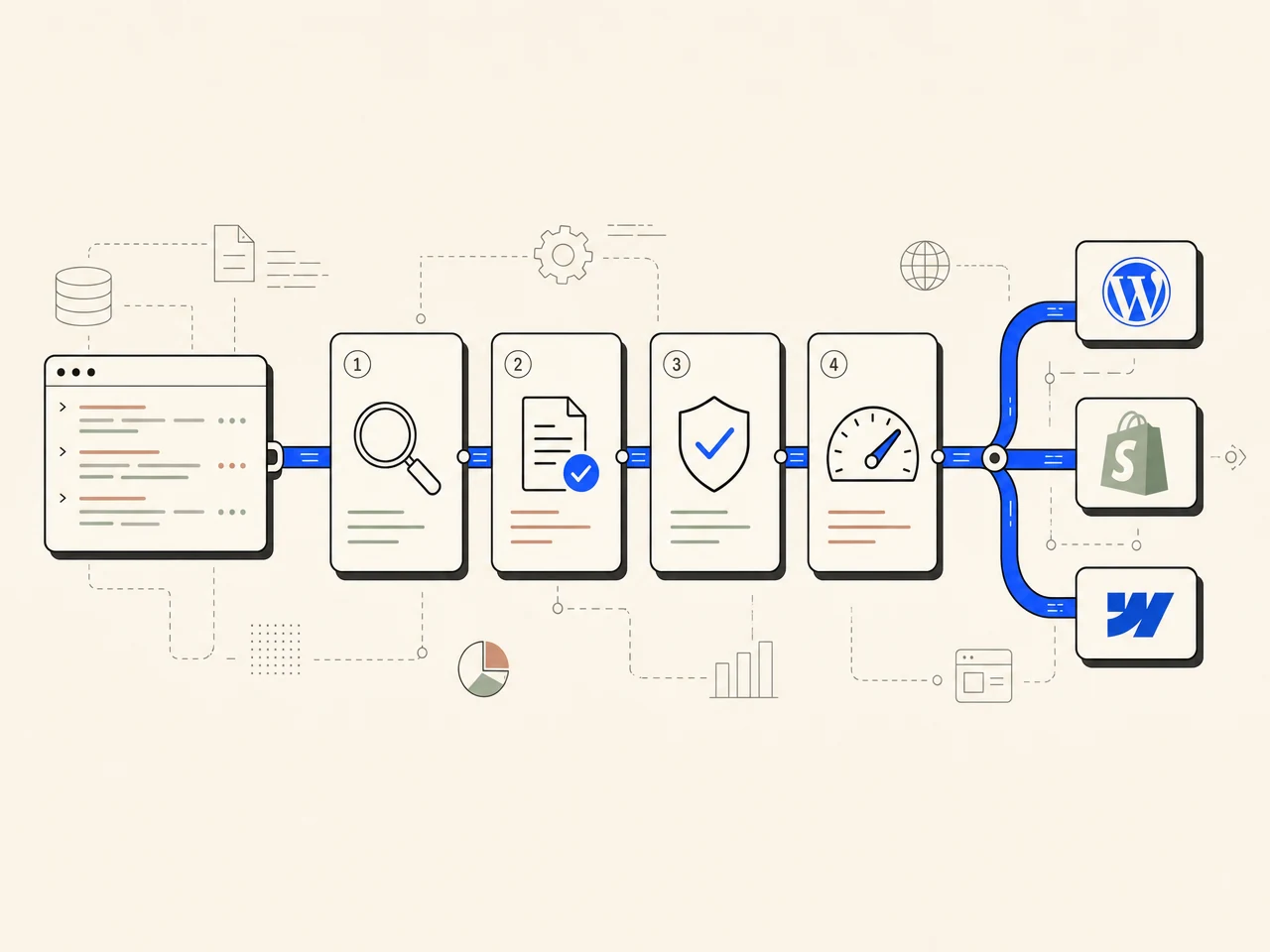
The platform typically connects to your WordPress dashboard via a lightweight plugin. Once connected, it can generate title tags, meta descriptions, Open Graph tags, and schema markup based on your content. It also monitors site health metrics like broken links, missing alt text, and duplicate content, then fixes these issues automatically or with a single click approval.
Core Features of WP Trove SEO Automation
Understanding the feature set is crucial to determining if this tool fits your workflow. Below are the primary modules that define the automation experience.
Automated Meta Tag Generation
Writing unique meta descriptions for hundreds of posts is tedious. WP Trove SEO Automation uses your existing content to generate SEO-friendly title tags and meta descriptions. You can set character limits, include brand names, and use dynamic variables like post titles or categories. The system then applies these templates to new and existing content, ensuring every page has a unique, click-worthy snippet.
Schema Markup Injection
Structured data helps search engines understand your content type. The automation tool can inject JSON-LD schema for articles, products, FAQs, reviews, and local businesses. It automatically pulls data from your post fields, such as author, publish date, and ratings, to create valid markup. This improves your chances of earning rich snippets and enhanced search results.
Image Optimization Workflows
Images often slow down sites and miss SEO opportunities. The automation suite can rename image files based on your post title, generate alt text from image content or surrounding text, and compress files to WebP format. This process runs in the background, so you do not have to manually edit each media library entry.
Broken Link Monitoring and Fixes
Broken links harm user experience and crawl efficiency. WP Trove SEO Automation scans your site regularly for 404 errors. It can automatically redirect broken internal links to relevant existing pages or flag them for review. For external links, it checks their status and suggests replacements if a target site goes offline.
Content Freshness Scheduling
Search engines favor updated content. The tool can identify older posts that are losing traffic and schedule automatic content refreshes. It may update the publish date, refresh internal links, or suggest adding new sections based on current keyword trends. This keeps your site active without requiring a full rewrite every month.
How WP Trove SEO Automation Works: A Step-by-Step Process

The automation process follows a logical workflow that integrates with your existing publishing routine.
- Installation and Connection: You install the WP Trove plugin from the WordPress repository or upload the premium version. After activation, you enter an API key to connect your site to the cloud dashboard.
- Rule Configuration: In the dashboard, you define automation rules. For example, you can set a rule that says “Generate meta description from the first 160 characters of the excerpt” or “Add FAQ schema if the post has a heading with a question mark.”
- Initial Site Audit: The system performs a full crawl of your existing content. It identifies pages missing meta tags, images without alt text, and posts with outdated schema.
- Batch Processing: You choose to apply the rules to all existing content or only new posts. The system processes pages in batches, showing a progress bar and a log of changes made.
- Continuous Monitoring: After the initial setup, the automation runs on a schedule. It checks for new posts, monitors link health, and sends you a weekly email report of actions taken.
Benefits of Using WP Trove SEO Automation
Adopting automation for your WordPress SEO brings tangible advantages that go beyond simple time savings.
- Consistency Across Large Sites: For websites with over 500 pages, maintaining uniform optimization is nearly impossible manually. Automation ensures every page follows the same standards.
- Faster Content Publishing: Writers can publish drafts without waiting for an SEO specialist to add metadata. The automation handles it instantly, reducing the time from draft to live.
- Reduced Human Error: Forgetting to add alt text or missing a meta description is common. Automation eliminates these oversights by enforcing rules.
- Scalability: As your site grows, the automation scales with it. You do not need to hire additional staff to manage SEO for every new blog post.
- Data-Driven Adjustments: The dashboard provides analytics on which automated changes improved click-through rates. You can refine your templates based on real performance data.
Limitations and Considerations
No tool is perfect. Understanding the limitations helps you set realistic expectations and avoid potential pitfalls.
- Lack of Creative Judgment: Automated meta descriptions can sound robotic. They lack the persuasive nuance a human copywriter brings, especially for high-ticket sales pages.
- Template Rigidity: If your content varies significantly in structure, a single template may not fit all cases. You will need to create multiple rules for different post types.
- Initial Setup Complexity: Configuring the rules correctly requires a solid understanding of SEO fundamentals. A poorly configured rule can harm your rankings.
- Dependency on Plugin Updates: WordPress core updates or conflicts with other plugins can break the automation. You need to monitor compatibility after major updates.
WP Trove SEO Automation vs. Manual SEO Management
To decide if automation is right for you, compare it directly with manual processes. The table below highlights key differences.
| Aspect | WP Trove SEO Automation | Manual SEO Management |
|---|---|---|
| Time per post | 2-5 minutes (setup only) | 15-30 minutes per post |
| Error rate | Low, rule-based | High, depends on human attention |
| Scalability | Handles thousands of pages | Limited by team size |
| Customization | High, but requires rule setup | Unlimited, fully manual |
| Cost | Subscription or one-time license | Hourly wages or agency fees |
| Adaptability | Needs rule updates for new trends | Instantly adaptable |
Practical Application: Setting Up Your First Automation Workflow
This example assumes you have a WordPress site with at least 50 existing posts.
Step 1: Define Your Meta Description Template
Go to the automation dashboard and create a new rule. Select “Meta Description” as the field. Use the variable {post_excerpt} to pull the first 160 characters from your excerpt. Add a call-to-action suffix like “Learn more now” if the excerpt is shorter than 150 characters. Save this rule and apply it to all existing posts.
Step 2: Set Up Automatic Alt Text Generation
Create a second rule for images. Choose the option “Generate alt text from image filename.” This will convert a file named “red-shoes-nike.jpg” into “red shoes nike.” For better accuracy, enable the AI-based image recognition feature if your plan includes it. This uses computer vision to describe the actual content of the image.
Step 3: Configure Broken Link Redirects
Enable the broken link monitor. Set the system to automatically redirect any 404 error to the nearest relevant post based on keyword matching. For example, a broken link to “best-seo-tools” will redirect to your post titled “Top 10 SEO Tools for 2025.” This prevents users from hitting dead ends.
Step 4: Schedule Weekly Reports
Set up a weekly email report that shows the number of posts optimized, images processed, and links fixed. Review this report to spot any patterns. If you see a high number of automated redirects, investigate whether your internal linking structure needs improvement.
Common Mistakes and How to Avoid Them
Users often make avoidable errors when first implementing automation. Recognizing these pitfalls will save you from headaches later.
- Over-Automating Everything: Automating meta descriptions for your homepage or about page is a mistake. These pages need a human touch. Exclude critical pages from automation rules.
- Ignoring the Audit Log: The system logs every change it makes. Failing to review this log means you might miss a rule that is generating duplicate titles. Check the log weekly.
- Using Generic Templates: A template that just repeats the site name in every title is useless. Use dynamic variables that reflect the specific content of each post.
- Forgetting to Update Rules: SEO trends change. A rule that worked in 2023 may be outdated in 2025. Review your rules quarterly to ensure they align with current best practices.
- Not Testing on a Staging Site: Applying automation rules directly to a live site can cause issues if a rule has a bug. Always test new rules on a staging copy first.
Important Notes for Maximizing Results
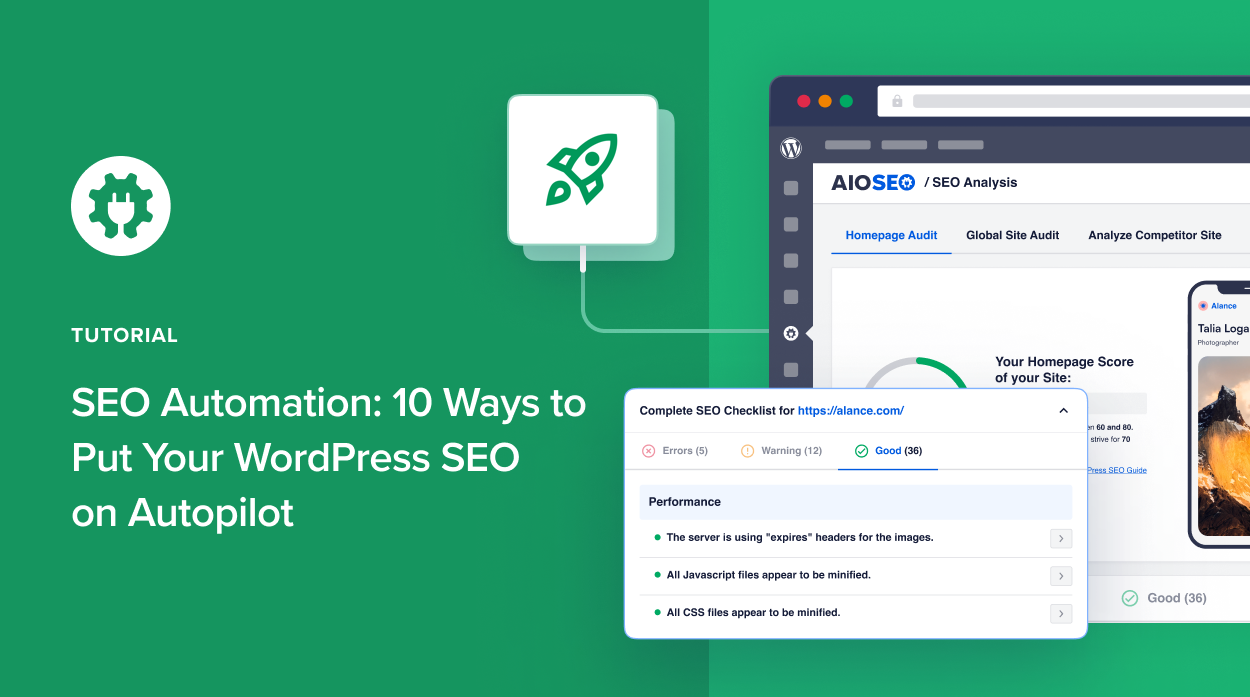
To get the most out of WP Trove SEO Automation, keep these technical and strategic notes in mind.
First, ensure your WordPress hosting can handle the batch processing. If you have a shared hosting plan, the initial audit of a large site may time out. Use a VPS or dedicated server for sites with over 1,000 pages. Second, combine automation with manual review for your money pages. Product pages and landing pages that drive revenue deserve a human-written meta description that includes unique selling points.
Third, integrate the automation with your existing SEO plugin. WP Trove works alongside popular plugins like Yoast or Rank Math. Disable the meta description features in those plugins to avoid conflicts. Fourth, monitor your Google Search Console performance after enabling automation. Look for changes in impressions and click-through rates. If you see a drop, adjust your title tag templates to be more compelling.
Frequently Asked Questions
Is WP Trove SEO Automation suitable for small blogs?
Yes, it is beneficial even for small blogs. The time saved on manual meta descriptions and image optimization allows a solo blogger to publish more content. The free version typically covers basic automation needs, while premium plans unlock advanced features like AI image recognition and schema generation.
Will automation hurt my search rankings?
Automation does not inherently hurt rankings. The risk comes from poorly configured rules. If your templates generate duplicate titles or keyword-stuffed descriptions, rankings can suffer. Properly set up automation that follows Google’s guidelines will not harm your site and often improves consistency.
Can I use WP Trove SEO Automation with page builders like Elementor?
Yes, the plugin is compatible with most page builders. The automation works at the database level, so it applies to content created by Elementor, WPBakery, or Gutenberg. However, you should test the schema output on a page built with your page builder to ensure there are no conflicts.
How often does the automation run?
You can set the frequency. For real-time automation, the system triggers immediately when a new post is published. For monitoring tasks like broken link checks, you can schedule them daily, weekly, or monthly. The cloud dashboard processes these tasks without slowing down your website.
What happens if I deactivate the plugin?
If you deactivate the plugin, all previously applied changes remain on your site. The meta descriptions, alt text, and schema markup stay in your database. You simply lose the automated monitoring and future updates. Your site will not break, but you will need to manage SEO manually again.
Conclusion
WP Trove SEO Automation offers a practical solution for WordPress site owners who want to maintain high SEO standards without dedicating hours to repetitive tasks. By automating meta tag generation, image optimization, schema markup, and link monitoring, you free up time for content creation and strategy. The key to success lies in thoughtful rule configuration and regular review of the automation logs. Start with a small set of rules, test them on a staging site, and gradually expand to cover your entire content library. This approach ensures you reap the benefits of automation while maintaining the quality and uniqueness that search engines reward.
Xem thêm:
- AI SEO Search Visibility: The Complete Playbook for Ranking in the Age of Machine Learning
- AI Grammar Checker: Transform Your Writing with Intelligent Error Detection
- AI SEO Extensions: The Smart Way to Automate and Supercharge Your Search Rankings
- AI SEO Trends 2026: The Strategies That Will Define Search Next Year
- AI SEO Webinars: How Virtual Training Is Reshaping Modern Search Strategy
Bài viết cùng chủ đề:

AI SEO SEO Automation with Make: The Complete Workflow Guide

AI SEO SEO Automation with Zapier: The Complete Workflow Guide

AI SEO SEO Automation with n8n: The Complete Workflow Guide
AI SEO SEO Automation with Gemini: The Complete Guide to Scaling Organic Growth

AI SEO SEO Automation with Claude: The Complete Guide to Scaling Content in 2025

AI SEO SEO Automation with ChatGPT: The Complete Playbook for 2025

AI SEO & SEO Automation for Affiliate Sites: The 2025 Playbook for Passive Income Growth
AI SEO & SEO Automation for Bloggers: The Complete Guide to Scaling Your Content

AI SEO & SEO Automation for Agencies: The Complete 2025 Playbook

AI SEO and SEO Automation for Ecommerce: The Complete Playbook for 2025

AI SEO & SEO Automation for WordPress: The Complete Playbook for 2025
AI SEO SEO Automation Strategy: The Complete Playbook for 2025

Mastering the AI SEO SEO Automation Process: A Complete Guide to Scaling Organic Growth
AI SEO SEO Automation System: The Complete Guide to Scaling Organic Growth in 2025
AI SEO SEO Automation Platform: The Complete Guide to Scaling Organic Growth in 2025
AI SEO SEO Automation Software: The Complete Guide to Scaling Organic Growth in 2025















