
No products in the cart.
AI SEO Alt Text Generator: The Complete Guide to Automated Image Optimization
10
Aug
Aug
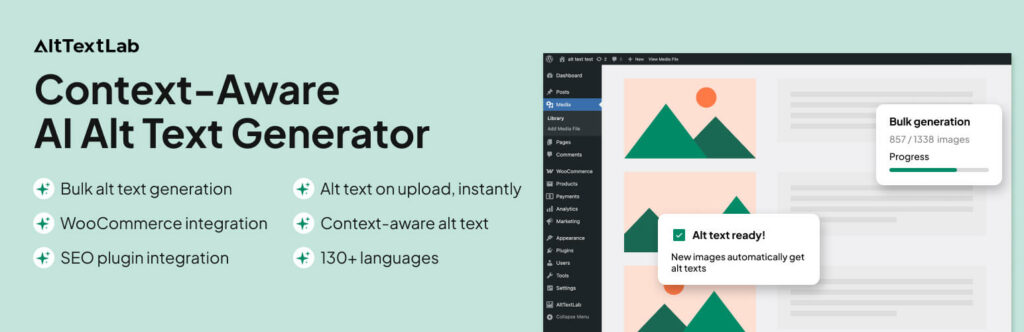
An AI SEO Alt Text Generator is transforming how websites optimize images for search engines. This technology uses machine learning to automatically describe images, making them accessible and searchable. For digital marketers and website owners, mastering this tool means saving hours of manual work while improving organic visibility. This guide explores everything about AI-powered alt text generation, from core concepts to practical implementation strategies that deliver measurable results.
What Is an AI SEO Alt Text Generator?

An AI SEO Alt Text Generator is a software tool that uses computer vision and natural language processing to create descriptive text for images automatically. Instead of manually writing alt attributes for every picture, these systems analyze the visual content and generate relevant descriptions. The generated text serves both accessibility purposes and SEO objectives, helping search engines understand what images depict.
The technology behind these generators has matured significantly. Modern systems can identify objects, scenes, actions, and even emotions within images. They produce alt text that mimics human-written descriptions, which is crucial for maintaining quality standards across large websites.
How AI Alt Text Generation Works
The process involves several sophisticated steps. First, the AI analyzes the image using convolutional neural networks to detect objects, people, and contextual elements. Next, natural language generation models convert these visual findings into coherent sentences. Advanced systems also consider the surrounding page content to produce contextually relevant descriptions.
For example, an image of a person running in a park might generate “athlete jogging on a sunny trail in Central Park” when the page context mentions fitness. Without context, the same image might simply produce “person running outdoors.” This contextual awareness makes modern generators far more useful for SEO purposes.
Why Alt Text Matters for SEO in 2025
Search engines cannot see images directly. They rely on alt text to understand image content and relevance. Google has confirmed that alt text is a ranking factor for image search results. Moreover, with the rise of visual search and AI-powered search experiences, properly optimized images become even more critical.
Beyond search rankings, alt text serves essential accessibility functions. Screen readers use alt text to describe images to visually impaired users. Websites with missing or poor alt text fail accessibility standards, potentially facing legal issues under the Americans with Disabilities Act and similar regulations worldwide.
Image SEO Statistics That Matter
- Images account for approximately 20% of all Google search queries
- Websites with optimized images see up to 30% more organic traffic from image search
- Over 90% of web pages contain images, yet many lack proper alt attributes
- Pages with descriptive alt text rank higher for relevant image queries
Key Benefits of Using an AI SEO Alt Text Generator
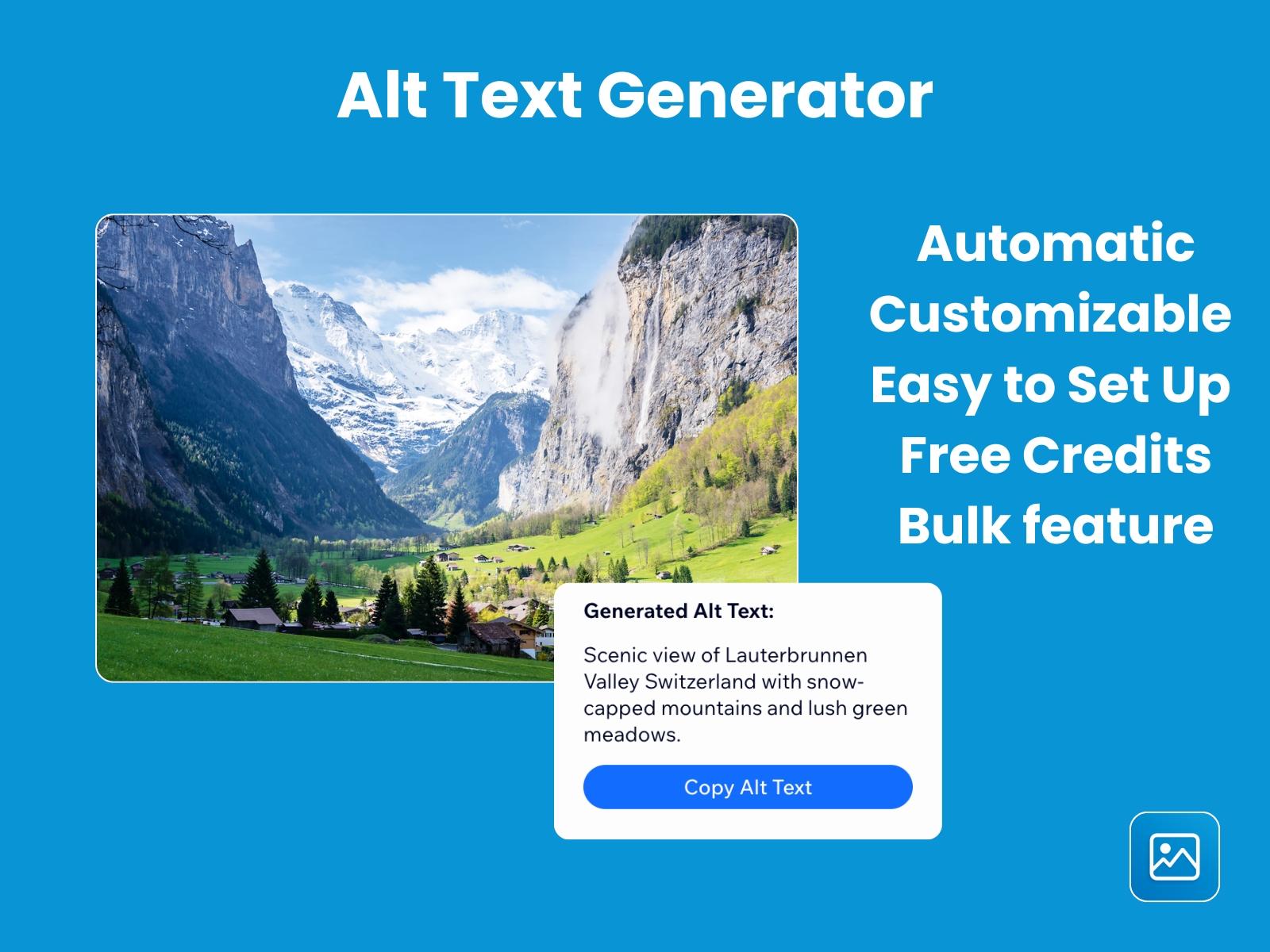
Implementing an AI-powered alt text solution delivers advantages that manual processes cannot match. The benefits extend beyond simple time savings into areas of consistency, scalability, and performance.
Time and Resource Efficiency
Manually writing alt text for hundreds or thousands of images is impractical. A content team might spend 30 seconds per image, translating to hours of work for large sites. AI generators produce alt text in milliseconds per image. This efficiency allows teams to focus on higher-value content creation tasks.
Consistency Across Large Content Libraries
Human writers naturally vary in their descriptions. One person might write “red sports car,” while another writes “Ferrari on highway.” AI tools maintain consistent terminology and style across all images. This consistency helps search engines understand your content better and creates a uniform user experience.
Improved Accessibility Compliance
Websites with thousands of images often miss alt text on many elements. AI generators can scan entire sites and fill gaps automatically. This proactive approach ensures WCAG compliance and reduces legal risk associated with inaccessible content.
Enhanced Image Search Visibility
AI-generated alt text often includes specific details that human writers might overlook. Descriptions of colors, actions, and contextual elements provide more data points for search engines to index. This richness can lead to higher rankings in Google Images and other visual search platforms.
Limitations and Challenges of AI Alt Text Generators
While powerful, AI alt text tools have limitations that users must understand. Recognizing these constraints helps set realistic expectations and implement appropriate quality controls.
Contextual Nuance Gaps
AI systems sometimes miss cultural or brand-specific context. An image that is ironic or metaphorical might receive a literal description. For example, a picture of a melting clock in an article about time management might be described as “clock melting on table” rather than capturing the artistic intent.
Brand and Product Name Recognition
Generic AI models may not recognize specific product names or proprietary terminology. A photo of a “Nike Air Max” might be described as “blue running shoe.” This limitation requires manual review for e-commerce sites where product names are crucial for SEO.
Quality Variability
Not all AI generators produce equal results. Some produce awkward phrasing or overly verbose descriptions. Others might generate text that sounds robotic and unnatural. Choosing a high-quality tool and configuring it properly is essential for maintaining content standards.
AI Alt Text Generator vs. Manual Alt Text Writing
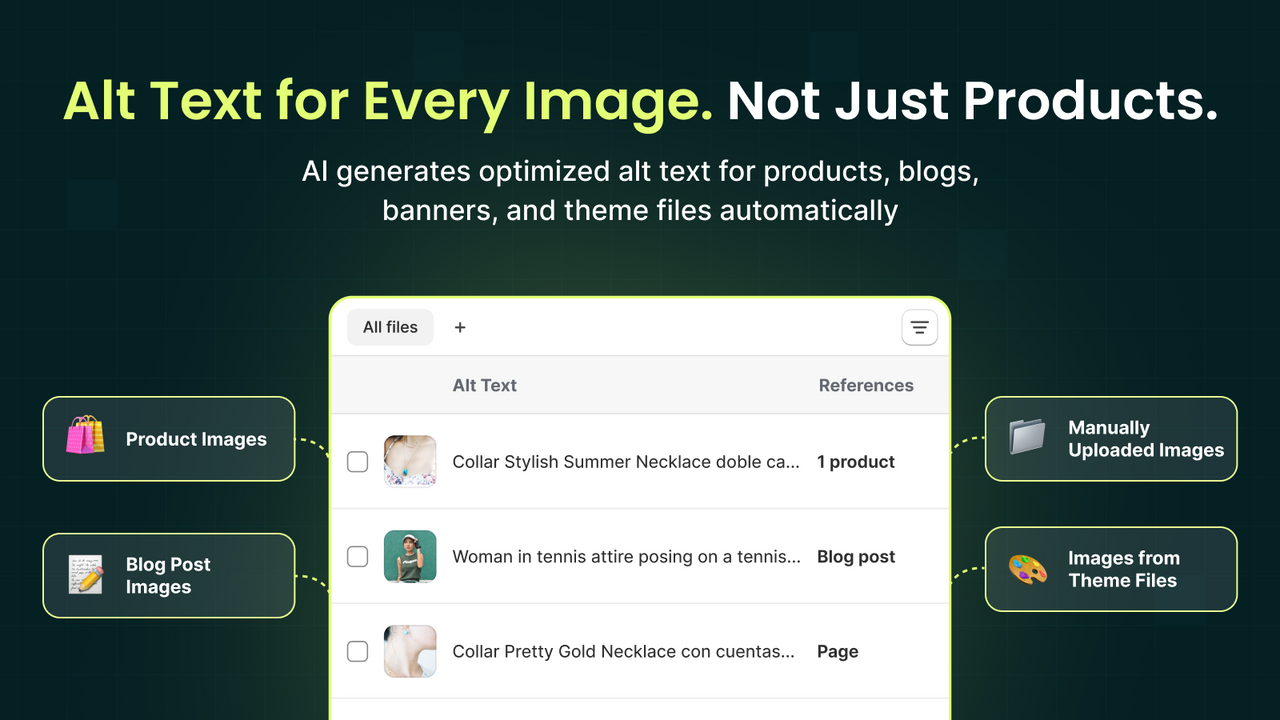
Understanding the trade-offs between automated and manual approaches helps determine the right strategy for different scenarios.
| Factor | AI Generator | Manual Writing |
|---|---|---|
| Speed | Milliseconds per image | 20-60 seconds per image |
| Scalability | Unlimited volume | Limited by team capacity |
| Cost | Subscription or per-use fee | Labor costs per hour |
| Consistency | High uniformity | Variable between writers |
| Contextual Understanding | Improving but limited | Deep understanding possible |
| Brand Terminology | Requires customization | Naturally incorporated |
| Quality Control | Needs review process | Direct human oversight |
Most successful strategies combine both approaches. Use AI for bulk processing of standard images and manual writing for hero images, product photos, and images with specific brand meaning.
How to Choose the Right AI SEO Alt Text Generator
Selecting the right tool requires evaluating several critical factors. The market offers various solutions, each with distinct strengths and weaknesses.
Accuracy and Quality of Generated Text
Test tools with images from your specific niche. A generator that works well for e-commerce product photos might struggle with abstract illustrations or infographics. Look for tools that allow you to upload sample images and evaluate output quality before committing.
Integration Capabilities
Consider how the tool fits into your existing workflow. Does it integrate with your CMS, DAM, or e-commerce platform? Some tools offer WordPress plugins, Shopify apps, or API access. Seamless integration reduces friction and encourages consistent usage.
Customization Options
Advanced tools allow you to define preferred terminology, exclude certain words, or set character limits. This customization ensures generated alt text aligns with your brand voice and SEO strategy. Some tools also support multiple languages, which is essential for international websites.
Pricing Structure
Pricing models vary significantly. Some tools charge per image, others offer monthly subscriptions with usage limits, and enterprise solutions provide custom pricing. Calculate your monthly image volume and compare costs across providers to find the most economical option.
Step-by-Step Guide to Implementing an AI Alt Text Generator
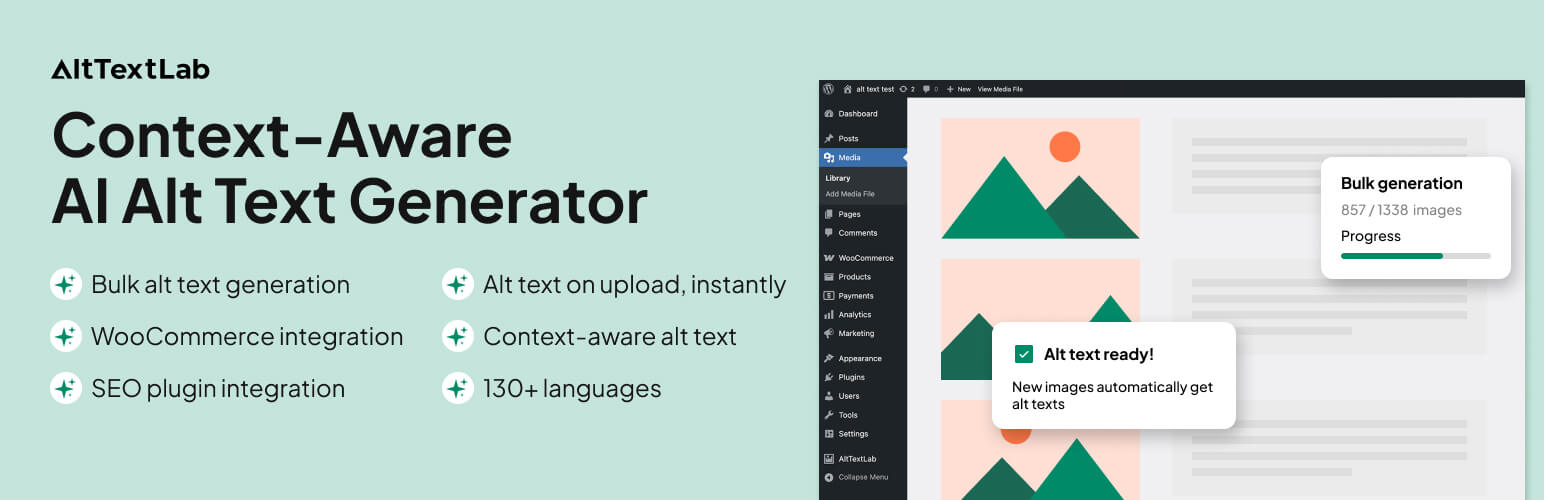
Implementing AI alt text generation requires a structured approach. Follow these steps to integrate the technology effectively into your content workflow.
Step 1: Audit Your Current Image State
Begin by assessing your existing images. Use tools like Screaming Frog or Sitebulb to identify images missing alt text, images with duplicate alt text, and images with generic descriptions. This audit provides a baseline for measuring improvement and prioritizes which images need immediate attention.
Step 2: Select and Configure Your Tool
Choose a generator that meets your requirements. Configure settings such as description length, tone, and keyword inclusion. Set up integration with your content management system or workflow tools. Create a process for handling images that the AI cannot accurately describe.
Step 3: Establish Quality Guidelines
Define what constitutes good alt text for your organization. Include character limits, keyword usage rules, and guidelines for handling logos, decorative images, and infographics. Document these standards and share them with your team.
Step 4: Process Existing Images
Run your existing image library through the AI generator. For large libraries, process in batches to monitor quality. Review a sample of generated alt text to ensure it meets your standards before applying it sitewide.
Step 5: Integrate into Content Creation Workflow
Add AI alt text generation to your standard content production process. When writers or designers upload images, the system automatically generates alt text. Include a review step where editors verify and refine AI-generated descriptions when necessary.
Step 6: Monitor and Refine
Track the performance of your optimized images in search analytics. Monitor image search impressions, clicks, and rankings. Use this data to refine your approach, adjust tool settings, and identify areas for improvement.
Best Practices for AI-Generated Alt Text
Following established best practices ensures your AI-generated alt text performs well for both SEO and accessibility.
Keep Descriptions Concise and Descriptive
Aim for 5-15 words per alt text. Include relevant keywords naturally, but prioritize accurate description over keyword stuffing. Search engines penalize keyword-stuffed alt text, and screen readers become tedious with overly long descriptions.
Include Contextual Keywords
Configure your AI tool to incorporate page-level keywords into image descriptions. For example, if your page targets “vintage leather boots,” ensure product images include that phrase in their alt text. This alignment strengthens topical relevance signals.
Handle Decorative Images Correctly
Decorative images that add no informational value should have empty alt attributes (alt=””). This tells screen readers to skip them and prevents search engines from indexing irrelevant content. Many AI tools can identify decorative images and handle them appropriately.
Use Specific Language
Generic descriptions like “image” or “photo” provide no value. AI tools should generate specific descriptions that mention visible elements, actions, and context. For example, “chef slicing fresh vegetables on wooden cutting board” is far more useful than “cooking photo.”
Common Mistakes to Avoid with AI Alt Text Generators
Even with advanced technology, mistakes happen. Being aware of common pitfalls helps you avoid them.
Blindly Accepting All AI Output
AI is not infallible. Accepting every generated description without review can lead to inaccuracies that harm user experience and SEO. Implement a review process, especially for high-traffic pages and product images.
Ignoring Contextual Relevance
Some tools generate generic descriptions that ignore page context. An image of a laptop on a page about “best programming laptops” should include relevant details like “developer working on MacBook Pro with code on screen.” Ensure your tool considers surrounding content.
Over-Optimizing with Keywords
Stuffing multiple keywords into alt text is a common mistake. Search engines view this as spammy behavior. Keep alt text natural and descriptive, incorporating keywords only when they fit naturally into the description.
Neglecting to Update Alt Text for New Images
Some teams set up AI generation for existing images but forget to include new uploads. Ensure your workflow automatically processes all new images as they are added to your site.
Important Notes for Maximizing AI Alt Text Effectiveness
Several additional considerations can enhance your results with AI alt text generation.
Combine with Image File Name Optimization
Alt text works alongside image file names for SEO. Use descriptive, keyword-rich file names like “vintage-leather-boots-brown.jpg” instead of “IMG_2045.jpg.” AI tools cannot fix poorly named files, so address both elements.
Consider Image Surrounding Content
Search engines use surrounding text to understand image context. Ensure your AI tool can access page content for better descriptions. If your tool lacks this feature, manually review images on important pages.
Regularly Audit Your Alt Text
Perform quarterly audits of your image alt text. Check for broken images, missing alt attributes, and outdated descriptions. AI tools can assist with these audits by scanning your entire site and flagging issues.
Stay Updated on AI Capabilities
The field of computer vision advances rapidly. New models understand more complex scenes, emotions, and relationships between objects. Periodically re-evaluate your chosen tool to ensure it uses the latest technology.
Frequently Asked Questions
What is the ideal length for AI-generated alt text?
The ideal length is typically 5-15 words or roughly 125 characters. This length provides enough detail for search engines and screen readers without becoming unwieldy. Some platforms, like Twitter, have specific character limits for image descriptions, so check platform requirements when applicable.
Can AI alt text generators replace human writers entirely?
No, AI generators cannot fully replace human oversight. While they handle standard images well, they struggle with abstract concepts, brand-specific messaging, and nuanced contexts. The best approach combines AI efficiency with human review for critical images.
Do AI-generated alt texts rank well in Google Images?
Yes, when properly configured, AI-generated alt text can rank well in Google Images. The key is ensuring descriptions are accurate, relevant, and include appropriate keywords. Google rewards descriptive alt text that matches user search intent.
How much does an AI SEO alt text generator cost?
Pricing varies widely. Basic tools offer free tiers with limited usage. Premium tools typically range from $10 to $100 per month for small to medium sites. Enterprise solutions with advanced features and API access can cost hundreds or thousands monthly.
Which images should not use AI-generated alt text?
Images requiring precise descriptions should receive manual attention. These include product photos with specific model numbers, images with embedded text or data, brand logos, and images where accuracy is critical for legal or medical contexts.
How does AI alt text generation handle multiple languages?
Many modern tools support multiple languages. They can detect the page language and generate alt text accordingly. Some tools allow you to set default languages or generate alt text in several languages simultaneously for multilingual sites.
Conclusion
An AI SEO Alt Text Generator represents a significant advancement in image optimization. These tools save substantial time, ensure consistency, and improve accessibility across large websites. The technology continues to evolve, with better contextual understanding and more natural language generation appearing regularly.
Successful implementation requires selecting the right tool, configuring it properly, and maintaining human oversight for quality control. By following the strategies outlined in this guide, you can leverage AI to enhance your image SEO, improve user experience, and stay competitive in an increasingly visual search landscape. Start with a pilot project, measure the results, and scale your efforts based on demonstrated performance.
Xem thêm:
- AI SEO SEO Automation with ChatGPT: The Complete Playbook for 2025
- AI SEO Semrush: The Complete Guide to Automating Your Search Rankings in 2025
- AI SEO Long Tail Keyword Research: The Complete Guide to Smarter Rankings
- AI SEO NLP Keyword Analysis: The Complete Guide to Smarter Search Rankings
- AI SEO Keyword Mapping: The Complete Guide to Smarter Content Planning
Bài viết cùng chủ đề:

AI SEO SEO Automation with Make: The Complete Workflow Guide

AI SEO SEO Automation with Zapier: The Complete Workflow Guide

AI SEO SEO Automation with n8n: The Complete Workflow Guide
AI SEO SEO Automation with Gemini: The Complete Guide to Scaling Organic Growth

AI SEO SEO Automation with Claude: The Complete Guide to Scaling Content in 2025

AI SEO SEO Automation with ChatGPT: The Complete Playbook for 2025

AI SEO & SEO Automation for Affiliate Sites: The 2025 Playbook for Passive Income Growth
AI SEO & SEO Automation for Bloggers: The Complete Guide to Scaling Your Content

AI SEO & SEO Automation for Agencies: The Complete 2025 Playbook

AI SEO and SEO Automation for Ecommerce: The Complete Playbook for 2025

AI SEO & SEO Automation for WordPress: The Complete Playbook for 2025
AI SEO SEO Automation Strategy: The Complete Playbook for 2025

Mastering the AI SEO SEO Automation Process: A Complete Guide to Scaling Organic Growth
AI SEO SEO Automation System: The Complete Guide to Scaling Organic Growth in 2025
AI SEO SEO Automation Platform: The Complete Guide to Scaling Organic Growth in 2025
AI SEO SEO Automation Software: The Complete Guide to Scaling Organic Growth in 2025















