
No products in the cart.
AI SEO Image Compression: The Complete Guide to Faster Sites and Higher Rankings in 2025
31
Jul
Jul
Website speed is no longer a luxury; it is a fundamental ranking factor and a critical component of user experience. Among the heaviest elements on any webpage are images, which often account for over half of a page’s total weight. This is where AI SEO image compression has emerged as a game-changing solution. Unlike traditional compression methods that rely on static algorithms, AI-driven tools analyze the visual content of an image to reduce file size while preserving perceived quality. This guide explores how AI SEO image compression works, why it matters for your search rankings, and how to implement it effectively without sacrificing visual fidelity.
What Is AI SEO Image Compression?
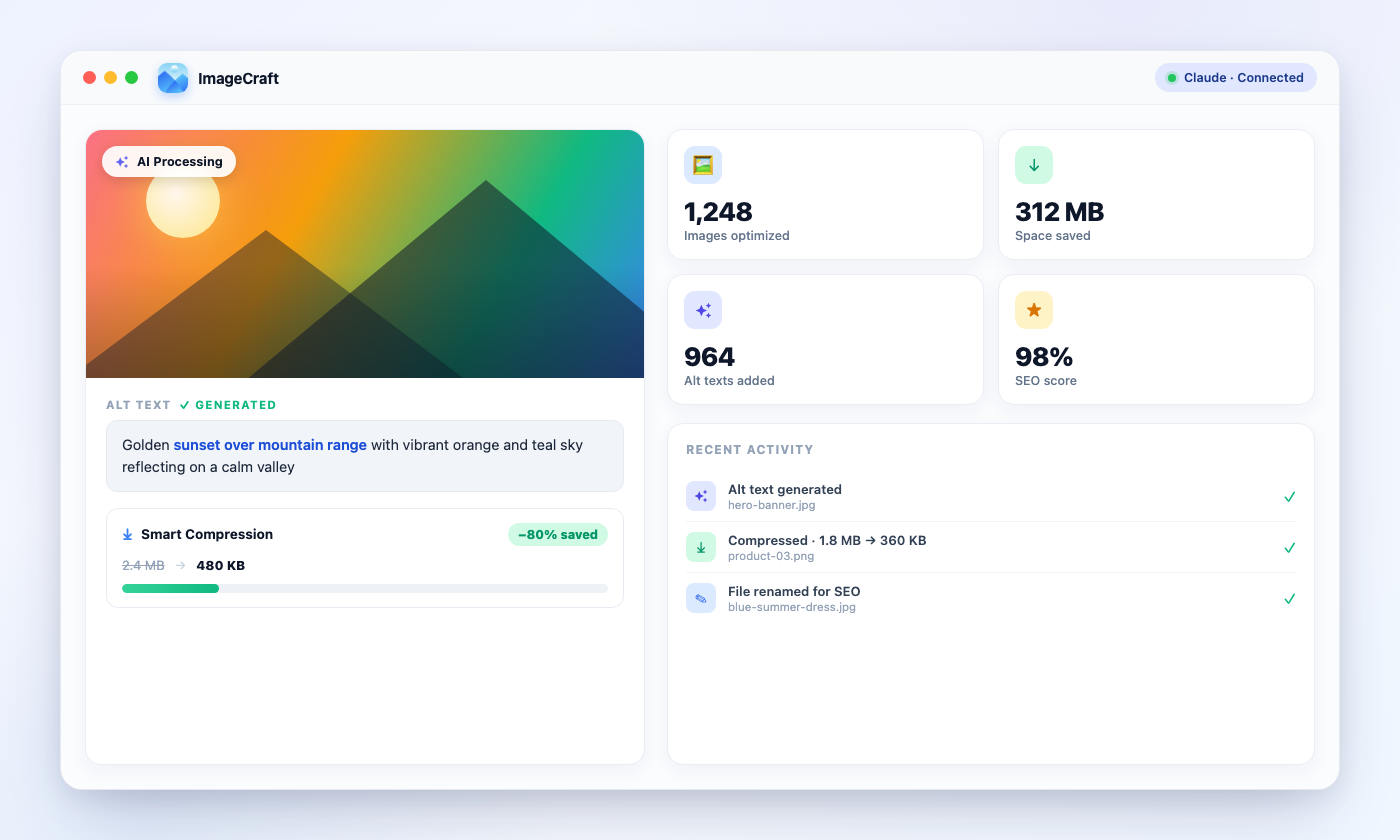
AI SEO image compression refers to the use of machine learning models and neural networks to optimize image files specifically for web performance and search engine optimization. The core objective is to reduce the byte size of an image file without visibly degrading its quality. Traditional compression tools use lossy or lossless algorithms that apply uniform rules across the entire image. In contrast, AI-powered systems learn from millions of images to understand which details the human eye notices and which it ignores.
These systems can intelligently reduce color depth in areas of low complexity, sharpen edges where needed, and remove imperceptible data. The result is often a significantly smaller file size compared to standard compression at the same quality level. For SEO, this translates directly into faster page load times, improved Core Web Vitals scores, and better crawl efficiency for search engine bots.
How AI Compression Differs from Traditional Methods
Traditional compression tools like TinyPNG or JPEGmini use predefined algorithms. They might reduce the number of colors or apply a fixed quantization table. While effective, they often hit a ceiling where further compression leads to visible artifacts like banding or blurring. AI compression, on the other hand, uses a generative approach. The model predicts what the original image looked like and reconstructs it with fewer data points. This allows for compression ratios that are often 30% to 50% higher than traditional methods at the same visual quality.
Another key difference is adaptability. A traditional tool treats every landscape photo the same way. An AI tool recognizes that a blue sky has smooth gradients, while a field of grass has high-frequency texture. It allocates bits accordingly, preserving the grass detail while aggressively compressing the sky. This contextual awareness is the primary reason AI compression is superior for modern web performance.
Why AI SEO Image Compression Matters for Rankings
Google has explicitly stated that page speed is a ranking signal for both desktop and mobile searches. Since 2021, the Core Web Vitals metrics—specifically Largest Contentful Paint (LCP), First Input Delay (FID), and Cumulative Layout Shift (CLS)—have been part of the ranking algorithm. Images are the primary culprit for poor LCP scores. A large hero image that takes several seconds to load will tank your LCP, pushing your page down in search results.
AI SEO image compression directly addresses this issue. By reducing the file size of your images, you reduce the amount of data the browser must download. This lowers LCP times, especially on slower 3G or 4G connections. Furthermore, faster pages lead to lower bounce rates. Users are more likely to stay and engage with a page that loads in under two seconds. High engagement signals, such as longer dwell time and lower bounce rates, indirectly boost your SEO authority.
The Impact on Core Web Vitals
Largest Contentful Paint is the most affected metric. Google recommends an LCP of under 2.5 seconds. If your page has a 500KB hero image, that alone could take 1.5 seconds on a typical mobile connection. AI compression can often reduce that image to 150KB without visible loss, bringing your LCP well within the recommended threshold. Additionally, smaller images reduce the amount of JavaScript and CSS parsing time, which helps with Total Blocking Time (TBT), a lab metric that correlates with FID.
CLS is also impacted. When images are not properly compressed, they may load slowly and cause layout shifts as they pop into place. AI tools often include metadata preservation and dimension attributes, which help the browser reserve the correct space, preventing unexpected shifts. This holistic improvement in Core Web Vitals is a direct pathway to higher rankings.
Key Benefits of Using AI for Image Compression
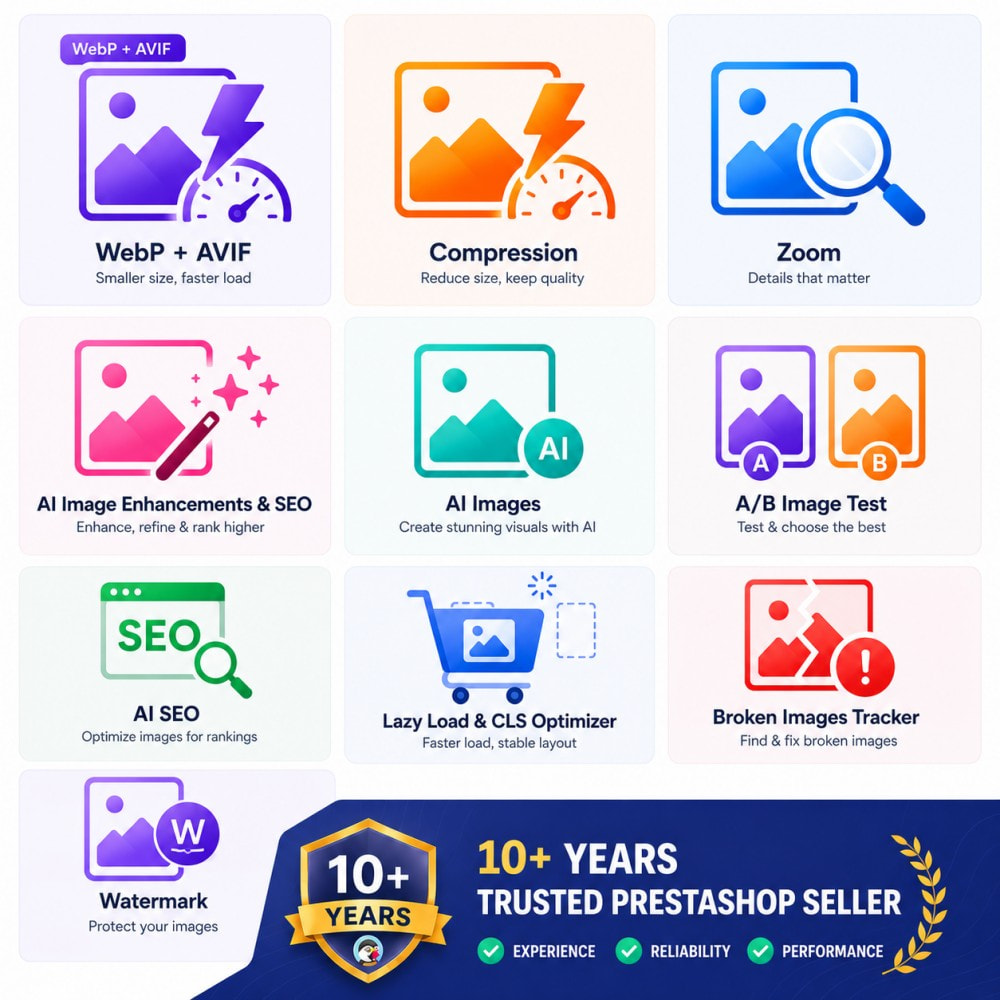
The advantages of AI SEO image compression extend beyond just file size reduction. Here are the primary benefits that make it an essential tool for any serious webmaster or SEO professional.
- Superior Visual Quality: AI algorithms preserve edge sharpness and fine details better than traditional lossy compression. This is crucial for e-commerce sites where product images must look pristine.
- Higher Compression Ratios: Expect 50% to 70% file size reduction on average, compared to 30% to 50% with standard tools. This means faster loads without a noticeable quality drop.
- Automated Workflow: Many AI tools integrate with content management systems like WordPress or Shopify. They automatically compress images upon upload, saving hours of manual work.
- Scalability: Whether you have 100 images or 100,000, AI tools can process them in bulk. This is essential for large-scale websites and content-heavy blogs.
- Improved SEO Metrics: Faster load times lead to better Core Web Vitals, which are a confirmed ranking factor. Additionally, smaller images reduce bandwidth costs on your server.
- Next-Gen Format Support: AI tools often convert images to WebP or AVIF formats automatically. These formats offer even better compression than JPEG or PNG, and AI ensures the conversion is optimized for visual quality.
- Over-Compressing Images: Pushing the compression ratio too high to achieve a tiny file size will eventually ruin the image. Blurry product photos or pixelated logos damage user trust and increase bounce rates. Always preview the compressed image before publishing.
- Ignoring Alt Text: Compression reduces file size, but it does not add context. Search engines cannot see images; they rely on alt text. Ensure every compressed image has descriptive, keyword-rich alt text. This is a separate SEO task that must not be neglected.
- Compressing Already Optimized Images: Running AI compression on an image that is already in WebP format or has been compressed before may yield minimal gains. It can also introduce generational quality loss. Check the original file size before processing.
- Not Using a CDN: AI compression reduces the file size, but the physical distance between the server and the user still affects load time. Use a Content Delivery Network (CDN) to serve your compressed images from edge locations close to the user. This combines perfectly with AI compression for global speed.
- Forgetting to Update Existing Images: Many site owners only apply compression to new uploads. Your existing image library likely contains hundreds of unoptimized files. Use a bulk optimization feature to compress your entire media library in one go.
Limitations and Considerations
While AI compression is powerful, it is not without limitations. The most significant is the computational cost. Running AI models on your own server can be resource-intensive. Most tools operate in the cloud, which means you must upload your images to a third-party server. This raises privacy concerns for sensitive images, such as medical records or proprietary product designs.
Another limitation is the potential for over-compression. If you push the AI too far, it can still produce artifacts, especially in images with text or complex patterns. It is essential to set a quality threshold and visually inspect the output. Finally, AI tools are not free. While there are free tiers, high-volume usage requires a subscription. However, the cost is often offset by reduced bandwidth and improved conversion rates from faster pages.
AI Compression vs. Traditional Compression: A Detailed Comparison
To understand the value of AI SEO image compression, it helps to compare it directly with traditional methods. The table below outlines the key differences across several dimensions.
| Feature | Traditional Compression | AI Compression |
|---|---|---|
| Algorithm Type | Static rules (quantization, color reduction) | Neural networks trained on image datasets |
| Average File Size Reduction | 30% – 50% | 50% – 70% |
| Visual Quality at High Compression | Visible artifacts (banding, blurring) | Minimal artifacts, preserves edges |
| Processing Speed | Very fast (milliseconds per image) | Slower (seconds per image, cloud-based) |
| Context Awareness | None – applies same rules to all images | High – adapts to image content |
| Format Conversion | Manual or basic (e.g., PNG to JPEG) | Automatic to WebP/AVIF with quality checks |
| Cost | Often free or one-time fee | Subscription-based, tiered pricing |
| Best Use Case | Small blogs, quick fixes | E-commerce, large media sites, high-traffic pages |
As the table shows, AI compression is superior in almost every technical aspect except speed and cost. For a high-traffic site where every kilobyte counts, the investment in AI tools is justified. For a small personal blog with minimal traffic, traditional tools may suffice, but the gap is closing as AI tools become more affordable.
How to Implement AI SEO Image Compression: A Step-by-Step Guide
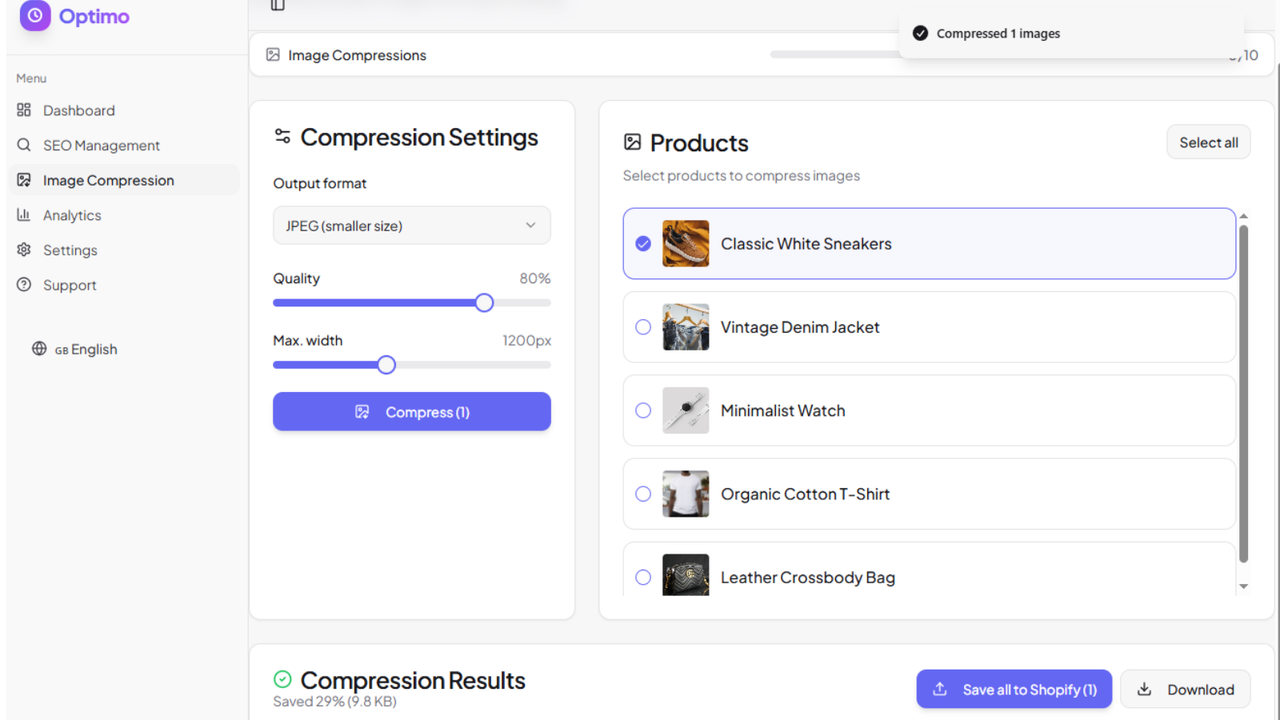
Implementing AI compression on your website does not require a degree in machine learning. Several user-friendly tools and plugins make the process straightforward.
Step 1: Choose the Right Tool
Select an AI compression tool that fits your platform. For WordPress, plugins like ShortPixel AI and Imagify use neural networks to optimize images automatically. For custom websites, cloud APIs from Cloudinary, ImageKit, or Kraken.io offer robust AI compression endpoints. If you are using a headless CMS, consider a CDN with built-in AI optimization, such as Cloudflare Images or Akamai.
Step 2: Configure Quality Settings
Most AI tools allow you to set a quality level, usually between 60% and 80%. Start at 75% and visually inspect the output on a high-resolution monitor. If you notice artifacts, lower the compression ratio. For product photos, you may want to keep quality at 80%. For decorative background images, 60% is often acceptable. The key is to find the sweet spot where the file size is minimal but the image still looks professional.
Step 3: Enable Automatic Format Conversion
Enable WebP or AVIF conversion in your tool settings. These formats are supported by all modern browsers and offer 25% to 35% better compression than JPEG. The AI tool will handle the conversion and serve the appropriate format based on the user’s browser. Ensure you have a fallback to JPEG or PNG for older browsers, although this is rarely needed in 2025.
Step 4: Implement Lazy Loading
AI compression reduces file size, but lazy loading ensures that images below the fold are not loaded until the user scrolls to them. Combine both techniques for maximum performance. Most AI plugins include lazy loading features, or you can use a separate plugin like a3 Lazy Load. This reduces initial page weight and speeds up LCP even further.
Step 5: Monitor Your Core Web Vitals
After implementing AI compression, use Google PageSpeed Insights or the Search Console Core Web Vitals report to measure the impact. You should see a significant improvement in LCP and overall page weight. Track your rankings over the next few weeks to observe the SEO benefits. Regular monitoring ensures that new images uploaded to your site are also compressed automatically.
Common Mistakes to Avoid with AI Image Compression
Even with advanced AI tools, there are pitfalls that can undermine your SEO efforts. Being aware of these mistakes will help you get the most out of your compression strategy.
Important Notes on AI Compression and SEO Strategy
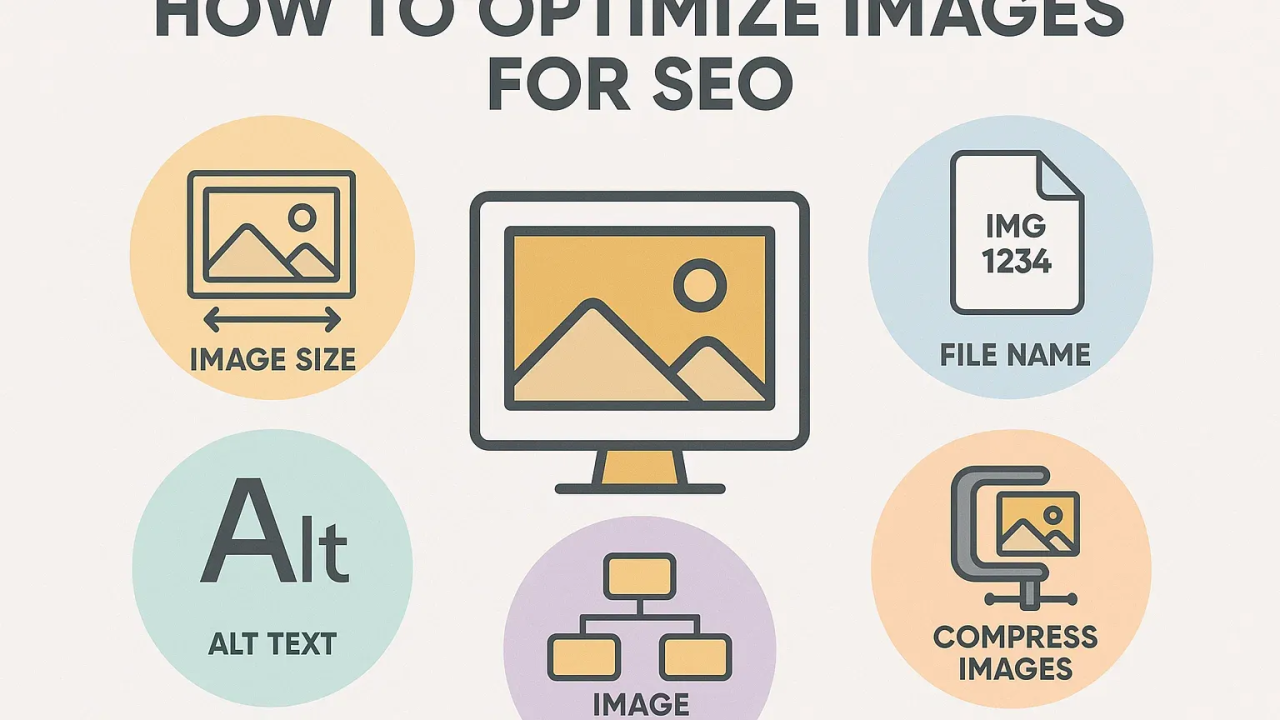
AI SEO image compression is a technical optimization, but it must be part of a broader SEO strategy. It does not replace the need for high-quality content, proper keyword usage, or a strong backlink profile. However, it is a foundational element of technical SEO that supports all other efforts. A fast site is a prerequisite for ranking well, and AI compression is one of the most effective ways to achieve that speed.
Another important note is the role of image dimensions. Compression reduces file size, but it does not change the display dimensions. If you are serving a 4000px wide image in a 600px container, you are wasting bandwidth. Use AI tools that also resize images to the exact dimensions needed for your layout. This combined approach of resizing and compressing yields the most significant performance gains.
Finally, consider the user experience beyond speed. AI compression preserves quality, but you should still ensure that images are relevant and add value to the content. Search engines use image engagement metrics, such as clicks and zooms, as indirect signals. A high-quality, fast-loading image encourages interaction, which is a positive signal for E-E-A-T (Experience, Expertise, Authoritativeness, Trustworthiness).
Frequently Asked Questions
Does AI image compression affect SEO rankings?
Yes, it does. AI image compression reduces file size, which improves page load speed. Page speed is a confirmed ranking factor, specifically through Core Web Vitals metrics like LCP. Faster pages lead to better user engagement, lower bounce rates, and higher crawl efficiency, all of which contribute positively to SEO rankings.
What is the best AI image compression tool?
The best tool depends on your platform. For WordPress, ShortPixel AI and Imagify are top choices. For developers, Cloudinary and ImageKit offer powerful APIs. For e-commerce, Shopify’s built-in image optimization uses AI. T
Is AI compression better than WebP conversion?
AI compression and WebP conversion are not mutually exclusive. In fact, the best results come from using AI to compress an image and then converting it to WebP or AVIF format. AI ensures the visual quality is preserved during the conversion process. Using AI compression on a JPEG and then converting to WebP yields the smallest file size with the highest quality.
Can AI compression reduce image quality?
If configured incorrectly, yes. Setting the quality level too low will introduce artifacts. However, AI algorithms are designed to minimize perceptible quality loss. At a quality setting of 70-80%, most users cannot distinguish between the original and the compressed version. It is essential to preview images after compression to ensure they meet your standards.
How much can AI compression reduce image file size?
On average, AI compression reduces file size by 50% to 70% compared to the original. For example, a 1MB JPEG can often be reduced to 300KB without visible quality loss. In some cases, especially with images that have large areas of uniform color, reductions of up to 80% are possible. The exact ratio depends on the image content and the quality settings used.
Is AI image compression free?
Many AI compression tools offer free tiers with limited monthly credits. For example, ShortPixel offers a free plan for up to 100 images per month. Cloudinary offers a free tier with a certain amount of bandwidth. For high-volume websites, paid plans are necessary, but they are generally affordable and offset by savings in bandwidth costs.
Conclusion
AI SEO image compression is no longer an experimental technology; it is a standard practice for websites that aim to rank well in 2025. The ability to reduce image file sizes by over 50% while maintaining visual fidelity directly improves Core Web Vitals, user experience, and search engine rankings. By integrating AI compression tools into your workflow, converting to next-gen formats, and combining this with lazy loading and CDN delivery, you create a technically superior website that both users and search engines prefer.
The transition from traditional compression to AI-driven methods is a strategic investment. It requires an initial setup and ongoing monitoring, but the payoff in terms of traffic, engagement, and conversions is substantial. As search engines continue to prioritize speed and user experience, the importance of AI SEO image compression will only grow. Start implementing it today to stay ahead of the competition and ensure your images are an asset, not a liability, to your SEO performance.
Xem thêm:
- AI SEO Automated SEO Reports: The Complete Guide to Smarter Reporting in 2025
- AI SEO Link Reclamation: The Complete Guide to Recovering Lost Backlinks in 2025
- AI SEO GEO Visibility: The Complete Guide to Winning AI Search in 2025
- AI SEO LLM Rankings: The Complete Guide to Winning AI Search in 2025
- AI SEO Ubersuggest: The Complete Guide to Smarter Keyword Research in 2025
Bài viết cùng chủ đề:

AI SEO SEO Automation with Make: The Complete Workflow Guide

AI SEO SEO Automation with Zapier: The Complete Workflow Guide

AI SEO SEO Automation with n8n: The Complete Workflow Guide
AI SEO SEO Automation with Gemini: The Complete Guide to Scaling Organic Growth

AI SEO SEO Automation with Claude: The Complete Guide to Scaling Content in 2025

AI SEO SEO Automation with ChatGPT: The Complete Playbook for 2025

AI SEO & SEO Automation for Affiliate Sites: The 2025 Playbook for Passive Income Growth
AI SEO & SEO Automation for Bloggers: The Complete Guide to Scaling Your Content

AI SEO & SEO Automation for Agencies: The Complete 2025 Playbook

AI SEO and SEO Automation for Ecommerce: The Complete Playbook for 2025

AI SEO & SEO Automation for WordPress: The Complete Playbook for 2025
AI SEO SEO Automation Strategy: The Complete Playbook for 2025

Mastering the AI SEO SEO Automation Process: A Complete Guide to Scaling Organic Growth
AI SEO SEO Automation System: The Complete Guide to Scaling Organic Growth in 2025
AI SEO SEO Automation Platform: The Complete Guide to Scaling Organic Growth in 2025
AI SEO SEO Automation Software: The Complete Guide to Scaling Organic Growth in 2025















