
No products in the cart.
AI SEO Lazy Loading: The Complete Guide to Faster Sites and Higher Rankings
31
Jul
Jul
In the modern search landscape, page speed is not just a user experience metric; it is a direct ranking factor. AI SEO lazy loading represents the convergence of artificial intelligence and performance optimization, allowing websites to prioritize content delivery based on predicted user behavior. This approach moves beyond traditional threshold-based loading, using machine learning to decide what to load, when to load it, and how to allocate bandwidth for maximum SEO impact. This guide explores how AI-driven lazy loading transforms Core Web Vitals and search visibility.
What is AI SEO Lazy Loading?
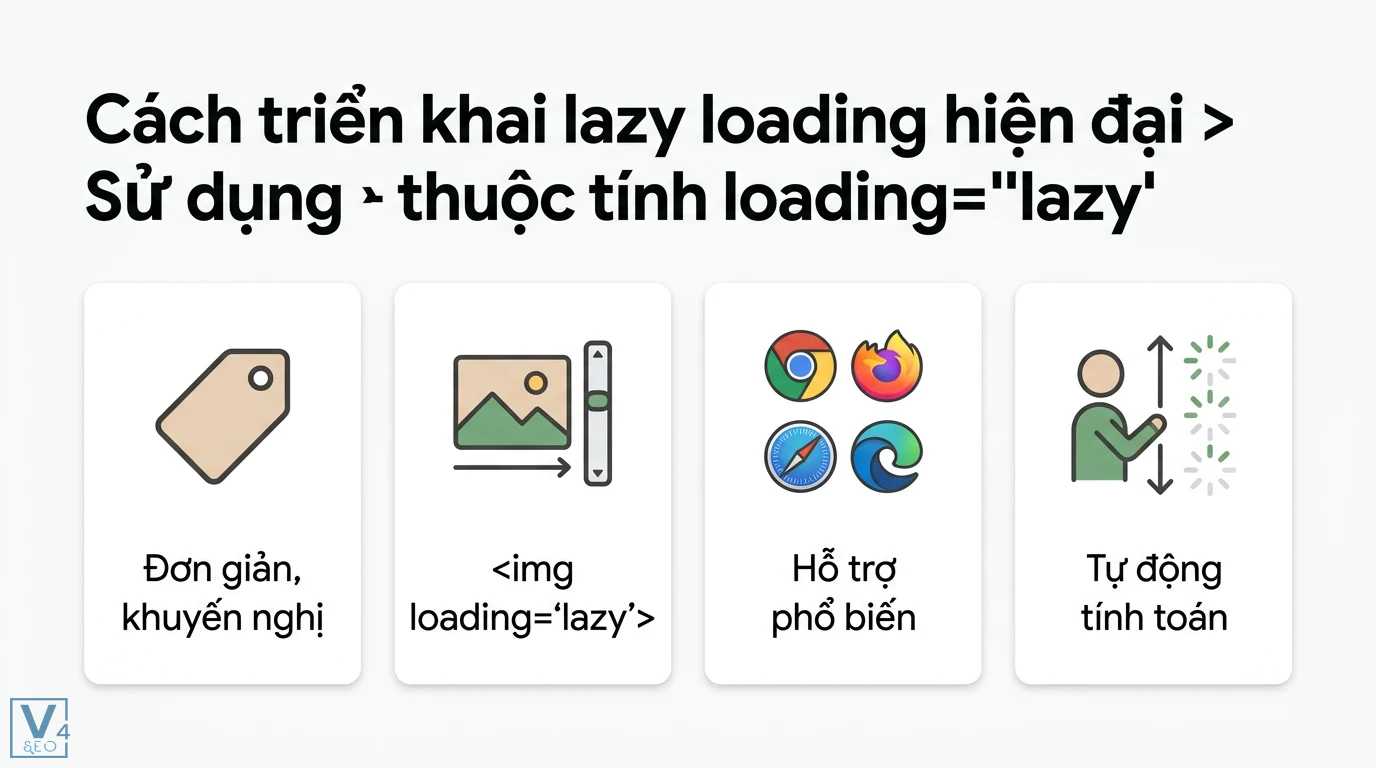
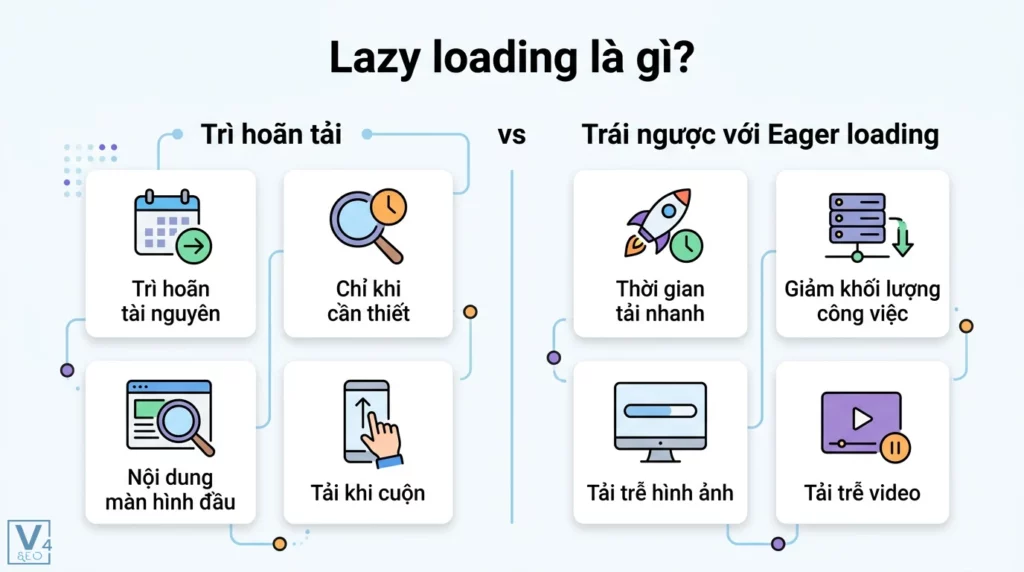
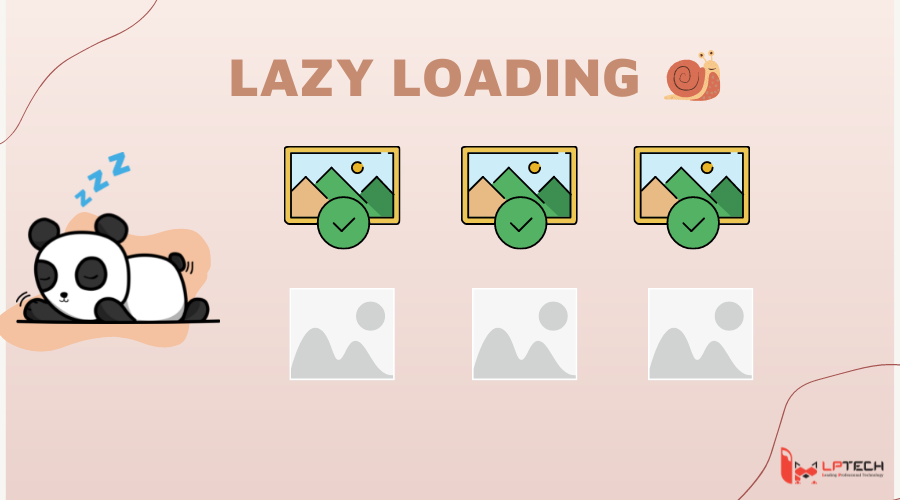
AI SEO lazy loading is an advanced performance technique that uses machine learning algorithms to defer the loading of non-critical resources until they are needed, specifically optimized for search engine crawlers and user engagement metrics. Traditional lazy loading relies on fixed rules, such as loading images when they enter the viewport. AI-powered lazy loading analyzes user behavior patterns, device capabilities, and historical interaction data to predict which elements a user will likely interact with next.
The core difference lies in the decision-making process. Standard lazy loading is reactive; it waits for a scroll event. AI lazy loading is proactive. It learns that users on a specific product page tend to scroll quickly to the review section, so it pre-loads those review images before the user even reaches them. This creates a seamless experience where content appears instantly, reducing layout shift and improving the Largest Contentful Paint (LCP) score.
How AI Enhances Traditional Lazy Loading for SEO
Traditional lazy loading has a known SEO pitfall: if implemented incorrectly, search engine crawlers might not execute JavaScript, leaving content invisible to indexing. AI SEO lazy loading solves this by differentiating between crawler traffic and human traffic. The AI model recognizes Googlebot’s user agent and IP patterns, ensuring that all critical content is rendered in the initial HTML response, bypassing the lazy loading logic entirely.
Furthermore, AI algorithms analyze the “weight” of each element. A hero image might be critical for LCP, but a carousel of secondary images might not be. The AI assigns a priority score to every asset. This scoring is based on real-time data, not static rules. For instance, on a news article, the AI knows that the main image and the first paragraph are critical, while related article thumbnails can be deferred indefinitely if the user does not scroll.
The Role of Predictive Analytics in Resource Loading
Predictive analytics is the engine behind AI SEO lazy loading. The system collects data on scroll velocity, mouse movement, and touch gestures. If a user flicks their finger rapidly on a mobile device, the AI predicts a fast scroll and loads content further down the page. If the user pauses, the AI halts loading to conserve data. This dynamic adjustment reduces the Total Blocking Time (TBT) and ensures that the main thread is free for critical tasks.
This behavior directly impacts SEO because search engines measure how quickly a page becomes interactive. A page that loads resources based on predicted user intent will always feel faster than one that loads everything upfront or waits for explicit triggers. The result is lower bounce rates and higher dwell time, both of which are signals that search engines associate with quality content.
Core Web Vitals and AI Lazy Loading: A Direct Correlation
Google’s Core Web Vitals are the benchmark for page experience. AI SEO lazy loading is specifically engineered to optimize these three metrics: LCP, INP (Interaction to Next Paint), and CLS (Cumulative Layout Shift).
- LCP Optimization: The AI ensures the largest element (usually a hero image or headline) is loaded with the highest priority, often preloading it via the HTML head before CSS and other scripts.
- INP Reduction: By deferring heavy JavaScript for below-the-fold content, the main thread remains responsive. The AI predicts which scripts are needed for the initial interaction and loads them first.
- CLS Elimination: AI lazy loading reserves space for images and embeds using aspect ratio boxes, preventing layout shifts when the content finally loads. The AI learns which elements are prone to shifting and applies specific CSS containment.
- Reduced Bandwidth Costs: Serving fewer bytes to users who do not scroll saves significant CDN costs, especially for media-heavy sites.
- Improved Ad Viewability: Ads below the fold are loaded only when visible, which increases viewability rates and ad revenue.
- Higher Conversion Rates: Faster pages lead to higher user satisfaction. A 1-second delay in mobile load time can reduce conversions by up to 20%.
- Better Indexation Efficiency: By ensuring crawlers see the full content, the crawl budget is used more efficiently, allowing search engines to index more pages on your site.
- Enhanced Mobile Experience: Mobile users on limited data plans benefit from reduced data usage, leading to longer session durations.
Real-World Data on Performance Gains
Case studies from major e-commerce platforms show that implementing AI-driven lazy loading reduces image payload by up to 40% on initial load. This reduction translates to an LCP improvement from 4.2 seconds to 1.8 seconds on 4G connections. For mobile users on slower networks, the AI can serve lower-resolution images to users who are likely to bounce, while serving high-resolution images to users who show high engagement signals.
This data-driven approach ensures that SEO budgets are spent wisely. Instead of optimizing for the average user, the AI optimizes for the specific user in real-time, which is the ultimate goal of personalized performance.
Key Components of an AI Lazy Loading Strategy
Implementing AI SEO lazy loading requires a multi-layered architecture. It is not a single plugin or script; it is a system that integrates with your content delivery network (CDN) and analytics stack.
1. Intelligent Resource Prioritization
The system uses a scoring model to rank every asset. Factors include element position, historical engagement, file size, and format. The AI assigns a score from 0 to 100. Assets with a score above 80 are loaded immediately. Assets with a score below 20 are loaded only if the user scrolls to them.
2. Network-Aware Loading
The AI detects the user’s connection type (4G, 5G, Wi-Fi) and adjusts the loading strategy. On Wi-Fi, it might preload the entire page. On 3G, it might only load text and critical CSS, deferring all images until a user interaction occurs.
3. Crawler Detection and Rendering
This component ensures that SEO is not sacrificed for speed. The AI uses a list of known crawler IP ranges and user agents. When a crawler is detected, the server renders the full HTML with all content included, bypassing lazy loading. This guarantees that all images and text are indexed.
4. Behavioral Feedback Loop
The system continuously learns. If users frequently click on a specific video after reading a paragraph, the A This feedback loop improves over time, making the site faster for repeat visitors.
Benefits of AI SEO Lazy Loading
The advantages extend beyond just speed. AI SEO lazy loading creates a compound effect on overall site health and revenue.
Limitations and Challenges
Despite its power, AI SEO lazy loading is not a silver bullet. There are specific challenges that require careful planning.
Implementation Complexity
Setting up a machine learning model for resource loading requires significant development resources. It is not a simple configuration change. Small websites may find the overhead of maintaining the AI model outweighs the benefits.
Risk of Over-Prediction
If the AI predicts incorrectly, it might load content that the user never sees, wasting bandwidth. Conversely, it might fail to load content that the user needs, causing a flash of unstyled content or a missing image.
Dependency on JavaScript
Most AI lazy loading solutions rely on JavaScript to make real-time decisions. If JavaScript fails to load, the page might appear broken. This requires a robust fallback mechanism, such as a noscript tag that loads all content.
AI Lazy Loading vs. Traditional Lazy Loading
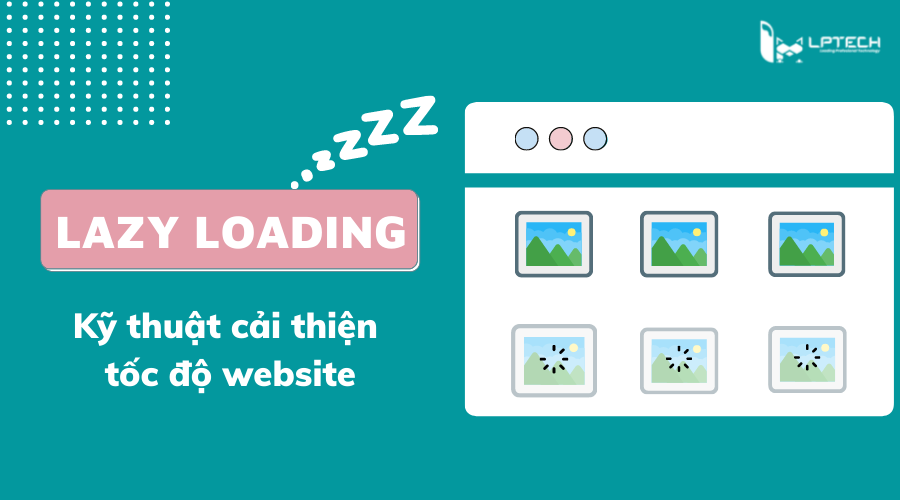
Understanding the distinction is crucial for choosing the right approach for your site.
| Feature | Traditional Lazy Loading | AI SEO Lazy Loading |
|---|---|---|
| Trigger Mechanism | Viewport scroll position | Predictive user behavior model |
| SEO Crawler Handling | Often requires manual configuration | Automatic detection and full rendering |
| Resource Priority | Static (above the fold vs. below) | Dynamic (based on engagement scores) |
| Network Adaptation | Limited (usually just mobile/desktop) | Granular (3G, 4G, 5G, Wi-Fi) |
| Learning Capability | None | Continuous improvement via ML |
| Implementation Cost | Low (libraries like IntersectionObserver) | High (requires ML infrastructure) |
For most small to medium sites, traditional lazy loading is sufficient. AI SEO lazy loading is recommended for large-scale platforms with millions of pages and diverse user behavior patterns.
Practical Implementation Guide for AI SEO Lazy Loading
Implementing this strategy involves several steps, from data collection to model deployment.
Step 1: Audit Your Current Asset Delivery
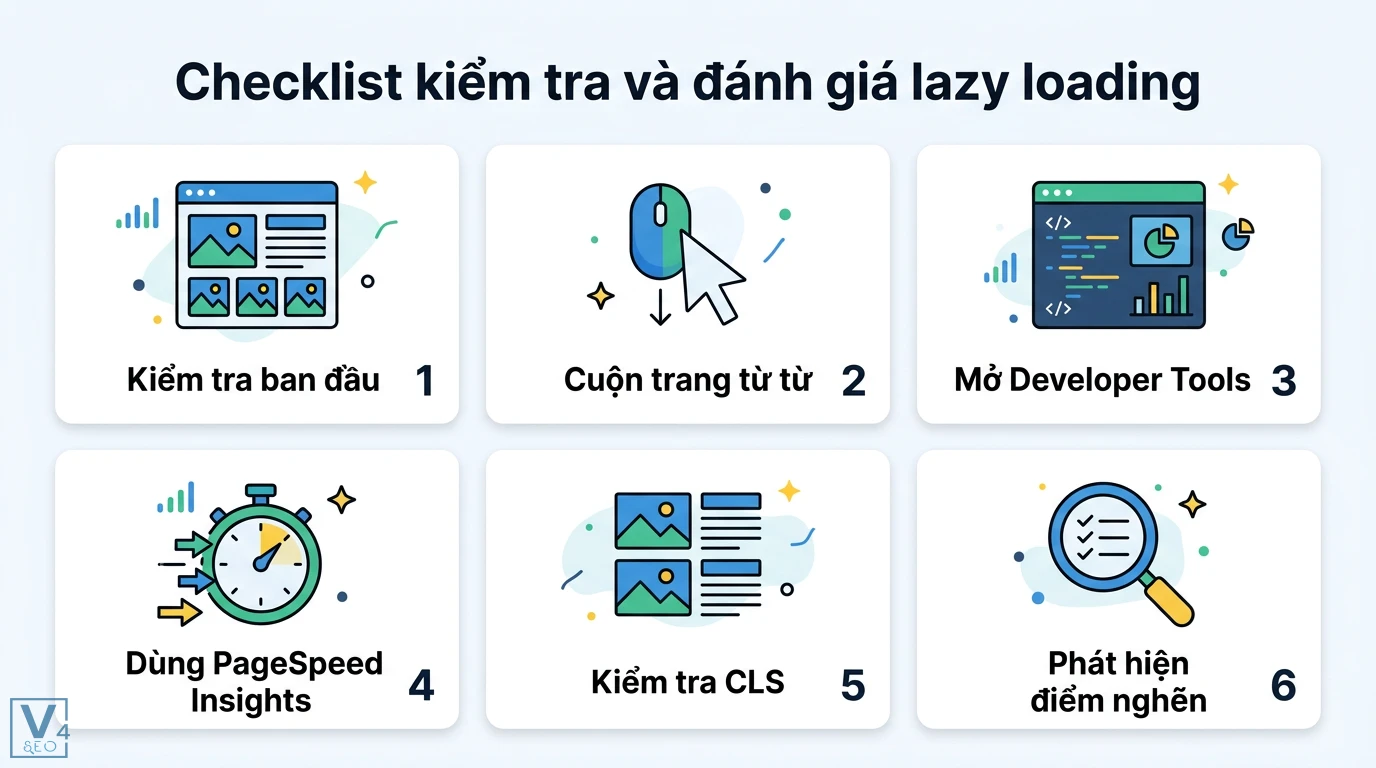
Use tools like Lighthouse and WebPageTest to identify which resources are blocking rendering. Create a list of all images, videos, and iframes. Categorize them by their importance to the main content.
Step 2: Collect Behavioral Data
Integrate analytics with your content delivery. Track scroll depth, click heatmaps, and time spent on each section. This data will be the training set for your AI model. You need at least 30 days of data to identify patterns.
Step 3: Choose a Delivery Mechanism
You can use a third-party service like Cloudflare’s AI-powered load balancing or build a custom solution using TensorFlow.js. For a custom solution, you will need to create a scoring API that runs on the edge.
Step 4: Implement the Lazy Loading Logic
Replace your current IntersectionObserver code with a custom script that calls your AI API. The script should send the user’s current scroll position and viewport size to the API, which returns a list of assets to load next.
Step 5: Configure Crawler Bypass
In your server configuration, check the user agent. If it matches Googlebot or Bingbot, serve the full HTML with all assets. Do not rely on JavaScript for this; use server-side detection to ensure the content is in the raw HTML response.
Step 6: Monitor and Retrain
Set up monitoring for Core Web Vitals in Google Search Console. Compare the AI’s predictions with actual user behavior. Retrain the model monthly to adapt to changes in user traffic patterns.
Common Mistakes and How to Avoid Them
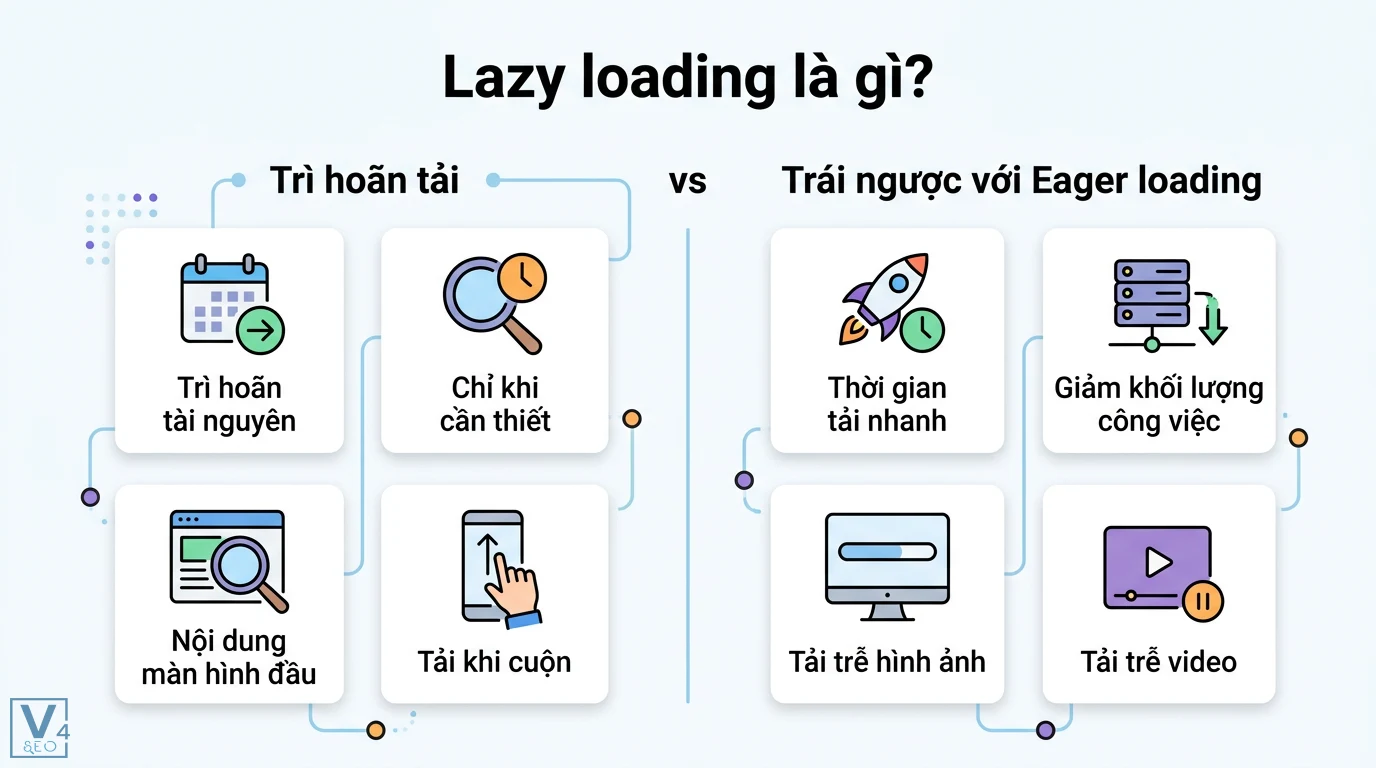
Even with AI, mistakes happen. Here are the most frequent pitfalls and their solutions.
Mistake 1: Blocking Crawlers with JavaScript
Some developers implement lazy loading entirely in JavaScript, assuming the A This is risky. If your server-side detection fails, Googlebot will see a blank page.
Solution: Always use server-side rendering for critical content. Use JavaScript only for progressive enhancement.
Mistake 2: Ignoring the “Above the Fold” Content
AI lazy loading should never defer content that is visible in the initial viewport. Doing so will hurt LCP scores.
Solution: Set a hard rule in your AI model: any element within the first 800 pixels of the page is always loaded immediately.
Mistake 3: Over-Optimizing for Bots
If you serve different content to bots than to users, you risk a cloaking penalty. The content must be identical, only the loading timing differs.
Solution: Ensure the final rendered HTML for a bot is exactly the same as what a user sees after scrolling through the entire page.
Mistake 4: Not Testing on Low-End Devices
AI models trained on high-end device data may fail on older phones. The prediction might be too aggressive, causing jank.
Solution: Include device memory and CPU speed as features in your AI model. Use the Device Memory API to adjust loading behavior.
Important Notes for SEO Professionals
AI SEO lazy loading is a technical SEO task that requires coordination between developers, data scientists, and SEO managers. The SEO team must define the “critical content” rules, while the data science team builds the prediction model.
It is crucial to remember that lazy loading does not change the content itself. The HTML source should still contain all image URLs and text. The lazy loading only affects when the browser fetches those resources. This ensures that the page is fully indexable.
Additionally, always provide width and height attributes for all images. This is non-negotiable. Even with AI, if the dimensions are not specified, the browser cannot reserve space, leading to CLS issues.
Frequently Asked Questions
Does AI lazy loading hurt SEO rankings?
No, when implemented correctly, it improves SEO rankings by enhancing page speed and Core Web Vitals. The key is to ensure that crawlers receive the full content in the initial HTML response. If the AI system correctly identifies crawlers and serves them the complete page, t
What is the difference between lazy loading and AI lazy loading?
Traditional lazy loading uses fixed viewport thresholds to load content. AI lazy loading uses machine learning to predict which content the user will need next, based on historical behavior and real-time interactions. AI lazy loading is more efficient because it can preload content before the user scrolls, reducing perceived latency.
Can I use AI lazy loading on WordPress?
Yes, there are plugins that offer AI-driven image optimization and loading, such as Jetpack’s lazy loading features combined with CDN edge computing. However, for full AI predictive loading, you may need a custom solution or a premium performance plugin that integrates with cloud AI services.
How does AI lazy loading affect Core Web Vitals?
It positively affects LCP by prioritizing the main content, improves INP by reducing JavaScript execution on the main thread, and helps CLS by reserving space for deferred elements. The AI ensures that the most critical elements for these metrics are loaded first.
Is AI lazy loading worth it for small websites?
For small websites with low traffic, the complexity of setting up an AI model may not be worth the performance gain. Standard lazy loading with proper crawler handling is usually sufficient. AI lazy loading becomes valuable when you have high traffic and diverse user behavior that requires dynamic optimization.
Conclusion
AI SEO lazy loading represents the next evolution in web performance optimization. By moving from reactive rules to predictive intelligence, websites can deliver content faster, reduce bandwidth consumption, and significantly improve user engagement metrics. The direct impact on Core Web Vitals makes it a powerful tool for SEO professionals looking to gain a competitive edge.
The implementation requires a strategic investment in technology and data infrastructure, but the returns in terms of search visibility and conversion rates are substantial. As search engines continue to prioritize user experience, the adoption of AI-driven performance techniques will become a standard practice for high-traffic websites. The future of SEO is not just about keywords and backlinks; it is about delivering a flawless, instant user experience, and AI lazy loading is a critical piece of that puzzle.
Xem thêm:
- Mastering AI SEO Prompts: The Ultimate Guide to Supercharging Your Search Strategy
- AI SEO Backlink Prospecting: The Complete Guide to Automating Link Building in 2025
- AI Content vs Human Content: Choosing the Right Approach for Trust, Engagement, and Search Rankings
- Mastering AI Search Ranking: How Artificial Intelligence is Redefining SEO Success
- AI SEO Multi Agent Systems: The Complete Guide to Autonomous Search Optimization
Bài viết cùng chủ đề:

AI SEO SEO Automation with Make: The Complete Workflow Guide

AI SEO SEO Automation with Zapier: The Complete Workflow Guide

AI SEO SEO Automation with n8n: The Complete Workflow Guide
AI SEO SEO Automation with Gemini: The Complete Guide to Scaling Organic Growth

AI SEO SEO Automation with Claude: The Complete Guide to Scaling Content in 2025

AI SEO SEO Automation with ChatGPT: The Complete Playbook for 2025

AI SEO & SEO Automation for Affiliate Sites: The 2025 Playbook for Passive Income Growth
AI SEO & SEO Automation for Bloggers: The Complete Guide to Scaling Your Content

AI SEO & SEO Automation for Agencies: The Complete 2025 Playbook

AI SEO and SEO Automation for Ecommerce: The Complete Playbook for 2025

AI SEO & SEO Automation for WordPress: The Complete Playbook for 2025
AI SEO SEO Automation Strategy: The Complete Playbook for 2025

Mastering the AI SEO SEO Automation Process: A Complete Guide to Scaling Organic Growth
AI SEO SEO Automation System: The Complete Guide to Scaling Organic Growth in 2025
AI SEO SEO Automation Platform: The Complete Guide to Scaling Organic Growth in 2025
AI SEO SEO Automation Software: The Complete Guide to Scaling Organic Growth in 2025















