
No products in the cart.
AI YouTube SEO: The Complete Guide to Dominating Video Search with Artificial Intelligence
29
Jul
Jul
YouTube processes over 3 billion searches every month, making it the world’s second-largest search engine. Standing out in that ocean of content demands more than just great video production; it requires a data‑driven SEO strategy. AI YouTube SEO merges the science of search optimization with artificial intelligence tools that automate keyword research, optimize metadata, predict trending topics, and even test thumbnails at scale. Creators who integrate AI into their workflow are already seeing faster growth, higher click‑through rates, and dramatically reduced research time. This guide walks you through every component of AI YouTube SEO, from foundational concepts to advanced tactical implementation, so you can build a channel that the algorithm rewards.
What Is AI YouTube SEO?
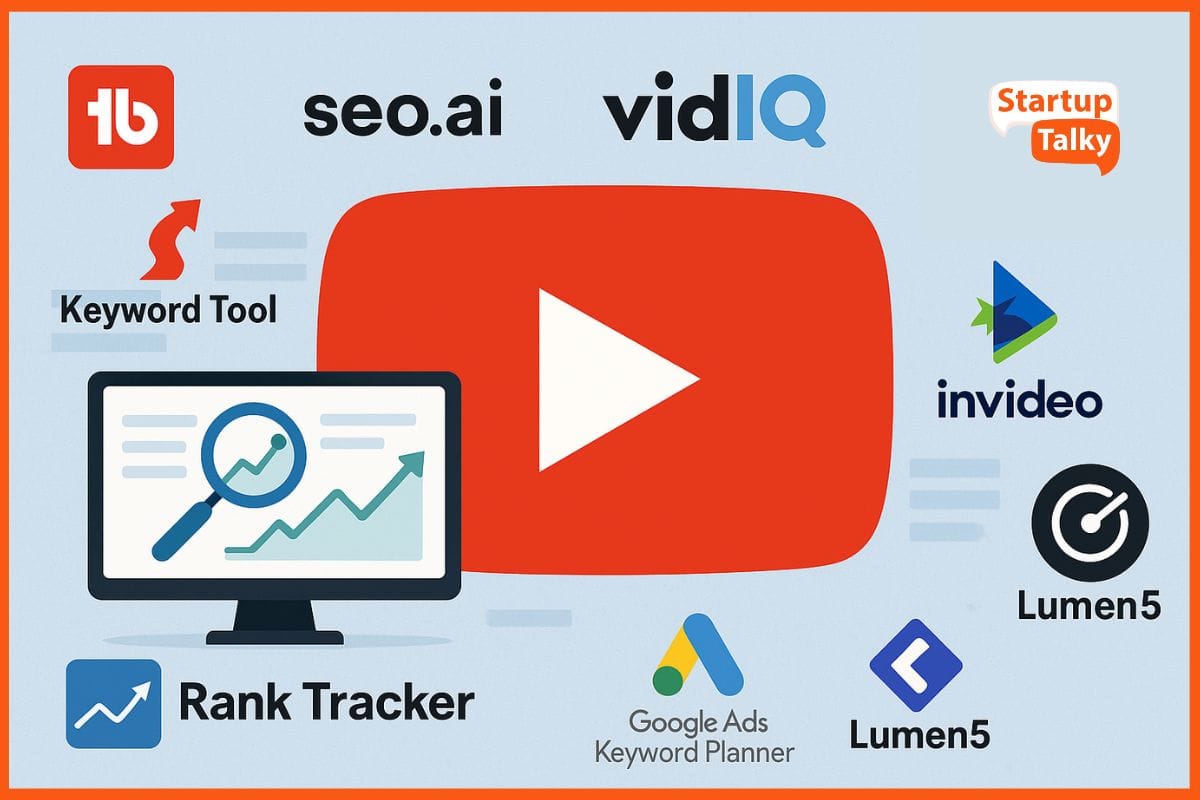
AI YouTube SEO refers to the use of artificial intelligence technologies to improve a video’s visibility, clickability, and overall ranking in YouTube search and suggested feeds. Traditional YouTube SEO relied on manual keyword lists, guesswork around titles, and trial‑and‑error thumbnail design. AI transforms that process by analyzing massive datasets—user behavior, trending topics, competitor strategies, and real‑time engagement metrics—to deliver actionable insights in seconds.
At its core, AI YouTube SEO automates the repetitive components of optimization while providing predictive guidance. Large language models can generate script outlines that naturally incorporate high‑volume keywords. Computer vision algorithms rate thumbnail effectiveness before a video goes live. Natural language processing (NLP) tools examine transcripts to ensure semantic relevance across spoken content. All of this happens without removing the creator’s creative control, positioning AI as a powerful co‑pilot rather than a replacement.
The Core Components of AI YouTube SEO
- AI‑powered keyword research: Tools scan search queries, autocomplete suggestions, and competitor tags to surface long‑tail phrases with high intent and low competition.
- Semantic content optimization: AI analyzes the full video transcript, matching spoken words to search intent and flagging missing entities that YouTube expects to see in high‑ranking content.
- Automated thumbnail and title generation: Generative AI creates dozens of design variations, while predictive click‑through models score each one before publishing.
- Engagement and retention forecasting: Machine learning evaluates script pacing and editing rhythms to predict audience drop‑off points, helping creators restructure videos for maximum watch time.
- Competitor gap analysis: AI scans rival channels, identifying keyword holes and content formats the algorithm currently favors, then recommends targeted topics.
- Time efficiency: A full keyword research cycle that used to take three hours can be completed in 15 minutes. Creators redirect that saved time into improving content quality.
- Data‑driven decisions: AI removes emotional bias from creative choices. A thumbnail might feel right to a creator, but an AI click‑through prediction model will show whether the audience agrees.
- Higher click‑through rate (CTR): Studies across creator communities suggest that channels using AI‑assisted title and thumbnail testing often see CTR increases of 20% to 40% within the first month of adoption.
- Improved watch time: AI retention analysis pinpoints exact moments where viewers lose interest, enabling precise edits that keep audiences watching until the end card.
- Scalability: One person running multiple channels can use AI to handle metadata generation, competitor tracking, and A/B testing across all properties without hiring a large team.
- Over‑optimizing to the point of robotism: Forcing keywords into every sentence or designing titles that sound like search‑engine queries will repel real humans. Always read your metadata aloud; if it sounds unnatural, the AI suggestions need a human edit.
- Ignoring watch time in favor of click‑through rate: An AI title generator might produce a click‑magnificent headline that promises something the video never delivers. High CTR combined with low watch time is a recipe for algorithmic suppression, because YouTube interprets it as clickbait.
- Using AI‑generated content without verification: Generative AI sometimes hallucinates facts, invents statistics, or misrepresents how a tool works. Every claim in an AI‑assisted script must be fact‑checked against primary sources.
- Neglecting mobile viewers: A thumbnail AI might optimize for desktop clarity while ignoring how tiny text becomes illegible on a phone screen. Always preview designs at 120×90 pixels before finalizing.
- Copying competitor keywords blindly: An AI gap analysis might suggest targeting terms a dominant channel owns, but a small channel lacks the authority to rank for them. Pair AI suggestions with a realistic assessment of your channel’s current domain authority on YouTube.
How AI Is Transforming Traditional YouTube SEO
Old‑school YouTube SEO meant stuffing titles with exact‑match keywords, writing lengthy descriptions, and hoping the thumbnail caught someone’s eye. Creators spent hours manually tagging videos and tracking rankings in spreadsheets. AI has flipped that model on its head. Instead of reacting to algorithm changes, practitioners of AI YouTube SEO now anticipate them because their tools process signals that human researchers cannot see in real time.
For example, AI platforms now monitor trending terms on search engines, social media, and news outlets simultaneously. When a topic begins to surge, an AI‑powered system can immediately suggest a video idea, generate a keyword‑optimized script outline, and recommend a title structure proven to attract clicks. That level of speed turns trending moments from lucky breaks into repeatable processes. Meanwhile, traditional approach would take hours of manual research and might miss the window entirely.
Another seismic shift lies in personalization. AI tools can segment an audience by viewing behavior and recommend slight metadata tweaks—such as an alternate title for returning subscribers versus new viewers—ensuring the video appeals to the widest possible cross‑section. YouTube’s own recommendation engine is a black‑box AI; fighting fire with fire through external AI optimization is rapidly becoming the standard for serious growth.
Benefits of Using AI for YouTube SEO
Limitations and Challenges of AI YouTube SEO
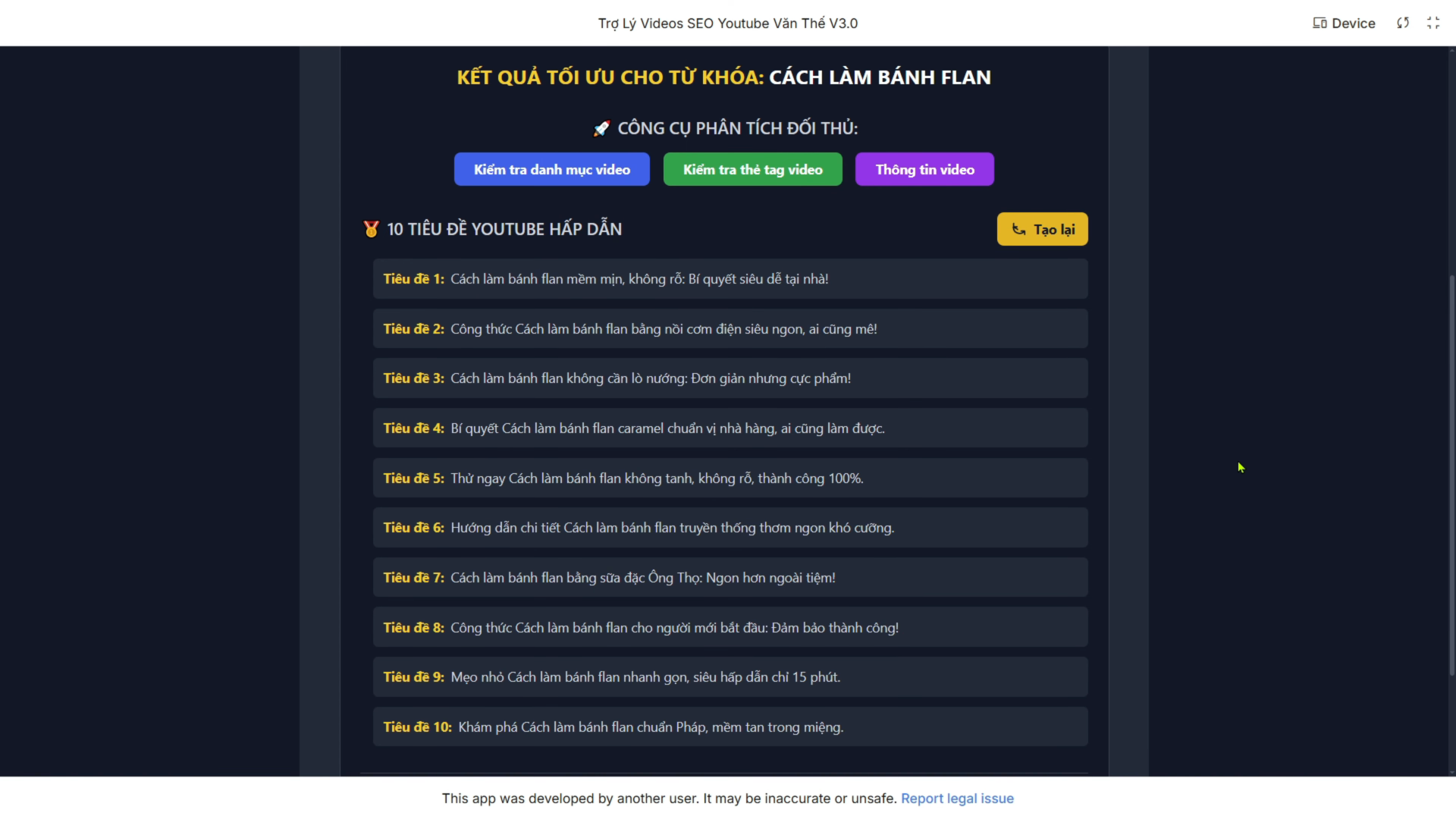
While AI turbocharges many aspects of optimization, it is not a magic button. Tools can misinterpret context, especially in niches with nuanced jargon or rapidly shifting slang. An AI might suggest keywords that are technically relevant but completely misaligned with the channel’s brand voice. Creators who blindly follow AI suggestions often produce videos that feel generic, hollow, or oddly disconnected from their audience’s expectations.
Cost is another factor. The most effective AI YouTube SEO suites—those that combine trend prediction, thumbnail scoring, and deep‑competitor analysis—carry monthly subscriptions that can strain a small creator’s budget. T Finally, YouTube’s algorithm evolves continuously, and an AI tool trained on historical data may lag behind the latest ranking signals for a few weeks after an update.
AI Tools for YouTube SEO
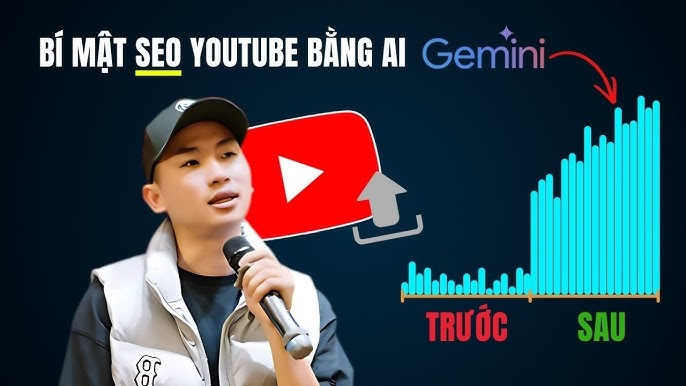
The market teems with AI‑enhanced platforms, each specializing in different corners of the optimization workflow. Choosing the right stack depends on whether you need all‑in‑one channel management or best‑in‑class solutions for specific tasks like scriptwriting or thumbnail design. The table below compares some of the most established tools used by full‑time creators.
| Tool | Key AI Features | Pricing Model | Best For |
|---|---|---|---|
| TubeBuddy | AI‑suggested tags, keyword explorer, A/B testing, title generator, SEO scorecard | Free / Pro from $7.50/month | All‑in‑one channel SEO management |
| VidIQ | AI coach, keyword generator, trend alerts, competitor tracking, thumbnail preview | Free / Boost from $7.50/month | Real‑time trend prediction and competitor analysis |
| ChatGPT / Claude | Script outlines, description drafting, keyword clustering, audience persona modeling | Free / Plus $20/month | Content scripting and ideation |
| Canva AI | Background remover, Magic Resize, AI image generator, thumbnail templates | Free / Pro $12.99/month | Rapid thumbnail and channel art creation |
| Descript | AI‑powered transcription, filler word removal, Studio Sound, overdub | Free / Creator $24/month | Video editing and transcript‑based SEO |
| Pictory | AI script‑to‑video conversion, automatic captions, branding integration | Standard $19/month | Faceless channels and rapid content repurposing |
Step‑by‑Step Guide to Implementing AI YouTube SEO
Step 1: AI‑Driven Keyword Research and Topic Clustering
Begin by feeding your core niche into an AI keyword tool such as VidIQ’s keyword generator or TubeBuddy’s explorer. The A Instead of targeting isolated keywords, use AI to cluster related terms into topic bundles. For example, a channel about sourdough baking might cluster “sourdough starter troubleshooting,” “how to feed sourdough,” and “hydration ratios for sourdough” into a single comprehensive video. Tools like ChatGPT can help map these clusters by generating a mind map of semantic relationships.
Verify the AI suggestions by reviewing the current top‑ranking videos for those terms. Pay attention to the suggested searches YouTube displays at the bottom of each results page—those are pure gold for additional seed keywords you can feed back into the AI.
Step 2: Scripting and Content Creation with AI Assistance
An AI script generator, given your target keywords and a clear content outline, can produce a draft that naturally includes your primary and secondary phrases. The key is to provide the AI with a detailed prompt: your audience demographic, the emotional tone you want, and examples of your previous successful openings. After generating the draft, you must rewrite sections to inject personal stories, examples from your own experience, and your unique vocal quirks. YouTube’s algorithm increasingly values originality signals, and a purely AI‑written script risks sounding generic.
Run the final script through an NLP tool that checks for entity coverage. The A This semantic completeness is a quiet but powerful ranking factor.
Step 3: Optimizing Video Metadata Using AI Tools
Upload your draft title and description into an AI SEO tool. It will score your title for emotional hooks, power words, and keyword placement. It will then suggest improvements: perhaps moving your primary keyword to the front of the title or adding a year for freshness. For the description, AI can generate a compelling first two lines—the critical text visible before the “show more” fold—that seamlessly integrates keywords while teasing the video’s value.
AI tag generators now go beyond simple word lists. They create a hierarchy of tags, placing the most semantically important ones first, and they often include misspelled variants of your main keyword to capture search typos without you having to think about it.
Step 4: Generating High‑CTR Thumbnails with AI Design
Canva’s AI features and dedicated tools like Thumbnail Blaster now allow you to generate 10‑15 thumbnail concepts from a single prompt describing your video’s theme. The A Once you have a shortlist, run those thumbnails through an AI attention‑heatmap tool that simulates where a viewer’s eye travels in the first 1.5 seconds of scanning a search results page.
Step 5: AI‑Powered A/B Testing for Titles and Thumbnails
TubeBuddy’s A/B testing feature lets you upload two thumbnails and two titles for the same video, then shows each variation to a segment of your potential audience. The AI collects real CTR data over a period you define and declares a statistically significant winner. You can then lock in the better performer permanently. This empirical approach removes guesswork and accelerates the learning loop—over months, your AI‑fueled intuition sharpens because you see exactly which visual and textual patterns succeed in your niche.
Step 6: Leveraging AI for Engagement and Retention Analysis
After publishing, tools like VidIQ’s retention analyzer or integrated AI dashboards parse your audience retention graph. The AI highlights exact timestamps where viewership spiked or plummeted, then cross‑references those moments with the transcript and editing style. It might reveal that long silent segments cause drop‑offs, or that a specific B‑roll transition consistently recaptures attention. Use those insights to edit future videos with surgical precision, gradually sculpting a retention curve that YouTube’s algorithm rewards with massive suggested exposure.
Step 7: Automating Community Engagement and Comment Moderation
AI chatbots and moderation tools can handle the first wave of comment replies, especially for frequently asked questions. When a new viewer asks about your recording equipment for the tenth time, the AI can respond instantly with a pre‑approved, helpful answer. This speeds up engagement metrics without draining your time. Always monitor for nuanced discussions that require your human touch, but letting AI handle the routine frees you to create the next video instead of being trapped in the comment section.
Common Mistakes in AI YouTube SEO and How to Avoid Them
Important Notes for Long‑Term Success with AI YouTube SEO
AI YouTube SEO is a multiplier, not a foundation. The most perfectly optimized metadata and thumbnail cannot save a video that fails to serve the viewer. Always start with a genuine pain point or curiosity your audience holds, then wrap AI efficiency around that core. Balance is everything; the channels that win long‑term use AI for the heavy data lifting but retain total human ownership over the creative vision, storytelling, and ethical boundaries.
Keep a pulse on YouTube’s official creator updates. When YouTube announces changes to its recommendation system, your AI tools may need a few weeks to adapt. During that lag, revert to fundamental SEO principles: write clear titles, craft honest thumbnails, and structure your content around satisfying the viewer’s intent as quickly and completely as possible. Treat AI as an advanced advisor, not as a boss.
Frequently Asked Questions
What is AI YouTube SEO and how does it work?
AI YouTube SEO is the use of machine learning, natural language processing, and predictive analytics to improve a video’s ranking and click‑through rate on YouTube. It works by analyzing massive datasets—search queries, user behavior, competitor metadata, and engagement patterns—to generate optimized keywords, titles, descriptions, tags, and even thumbnail designs that align with the platform’s algorithm.
Can AI completely replace human YouTube SEO experts?
No. AI excels at processing data and identifying patterns, but human judgment remains essential for brand voice, cultural nuance, storytelling, and ethical decisions. The most effective approach combines AI’s speed and analytical power with a creator’s deep understanding of their audience.
Which AI tool is best for YouTube SEO?
TubeBuddy and VidIQ are the most comprehensive all‑in‑one AI YouTube SEO tools, offering keyword research, A/B testing, and trend prediction. For scripting and ideation, ChatGPT serves as a versatile assistant. Canva AI dominates quick thumbnail creation. The best choice depends on which part of the optimization workflow you need to strengthen first.
Does YouTube penalize AI‑generated content?
YouTube does not penalize content solely because it was created with AI assistance. However, the platform penalizes low‑quality, duplicate, or misleading content regardless of how it was produced. Creators who use AI to generate scripts or visuals must still meet YouTube’s quality guidelines, add original value, and avoid spammy practices like keyword stuffing.
How can I use AI to increase my video watch time?
AI retention analysis tools pinpoint the exact moments where viewers click away. You can then use those insights to edit out boring intros, tighten pacing, or insert pattern‑interrupt visuals at those critical points. AI scriptwriters can also structure content so that value delivery and curiosity loops align with known attention span patterns.
Is AI YouTube SEO suitable for small channels?
Absolutely. Small channels often have the tightest time budgets, and AI can automate keyword research, thumbnail testing, and description writing that would otherwise go undone. Many AI YouTube SEO tools offer free tiers with enough functionality to give a new channel a significant competitive advantage.
Conclusion
AI YouTube SEO marks the next evolution of video optimization—shifting the craft from manual guesswork to data‑powered precision. By weaving artificial intelligence into keyword clustering, metadata scoring, thumbnail design, and retention analysis, creators can build channels that consistently attract views and satisfy YouTube’s algorithm. The real magic happens when human creativity and AI efficiency operate in tandem, producing content that is both discoverable and deeply valuable. Start by adopting one AI tool for your most time‑consuming SEO task, master its output, and then expand your stack. The result will be a sustainable growth engine that keeps your videos ranking long after the upload button is clicked.
Xem thêm:
- AI SEO Blogging: How to Rank Higher by Combining Artificial Intelligence With Strategic Content Creation
- AI SEO for Personal Brands: The Complete Playbook for 2025
- AI SEO AI Search Citations: The Complete Guide to Winning AI Search Visibility
- AI SEO Social Distribution: The Complete Guide to Automated Content Amplification
- AI SEO AI Search Tracking: The Complete Guide to Monitoring AI-Driven Discovery
Bài viết cùng chủ đề:

AI SEO SEO Automation with Make: The Complete Workflow Guide

AI SEO SEO Automation with Zapier: The Complete Workflow Guide

AI SEO SEO Automation with n8n: The Complete Workflow Guide
AI SEO SEO Automation with Gemini: The Complete Guide to Scaling Organic Growth

AI SEO SEO Automation with Claude: The Complete Guide to Scaling Content in 2025

AI SEO SEO Automation with ChatGPT: The Complete Playbook for 2025

AI SEO & SEO Automation for Affiliate Sites: The 2025 Playbook for Passive Income Growth
AI SEO & SEO Automation for Bloggers: The Complete Guide to Scaling Your Content

AI SEO & SEO Automation for Agencies: The Complete 2025 Playbook

AI SEO and SEO Automation for Ecommerce: The Complete Playbook for 2025

AI SEO & SEO Automation for WordPress: The Complete Playbook for 2025
AI SEO SEO Automation Strategy: The Complete Playbook for 2025

Mastering the AI SEO SEO Automation Process: A Complete Guide to Scaling Organic Growth
AI SEO SEO Automation System: The Complete Guide to Scaling Organic Growth in 2025
AI SEO SEO Automation Platform: The Complete Guide to Scaling Organic Growth in 2025
AI SEO SEO Automation Software: The Complete Guide to Scaling Organic Growth in 2025















