
No products in the cart.
WP Trove Content Automation: The Complete Guide to Scaling Your WordPress Content Workflow
31
Jul
Jul
Content creation remains the single most demanding task for WordPress site owners. Between researching topics, drafting articles, sourcing images, and scheduling posts, the hours add up quickly. WP Trove Content Automation addresses this exact pain point by streamlining the entire publishing pipeline directly within the WordPress ecosystem. This guide breaks down what this automation approach entails, how it works, its practical benefits, and the common pitfalls to avoid when implementing it in your daily workflow.
What Is WP Trove Content Automation?
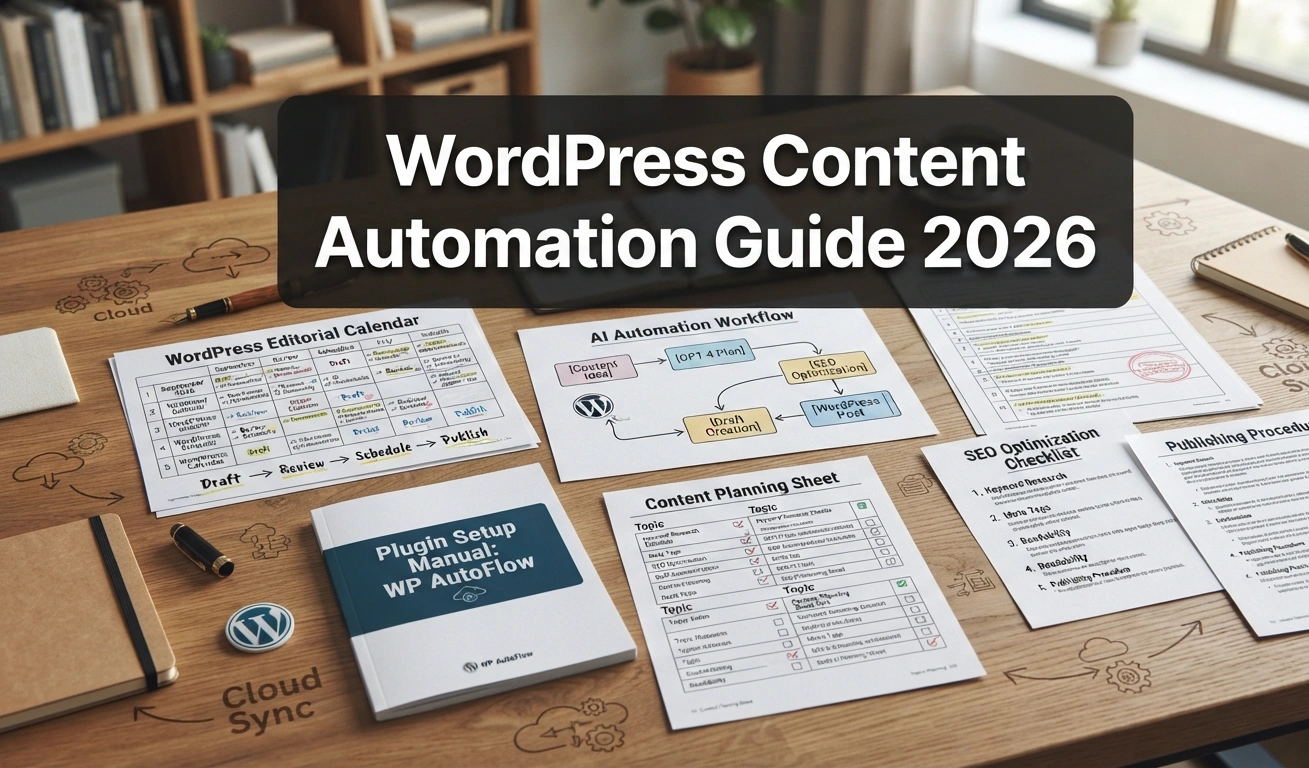
WP Trove Content Automation refers to the systematic use of tools, plugins, and workflows that reduce manual intervention in the content lifecycle on WordPress. It is not a single plugin but rather a methodology that combines native WordPress features with third-party services to automate tasks like content generation, curation, formatting, scheduling, and distribution.
The core principle is simple: eliminate repetitive tasks so your team can focus on strategy and quality. Instead of manually copying text from a document into the WordPress editor, an automated system pulls from a connected source. Instead of remembering to hit publish at 9 AM, the system queues posts based on your optimal traffic windows. This approach transforms WordPress from a simple CMS into a self-sustaining content engine.
The Core Components of a WP Trove Automation Stack
Understanding the building blocks helps you design a system that fits your specific needs. A typical WP Trove Content Automation setup includes several distinct layers:
- Content Source Integration: Connecting RSS feeds, Google Docs, or CSV files directly to your WordPress dashboard.
- AI-Assisted Drafting: Using natural language processing tools to generate initial drafts based on your keyword targets and brand voice.
- Automated Formatting: Applying consistent heading structures, image alt texts, and internal linking rules without manual input.
- Scheduling Logic: Setting rules for when posts go live based on historical engagement data or timezone targeting.
- Distribution Triggers: Automatically sharing new posts to social media channels or email newsletters upon publication.
Each component works independently but integrates seamlessly with the others. The result is a cohesive workflow where content moves from idea to published status with minimal human touchpoints.
Why Content Automation Matters for WordPress Publishers
The digital landscape rewards consistency. Websites that publish fresh, relevant content on a predictable schedule tend to earn more organic traffic and returning visitors. However, maintaining that consistency manually is exhausting. A study of content marketing trends shows that teams spend nearly 60% of their time on operational tasks rather than actual content creation.
WP Trove Content Automation directly addresses this inefficiency. By automating the operational side, you reclaim hours each week. This allows for deeper research, better writing, and more strategic planning. Moreover, automation reduces the risk of human error—missed publication dates, broken formatting, or forgotten metadata tags become rare occurrences.
The Shift from Manual to Automated Workflows
Traditional WordPress workflows involve logging in, creating a new post, pasting content, adding images, setting categories, and scheduling. Each step takes seconds, but multiplied across dozens of posts, it becomes a significant time sink. Automation compresses this process into a single trigger. For example, a new row added to a Google Sheet can automatically create a draft post with the correct title, excerpt, and featured image assigned.
This shift is not about replacing human creativity. It is about removing the mechanical friction that stands between an idea and its publication. Writers can focus on crafting compelling narratives while the system handles the technical scaffolding.
Key Benefits of Implementing WP Trove Content Automation

Adopting an automated content workflow delivers measurable advantages across several dimensions of your publishing operation. These benefits extend beyond simple time savings.
Consistent Publishing Cadence
Search engines favor websites that update regularly. An automated scheduler ensures your site never goes silent. Whether you publish daily, weekly, or multiple times per day, the system adheres to your calendar without fail. This reliability builds trust with both your audience and search engine crawlers.
Scalability Without Proportional Overhead
Scaling a manual content operation requires hiring more writers and editors. With automation, you can increase output by 2x or 3x using the same team size. The system handles the administrative load, allowing your existing staff to produce more high-quality work in the same number of hours.
Improved Content Consistency
Automated formatting rules ensure every post follows the same structural guidelines. Heading hierarchy, paragraph length, image placement, and keyword density all adhere to your predefined standards. This uniformity enhances user experience and reinforces your brand’s professional image.
Reduced Operational Costs
Time is money. By cutting down the hours spent on manual data entry, formatting, and scheduling, you lower the cost per published article. For agencies managing multiple client sites, this efficiency translates directly into higher profit margins.
Limitations and Challenges of Content Automation
While the benefits are compelling, a balanced view requires acknowledging the limitations. Automation is not a magic bullet, and certain challenges can undermine your efforts if not addressed properly.
Risk of Generic or Duplicate Content
AI-generated drafts can sometimes produce bland, repetitive text that lacks originality. Search engines penalize thin or duplicated content. To mitigate this, automation should be paired with a human review step. The system drafts, but a human editor refines the voice, adds unique insights, and verifies factual accuracy.
Technical Complexity of Setup
Building a robust automation workflow requires some technical proficiency. Connecting APIs, configuring webhooks, and debugging integration issues can be daunting for non-developers. However, many modern plugins offer user-friendly interfaces that simplify these tasks, reducing the barrier to entry.
Dependency on Third-Party Services
Most automation relies on external services like AI writing assistants or cloud-based scheduling tools. If these services experience downtime or change their pricing models, your workflow can be disrupted. It is wise to have manual fallback procedures in place for critical publishing deadlines.
Comparing WP Trove Automation with Manual Publishing
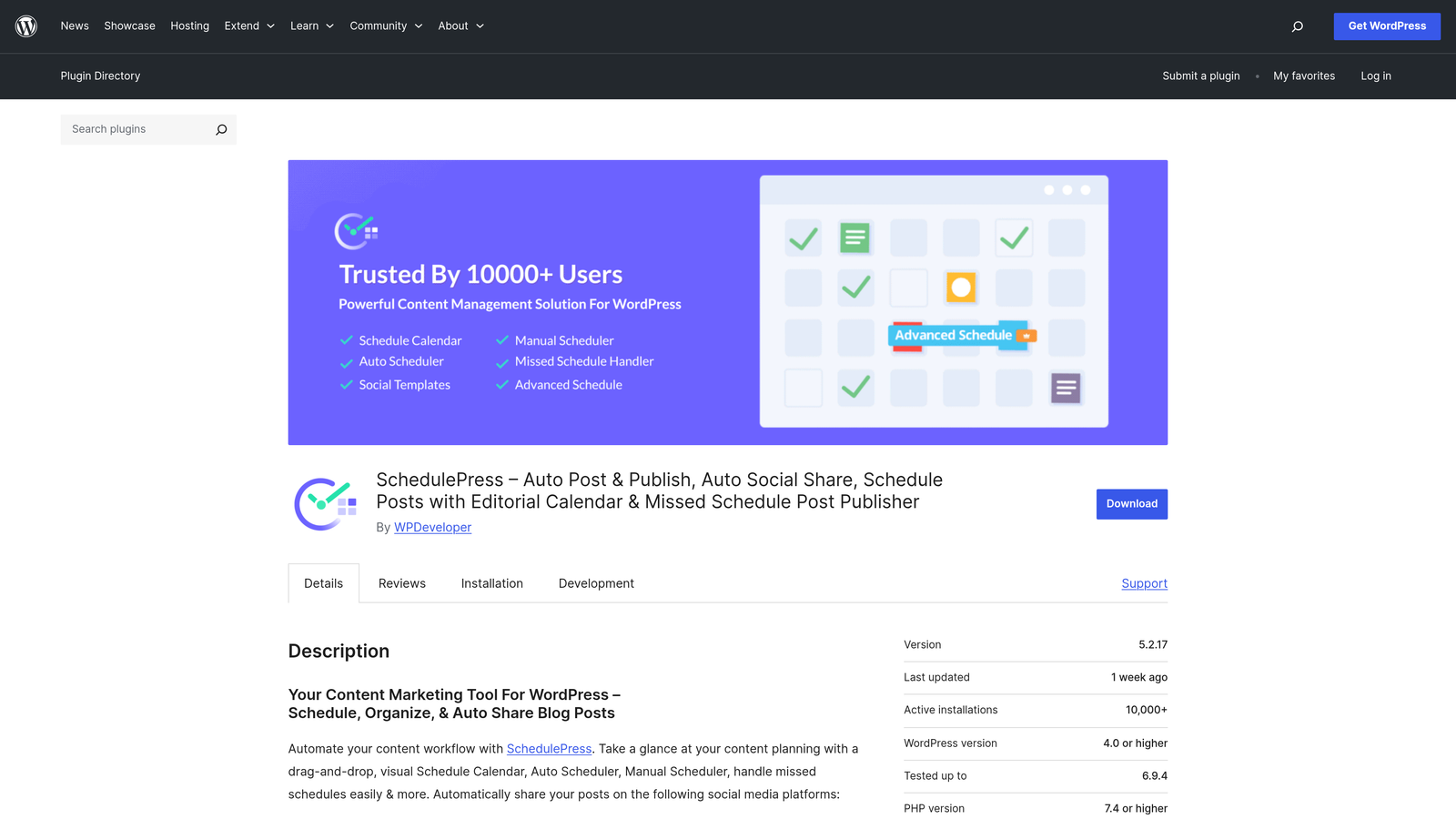
To make an informed decision, it helps to see the two approaches side by side. The table below highlights the key differences in operational efficiency and output quality.
| Aspect | Manual Publishing | WP Trove Content Automation |
|---|---|---|
| Time per Post (Admin Tasks) | 30-45 minutes | 5-10 minutes |
| Consistency of Schedule | Prone to delays | Highly reliable |
| Formatting Accuracy | Depends on editor | Guaranteed by rules |
| Scalability | Linear (needs more staff) | Exponential (same staff) |
| Creative Control | Full human input | Requires review step |
| Error Rate | Moderate | Low |
As the table illustrates, automation excels in operational metrics. The trade-off is the need for a quality control layer to maintain the human touch that readers value.
Practical Guide: Implementing WP Trove Content Automation
Transitioning to an automated workflow does not happen overnight. A structured approach ensures a smooth migration without disrupting your current publishing schedule. Follow these steps to build your own automation system.
Step 1: Audit Your Current Workflow
Document every step involved in getting a post from idea to publication. Identify which steps are purely mechanical (copy-pasting, resizing images, setting categories) and which require human judgment (topic selection, writing, editing). The mechanical steps are your primary automation candidates.
Step 2: Choose Your Automation Tools
Select plugins and services that integrate well with WordPress. Popular choices include WP All Import for bulk content ingestion, Uncanny Automator for creating trigger-based workflows, and various AI writing assistants that offer WordPress add-ons. Ensure the tools you choose can communicate with each other, typically via REST APIs or Zapier-style connectors.
Step 3: Define Your Content Rules
Create a style guide that the automation system can follow. This includes default categories, tag structures, featured image dimensions, and internal linking protocols. The more specific your rules, the less manual correction you will need later.
Step 4: Set Up a Review Queue
Automation should not bypass human oversight entirely. Configure your system to create posts as drafts rather than publishing them directly. Set up a daily review queue where an editor checks the automated drafts, makes necessary adjustments, and approves them for scheduling.
Step 5: Monitor and Iterate
After launching your automated workflow, track key performance indicators like publishing frequency, average time to publish, and content engagement metrics. Use this data to refine your rules and improve the system’s efficiency over time.
Common Mistakes to Avoid with WP Trove Content Automation
Many users jump into automation and encounter avoidable problems. Being aware of these pitfalls helps you navigate around them.
Over-Automating the Creative Process
Letting AI write entire articles without human editing is a recipe for bland, generic content. Readers can detect a lack of authentic voice. Always keep a human in the loop for final approval. Use automation to generate outlines, first drafts, or research summaries, not the final polished piece.
Ignoring SEO Metadata
Automation can fill in title tags and meta descriptions, but if your rules are not aligned with SEO best practices, you may end up with duplicate or poorly optimized metadata. Ensure your automation rules include dynamic variables for keywords and character limits.
Neglecting Broken Feeds or Sources
If your automation pulls from external RSS feeds or APIs, those sources can change or break. Regularly test your data connections to prevent silent failures that halt your publishing pipeline.
Failing to Backup Before Major Changes
Installing new automation plugins or modifying workflows can introduce bugs. Always take a full WordPress backup before making significant changes to your content infrastructure.
Important Notes for Long-Term Success
Automation is a tool, not a strategy. The most successful publishers use it to amplify their existing strengths, not replace them. Keep these considerations in mind as you refine your system.
First, prioritize content quality above all else. If automation leads to a drop in quality, your traffic will suffer regardless of how efficient your workflow becomes. Second, stay updated on WordPress core updates and plugin compatibility. A major WordPress update can sometimes break automation scripts, so maintain a testing environment. Third, document your automation processes thoroughly. If a key team member leaves, the knowledge of how your system works should not leave with them.
Frequently Asked Questions
Is WP Trove Content Automation suitable for small blogs?
Yes, small blogs benefit significantly from automation. Even automating simple tasks like image optimization and social sharing can save several hours per week. Start with basic scheduling and formatting rules before moving to advanced AI drafting.
Will automation hurt my search engine rankings?
Automation itself does not hurt rankings. The quality of your content determines your rankings. If you use automation to publish thin, low-value content at scale, rankings will drop. If you use it to maintain a consistent schedule of high-quality posts, rankings can improve.
What is the best plugin for WP Trove Content Automation?
T The right choice depends on your needs. Uncanny Automator excels at connecting WordPress to other apps. WP All Import is powerful for bulk content ingestion. For AI drafting, tools like Jasper or Copy.ai offer WordPress integrations. Many users combine multiple plugins for a comprehensive solution.
Can I automate content curation from other websites?
Yes, you can automate content curation by importing RSS feeds from relevant sources. However, be cautious about copyright issues. Always add your own commentary and link back to the original source. Avoid republishing full articles without permission.
How much time does WP Trove Content Automation actually save?
On average, users report saving 10-15 hours per week on administrative tasks. The exact amount depends on your previous workflow and the level of automation you implement. A fully automated pipeline can reduce post-production time by up to 80%.
Conclusion
WP Trove Content Automation represents a significant shift in how WordPress publishers manage their content operations. By leveraging automated workflows for repetitive tasks, you free up valuable time and mental energy for the creative aspects that truly differentiate your brand. The key to success lies in finding the right balance between machine efficiency and human creativity.
Start small by automating one or two tasks, measure the impact, and gradually expand your system. Whether you are a solo blogger or a large publishing team, the principles of content automation can help you achieve a more consistent, scalable, and cost-effective content operation. The future of WordPress publishing belongs to those who embrace smart automation without sacrificing the human touch that builds loyal audiences.
Xem thêm:
- AI SEO Content Repository: The Ultimate Guide to Building a Smarter Content Engine in 2025
- AI Content Pruning: The Complete Strategy to Remove Weak Pages and Skyrocket SEO Performance
- AI SEO n8n Automation: The Complete Workflow Guide for 2025
- The AI SEO Workflow for Agencies: A Complete Guide to Scaling Results With Smart Automation
- AI SEO Tips: Mastering the Future of Search Engine Optimization
Bài viết cùng chủ đề:

AI SEO SEO Automation with Make: The Complete Workflow Guide

AI SEO SEO Automation with Zapier: The Complete Workflow Guide

AI SEO SEO Automation with n8n: The Complete Workflow Guide
AI SEO SEO Automation with Gemini: The Complete Guide to Scaling Organic Growth

AI SEO SEO Automation with Claude: The Complete Guide to Scaling Content in 2025

AI SEO SEO Automation with ChatGPT: The Complete Playbook for 2025

AI SEO & SEO Automation for Affiliate Sites: The 2025 Playbook for Passive Income Growth
AI SEO & SEO Automation for Bloggers: The Complete Guide to Scaling Your Content

AI SEO & SEO Automation for Agencies: The Complete 2025 Playbook

AI SEO and SEO Automation for Ecommerce: The Complete Playbook for 2025

AI SEO & SEO Automation for WordPress: The Complete Playbook for 2025
AI SEO SEO Automation Strategy: The Complete Playbook for 2025

Mastering the AI SEO SEO Automation Process: A Complete Guide to Scaling Organic Growth
AI SEO SEO Automation System: The Complete Guide to Scaling Organic Growth in 2025
AI SEO SEO Automation Platform: The Complete Guide to Scaling Organic Growth in 2025
AI SEO SEO Automation Software: The Complete Guide to Scaling Organic Growth in 2025















