
No products in the cart.
AI Metadata Generator: The Ultimate Tool for Streamlining Digital Asset Management
29
Jul
Jul
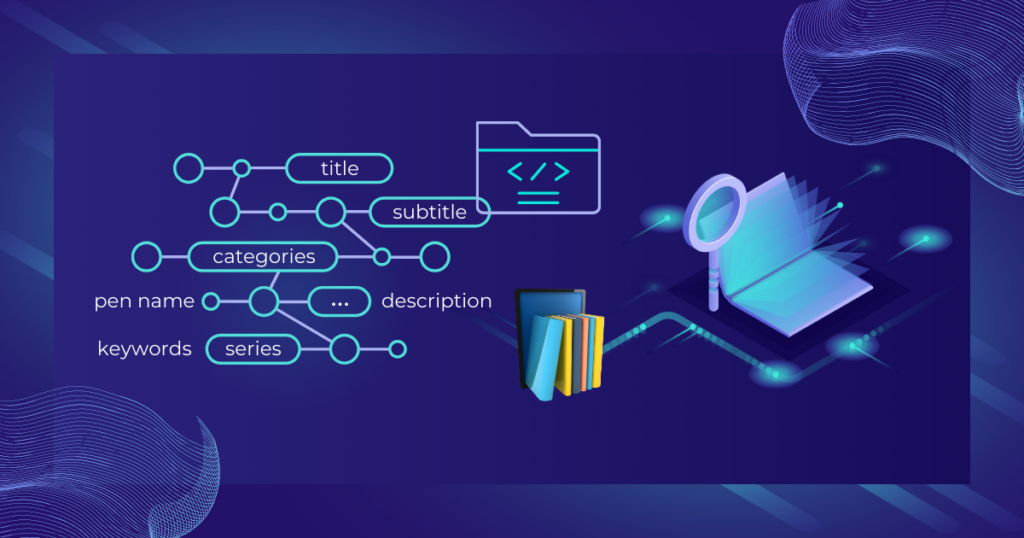
The explosion of digital content across websites, social media, and enterprise systems has made manual metadata tagging unsustainable. An AI metadata generator uses machine learning and natural language processing to automatically analyze files—images, videos, documents, audio—and produce accurate, structured metadata in seconds. This technology transforms raw assets into searchable, organized, and governance-ready resources. For businesses drowning in unstructured data, adopting an AI metadata generator can reduce tagging time by over 90% while improving consistency and discoverability. In this guide, we explore how these systems work, their key benefits, top tools, and the practical steps for integrating them into your workflow.
What Is an AI Metadata Generator?
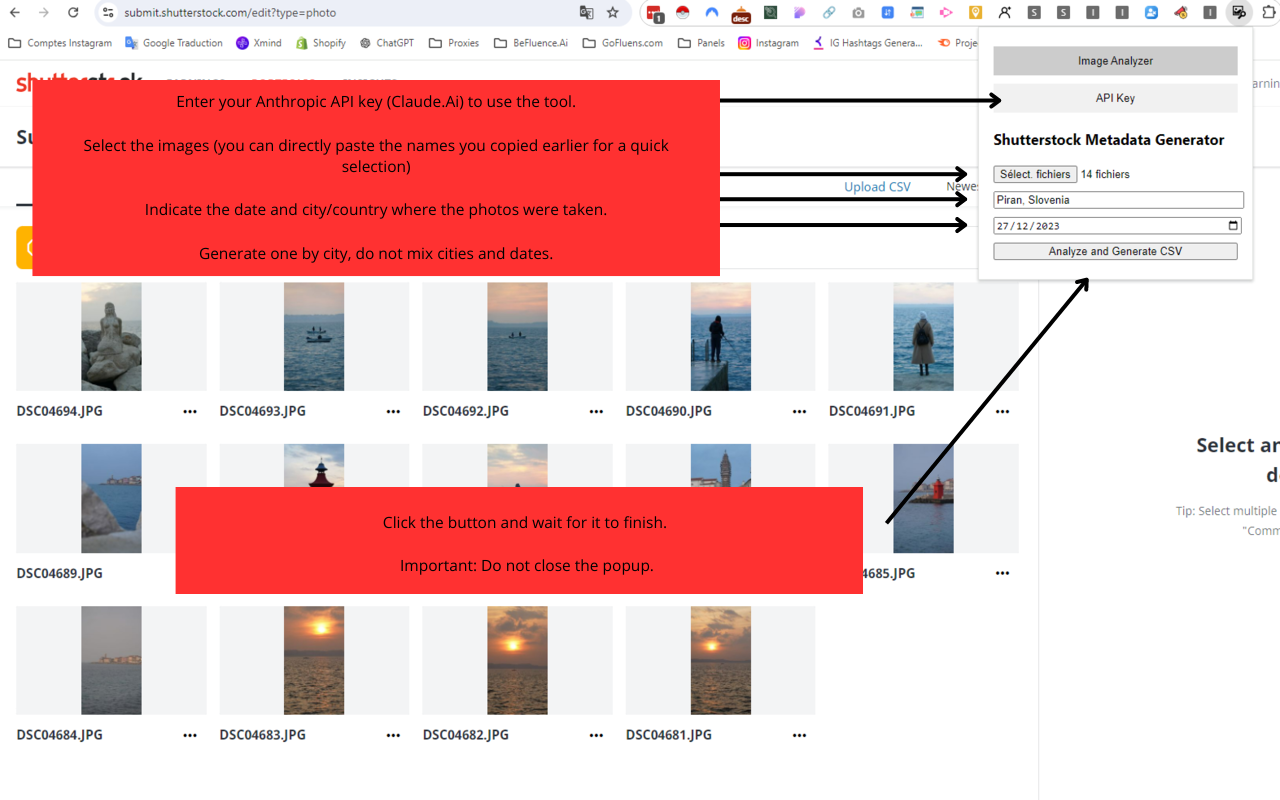
An AI metadata generator is a software tool that uses artificial intelligence models to examine the content of a digital file and assign descriptive tags, categories, and technical attributes without human intervention. Unlike rule-based automation, these generators rely on deep learning techniques such as computer vision, optical character recognition (OCR), speech-to-text, and natural language understanding. The goal is to replicate—and often surpass—the accuracy of a human cataloger while operating at massive scale.
Metadata itself falls into several categories that AI can produce:
- Descriptive metadata: titles, captions, keywords, and alt text based on visual or textual content.
- Structural metadata: relationships between assets, such as which thumbnail belongs to which video.
- Administrative metadata: file type, creation date, resolution, rights information, and geolocation.
- Technical metadata: color profiles, camera settings, audio bitrate, and codec details.
- Computer vision models (like ResNet, ViT, or YOLO) identify objects, scenes, activities, and even emotions.
- Optical character recognition (OCR) reads text within images and video frames, extracting product names, signs, or document content.
- Speech recognition transcribes spoken words in audio and video files, allowing the extraction of topics and entities.
- Natural language processing (NLP) analyzes any text accompanying the file—such as a PDF body—to identify key phrases, sentiment, and language.
- Overwriting human editing with AI tags: Some systems reprocess assets periodically, wiping manual refinements. Ensure your workflow respects locked or curated fields and only updates auto-generated ones.
- Ignoring localization: An AI metadata generator trained on English data might tag a Spanish sign incorrectly or assign wrong cultural connotations. Use multilingual models and validate outputs for each locale.
- Neglecting alt text quality: Automatically generated alt text can be too generic (“image of a person”) or redundantly include phrases like “image of.” Review and enforce alt text guidelines. AI should produce specific, useful descriptions, not filler.
- Failing to define ownership: Metadata generated by AI can create a false sense of completeness. Without a clear owner responsible for metadata governance, quality degrades. Assign a metadata steward to oversee AI outputs.
- Underestimating compute costs: Processing large video libraries with AI can incur significant cloud bills. Evaluate whether you need full-frame analysis or just keyframe-based tagging. Compression before analysis can save money without sacrificing much accuracy.
Modern AI metadata generators often combine multiple models. For a single photograph, the system might detect objects, recognize faces (with appropriate privacy controls), read embedded text, assess image quality, and generate a natural language description—all within under a second. This multi-layered analysis produces a rich metadata record that powers search engines, digital asset management (DAM) platforms, and content recommendation engines.
How AI Metadata Generation Works Under the Hood
Understanding the technology behind an AI metadata generator helps in selecting the right tool and troubleshooting its output. Most generators follow a pipeline of four core stages:
1. Content Ingestion and Preprocessing
The AI first normalizes the asset. For images, that means resizing, color space conversion, and noise reduction. Videos are split into keyframes for analysis, and audio files are transcribed into text. Documents undergo OCR or layout analysis to extract meaningful text blocks. Preprocessing ensures the downstream models receive clean, consistent data.
2. Multimodal Analysis
State-of-the-art generators deploy several specialized models concurrently:
3. Entity Extraction and Classification
Raw model outputs—like “dog, beach, sunset”—are mapped to controlled vocabularies or taxonomies. The AI metadata generator might recognize “dog” as a specific breed, align “beach” to a geographic entity, and classify the image into a category like “nature > coastal landscapes.” Knowledge graphs help resolve ambiguities: for example, differentiating between “Apple” the fruit and the technology brand based on context.
4. Metadata Packaging and Delivery
The final structured output can be formatted as XMP, JSON-LD for SEO (schema.org), EXIF for images, or custom XML for DAM systems. Many tools provide both human-readable tags and machine-readable linked data, enabling rich snippets in search results and automated workflows across content management systems.
Key Benefits of an AI Metadata Generator
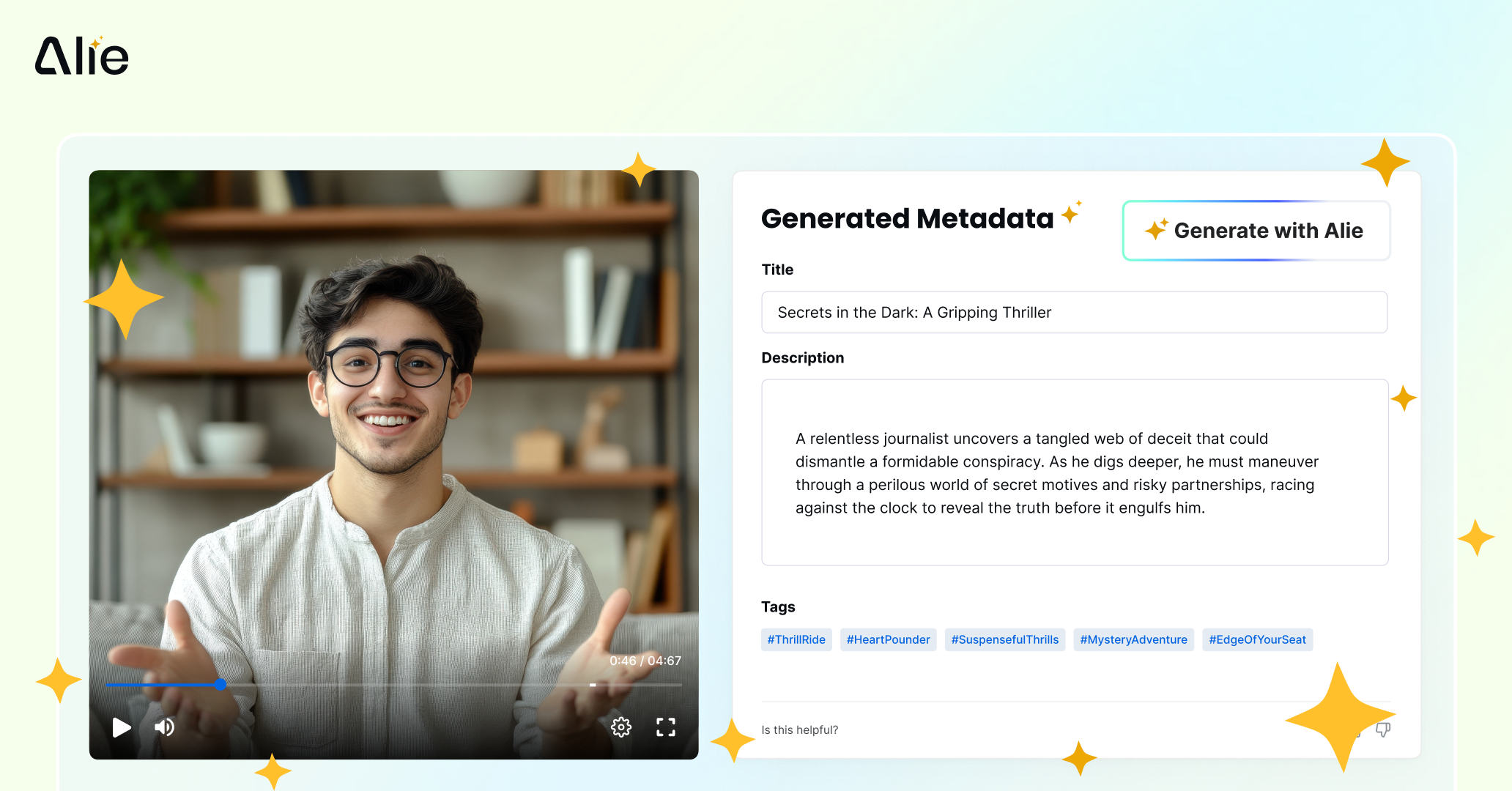
Organizations that integrate AI metadata generation see measurable gains in efficiency, accuracy, and user experience. The following benefits explain why adoption is accelerating.
Dramatic Time Savings
A digital asset manager might spend 3–5 minutes tagging a single stock photo. For a library of 100,000 images, that translates to months of labor. An AI metadata generator completes the same task in real time, freeing teams to focus on creative strategy and quality assurance. One major e-commerce brand reduced product image tagging from 10 seconds per SKU to less than 0.5 seconds after implementing AI, saving an estimated $2.4 million annually.
Consistency Across Large Volumes
Human taggers inevitably apply inconsistent terminology—one might tag “automobile,” another “car.” AI systems enforce controlled vocabularies, ensuring every asset adheres to the same taxonomy. This consistency is critical for faceted search and automated content publishing.
Enhanced Discoverability and SEO
Automatically generated metadata such as alt text, image captions, and structured data markup directly improves SEO. Pages with well-tagged images rank better in image search, and schema.org metadata generated by AI can power rich results. An AI metadata generator that outputs JSON-LD for articles, videos, or products helps search engines understand content context without manual coding.
Support for Accessibility Compliance
Alt text and video captions are legal requirements under ADA and WCAG. AI can produce initial alt text and transcriptions that human reviewers then refine, accelerating compliance while maintaining accuracy. Some generators are specifically trained to produce descriptive alt text that goes beyond object labeling to convey meaning and function.
Intelligent Content Recommendations
Rich metadata enables more accurate recommendation engines. A streaming platform using AI metadata to understand video themes, actors, and emotional arcs can offer hyper-personalized suggestions, increasing watch time and subscriber retention.
Limitations and Risks to Consider
Despite their power, AI metadata generators are not flawless. Being aware of the limitations helps you design proper governance.
Bias and Fairness Issues
If a computer vision model was trained predominantly on Western imagery, it may mislabel cultural artifacts or underperform on darker skin tones. This can lead to offensive or exclusionary tags. Regularly auditing outputs and supplementing training data with diverse examples is essential.
Accuracy Gaps in Specialized Domains
General-purpose AI models struggle with highly specialized content like medical scans, legal documents, or industrial schematics. In such cases, a custom-trained AI metadata generator or a human-in-the-loop review process is necessary. For instance, a radiologist still needs to verify AI-generated tags on X-rays.
Over-reliance on Visual Signals
AI can miss sarcasm, irony, or abstract concepts in images. A photograph of an empty chair might evoke loneliness, but the AI might simply label it “chair, indoor.” Creative industries often require human curators to add emotional or conceptual metadata.
Privacy and Intellectual Property Concerns
Uploading assets to cloud-based AI metadata generators raises data sovereignty questions. On-premise or private cloud deployment options are preferable for sensitive content. Additionally, facial recognition features must be handled carefully to comply with GDPR and similar regulations; many organizations disable this function entirely.
AI Metadata Generator vs. Traditional Manual Tagging: A Comparison

The table below summarizes how AI-driven metadata generation stacks up against manual methods and rule-based automation.
| Factor | Manual Tagging | Rule-Based Automation | AI Metadata Generator |
|---|---|---|---|
| Speed | Seconds to minutes per asset | Instant, but only predefined rules | Milliseconds to seconds per asset |
| Accuracy | High, but human fatigue reduces | High for simple patterns | High, but may miss nuance |
| Scalability | Poor – linear with volume | Good, but breaks on new types | Excellent – handles millions easily |
| Consistency | Variable across taggers | Perfect within rules | Very high, vocabulary controlled |
| Depth of Metadata | Deep, can include abstract concepts | Shallow, limited to file names/dates | Broad, many dimensions covered |
| Adaptability | Humans adapt quickly to new themes | Requires rule updates | Requires retraining for new domains |
| Cost at Scale | Very high | Low to moderate | Moderate (investment in AI platform) |
The comparison shows that an AI metadata generator offers the best balance of speed, scale, and consistency for most enterprise scenarios, but it demands investment in quality assurance workflows.
Top AI Metadata Generator Tools and Platforms
Many platforms now bundle AI metadata generation as a standard feature. Here are several categories, with examples that can be compared based on your use case.
Standalone AI Metadata APIs
Cloud vision providers like Google Cloud Vision API, Amazon Rekognition, and Microsoft Azure Cognitive Services offer raw metadata outputs. You send an image or video and receive labels, OCR text, and safe search flags. These are building blocks that developers integrate into custom applications. They support batch processing and are cost-effective for high-volume, developer-led projects.
Integrated Digital Asset Management (DAM) Systems
Enterprise DAM platforms such as Bynder, Canto, and Adobe Experience Manager Assets embed AI metadata generators directly into their interface. Users upload assets, and the system automatically tags them with configurable taxonomies. This solution is ideal for marketing teams that need a unified asset library without tinkering with APIs.
Specialized Image and Video Tagging Tools
Tools like Clarifai, Imagga, and Vidrovr focus on specific media types. Clarifai allows custom model training on your own dataset, making it suitable for niche industries. Imagga offers a hybrid approach with auto-tagging and human moderation. Vidrovr specializes in multimodal video indexing, detecting objects, actions, and text within frames and audio.
AI Metadata for SEO and Content Management
WordPress plugins such as Image SEO Optimizer and Yoast’s companion tools automatically generate alt text and image titles using AI. For Shopify stores, apps like SEO Image Optimizer use AI to create SEO-friendly metadata for product images. These tools are geared toward improving search visibility with minimal effort.
When evaluating these platforms, consider factors like language support, custom taxonomy integration, on-premise deployment, and pricing models (per image, per hour, or subscription).
Practical Guide: Implementing an AI Metadata Generator in Your Workflow
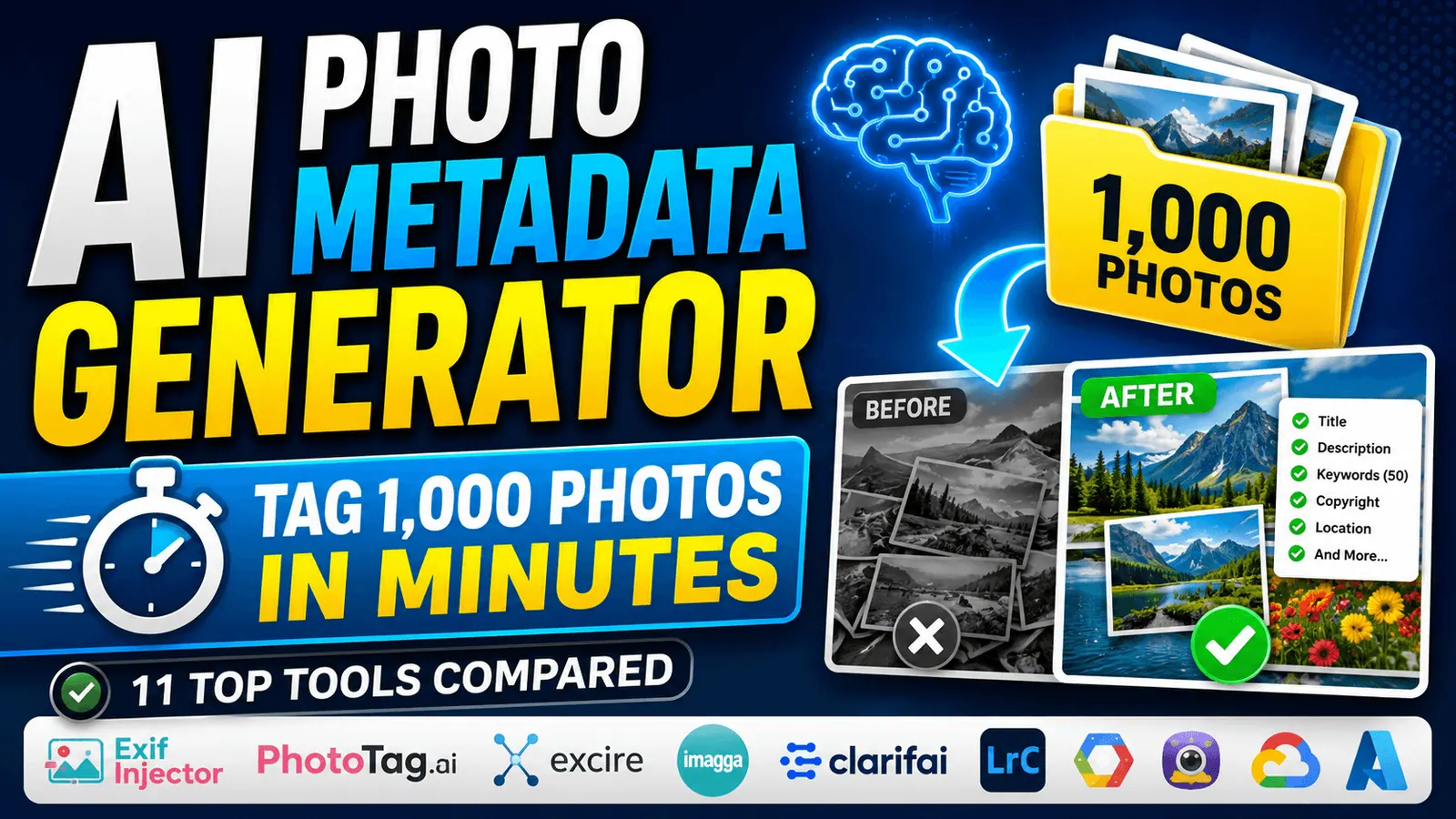
Rolling out AI metadata generation isn’t just about buying a tool; it requires a thoughtful implementation to maximize ROI. Follow these steps for a smooth transition.
Step 1: Define Your Metadata Schema
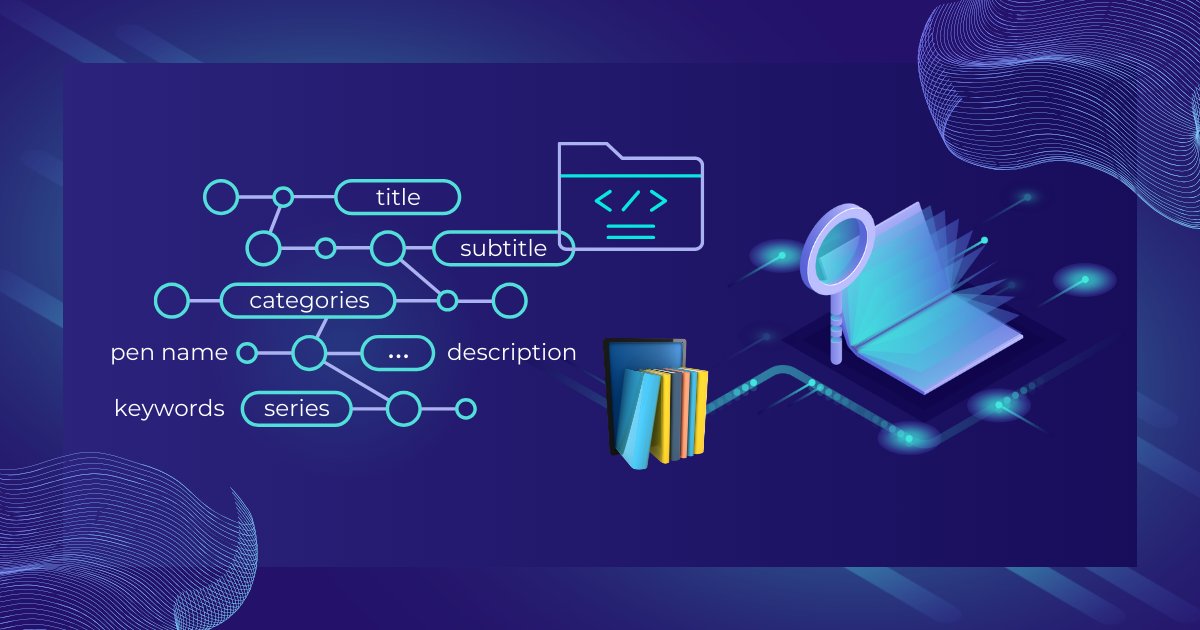
Start with the end in mind. Map out the metadata fields you need: title, description, keywords, category, location, persons, copyright status, and custom tags like product SKU. Align this schema with your DAM or CMS so the AI outputs exactly what your system expects. Without a clear schema, you’ll get a jumble of tags that don’t integrate well.
Step 2: Choose the Right AI Metadata Generator for Your Media Types
If you primarily handle product photos, a general vision API might suffice. For long-form videos, look for a tool that combines scene detection, speech-to-text, and facial recognition. For multilingual document archives, prioritize strong OCR and language detection. Many organizations end up stitching multiple services together, but some DAMs offer a single pane of glass.
Step 3: Configure Taxonomies and Controlled Vocabularies
Most enterprise AI generators let you define a custom taxonomy or map the AI’s recognized concepts to your terms. For instance, you can map the AI label “auto” to your preferred term “car.” This ensures consistency. Spend time refining the mapping, and consider using a knowledge graph to handle synonyms and hierarchical relationships.
Step 4: Set Up a Human-in-the-Loop Review
Even the best AI metadata generator will make mistakes. Establish a lightweight review queue where newly tagged assets can be spot-checked. Some tools assign confidence scores; you can route low-confidence tags to human reviewers while publishing high-confidence ones immediately. This hybrid approach catches errors without negating the speed benefit.
Step 5: Monitor, Audit, and Refine
Regularly sample AI-tagged assets and compare against a gold standard set. Track precision and recall over time. If certain object classes are consistently mislabeled, consider retraining the model or adding more examples. Use feedback loops where reviewers correct tags, and that data is used to improve the AI (if the platform supports active learning).
Common Mistakes When Using AI Metadata Generators
Even experienced teams can undermine the value of AI metadata. Avoid these pitfalls.
Important Notes for Maximizing AI Metadata Generator Success
Beyond the basic implementation steps, several strategic considerations can elevate your results.
Combine AI with Structured Data Templates: For recurring asset types (e.g., weekly product shots), create templates that auto-populate fields like brand, category, and photographer, while AI handles variable elements like colors and objects. This hybrid approach reduces AI load and improves consistency.
Use AI Metadata to Feed Analytics: The tags generated aren’t just for search—they form a rich dataset for content analytics. By analyzing which visual themes correlate with engagement, you can inform creative decisions. An AI metadata generator can thus become a strategic insight tool.
Plan for Scalability from Day One: Choose a solution that can handle your projected growth. If you expect to go from 100k to 10 million assets, ensure the API or platform offers auto-scaling and doesn’t charge prohibitively high per-asset fees at volume.
Stay Current with Model Updates: AI models improve rapidly. The object detection model you’re using today might be obsolete in a year. Platforms that offer regular model updates without migration headaches are preferable. If you’re using a custom model, schedule periodic retraining with fresh data.
Frequently Asked Questions About AI Metadata Generators
What exactly does an AI metadata generator do?
It automatically analyzes the content of digital files such as images, videos, audio, and documents, and then assigns labels, descriptions, keywords, and technical data. The process uses computer vision, speech recognition, and natural language processing to understand the file’s contents and generate structured metadata without manual input.
Can an AI metadata generator write SEO-friendly alt text for images?
Yes, many tools can produce descriptive alt text that follows basic SEO best practices. However, the quality varies. The best AI metadata generators create contextual alt text that describes what is happening in the image and its relevance, not just listing objects. Always review AI-generated alt text to ensure it’s helpful to users and avoids keyword stuffing.
Is my data safe when using a cloud-based AI metadata generator?
Security depends on the provider. Reputable enterprise platforms offer encryption in transit and at rest, SOC 2 compliance, and data processing agreements that align with GDPR. For highly sensitive assets, consider on-premise or private cloud deployments where files never leave your controlled environment. Always review the vendor’s data handling policies.
How accurate are AI metadata generators compared to human taggers?
For broad, objective tagging—like identifying objects, logos, or text—leading AI models now rival or exceed human accuracy on standard benchmarks. However, humans still excel at capturing subtle emotional tone, irony, or highly specialized domain concepts. A hybrid model, where AI handles initial tagging and humans curate the results, combines the speed of machines with the nuance of people.
Can I train an AI metadata generator to recognize industry-specific terms?
Many enterprise AI platforms allow custom model training. You provide labeled examples of your unique products, documents, or visuals, and the system learns to recognize those specific entities. This is especially valuable in manufacturing, healthcare, and legal tech where off-the-shelf models lack domain knowledge.
Does AI metadata generation work for audio-only files?
Yes, audio metadata generators use speech-to-text to transcribe spoken words, then apply NLP to extract keywords, topics, and sentiment. They can also detect languages, identify speakers (with enrollment), and recognize background sounds like music or applause. The output is a rich set of tags that make podcasts and call recordings searchable.
The Strategic Impact of AI-Driven Metadata
Beyond operational efficiency, an AI metadata generator fundamentally changes how organizations manage knowledge. By making every piece of content instantly discoverable, it reduces duplication, prevents asset loss, and enables new content monetization models. Media companies can automatically tag archival footage and license it to producers based on specific scene descriptions. E-commerce retailers can generate dynamic product attributes that power faceted search without manual data entry. Educational platforms can auto-index lecture videos, linking every mention of a concept across thousands of hours of content.
As digital libraries swell, the ability to automatically structure unstructured data will become a competitive necessity. Companies that embrace AI metadata generation today are building the foundation for advanced AI applications tomorrow—from personalized content delivery to automated compliance monitoring. The key is to start with a clear strategy, choose the right tool for your specific assets, and maintain a thoughtful balance between automation and human oversight.
Ultimately, an AI metadata generator is not about replacing people but empowering them. It shifts human effort from repetitive manual tagging to higher-value curation, governance, and creative application of metadata insights. That shift, when executed well, transforms metadata from a cost center into a strategic asset.
Xem thêm:
- AI SEO Crawl Budget: The Complete Guide to Smarter Crawling in 2025
- AI SEO Writing: The Complete Guide to Ranking Smarter with Machine Assistance
- AI SEO Structured Data Generator: The Complete Guide to Automated Schema Markup
- AI SEO Content Freshness: The Complete Guide to Keeping Your Rankings Alive in 2025
- How to Use DeepSeek for SEO: The Complete Guide to AI-Powered Optimization
Bài viết cùng chủ đề:

AI SEO SEO Automation with Make: The Complete Workflow Guide

AI SEO SEO Automation with Zapier: The Complete Workflow Guide

AI SEO SEO Automation with n8n: The Complete Workflow Guide
AI SEO SEO Automation with Gemini: The Complete Guide to Scaling Organic Growth

AI SEO SEO Automation with Claude: The Complete Guide to Scaling Content in 2025

AI SEO SEO Automation with ChatGPT: The Complete Playbook for 2025

AI SEO & SEO Automation for Affiliate Sites: The 2025 Playbook for Passive Income Growth
AI SEO & SEO Automation for Bloggers: The Complete Guide to Scaling Your Content

AI SEO & SEO Automation for Agencies: The Complete 2025 Playbook

AI SEO and SEO Automation for Ecommerce: The Complete Playbook for 2025

AI SEO & SEO Automation for WordPress: The Complete Playbook for 2025
AI SEO SEO Automation Strategy: The Complete Playbook for 2025

Mastering the AI SEO SEO Automation Process: A Complete Guide to Scaling Organic Growth
AI SEO SEO Automation System: The Complete Guide to Scaling Organic Growth in 2025
AI SEO SEO Automation Platform: The Complete Guide to Scaling Organic Growth in 2025
AI SEO SEO Automation Software: The Complete Guide to Scaling Organic Growth in 2025















