
No products in the cart.
AI Outline Generator: The Complete Guide to Structuring Content in Seconds
29
Jul
Jul
An AI outline generator transforms a blank page into a logical, ready-to-write structure in under a minute. Content teams, students, and business professionals now rely on these tools to eliminate the guesswork from planning blog posts, essays, reports, and video scripts. Instead of staring at a cursor, you feed a topic and a few parameters into the software. The system then scans vast patterns of successful structures and delivers a detailed skeleton tailored to your specific goal. The real advantage lies not just in speed, but in the quality of the thinking framework it provides.
What Is an AI Outline Generator?
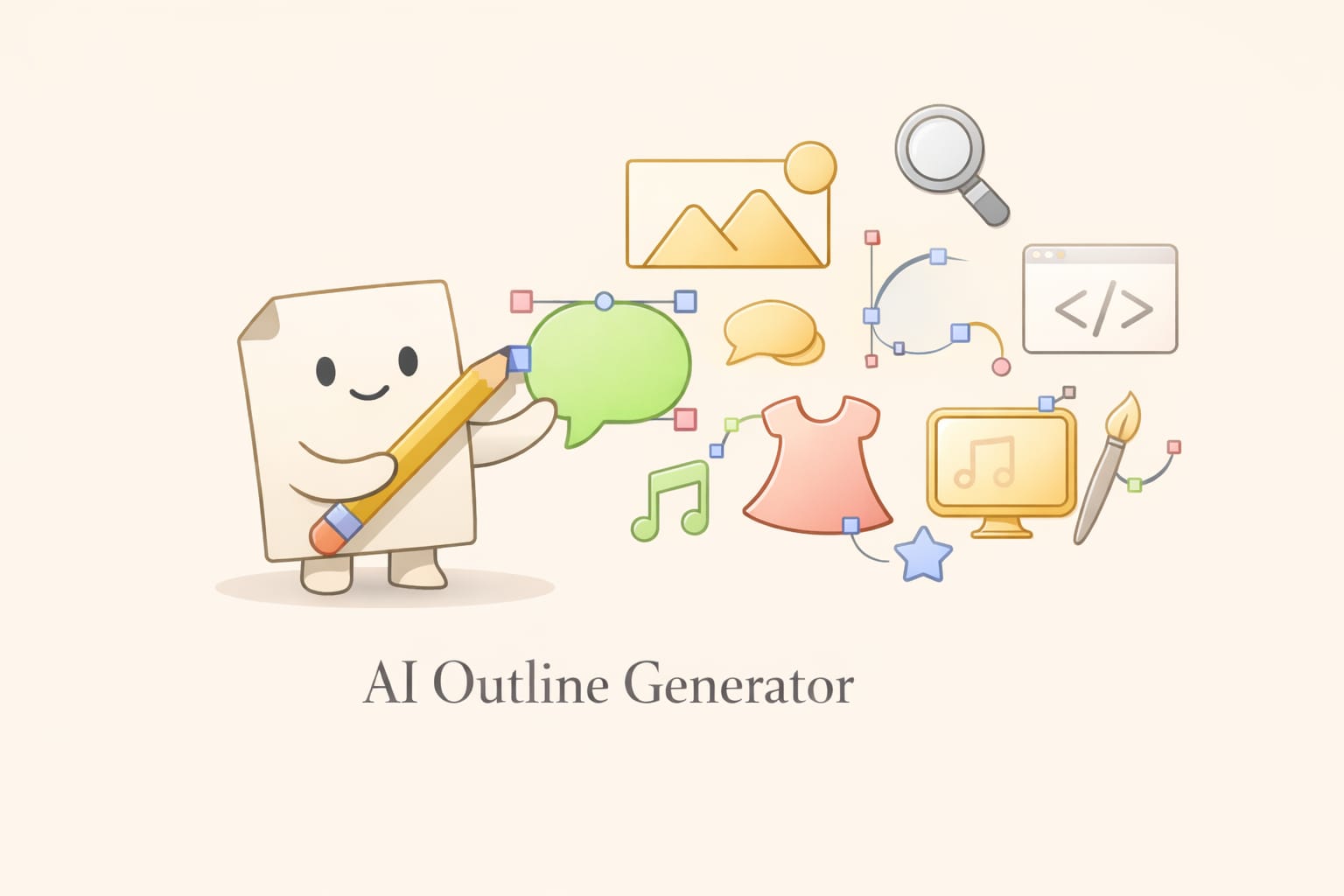
An AI outline generator is a software tool that uses machine learning and natural language processing to create a hierarchical structure for a piece of content. The user provides a main topic, and optionally a target audience, content type, or tone, and the generator returns a series of headings and subheadings. These are not random suggestions; they are derived from analyzing top-performing content, semantic relationships, and search intent data.
Unlike a simple template, an AI outline generator adapts to the subject. For instance, a product review outline will look fundamentally different from a step-by-step tutorial outline, even on the same broad theme. The best tools do more than list headings. They often suggest supporting points, relevant questions to answer, and estimated word counts for each section. This turns a vague idea into a clear roadmap that a writer can execute quickly.
The Technology Behind the Tool
Most AI outline generators are built on large language models, such as GPT-4, fine-tuned on content datasets. They understand topic clusters and the way human readers consume information. The process involves semantic analysis, where the system identifies the core entities and their relationships. For example, an outline for “email marketing strategies” will naturally pull in concepts like segmentation, open rates, drip campaigns, and A/B testing. This goes beyond keyword stuffing; it reflects a deep structural understanding of the domain.
How an AI Outline Generator Works: The Step-by-Step Process
The workflow of a typical AI outline generator is deceptively simple, but it involves several sophisticated layers. Understanding these steps helps you use the tool more effectively.
Input interpretation: The system receives your topic. Advanced generators allow you to specify content type (blog post, white paper, landing page), target audience (beginner, expert), and even the desired angle. This primes the model.
Data retrieval and pattern matching: The generator does not search the live web in real time (unless connected to a retrieval system). Instead, it draws from its training data, which includes millions of content pieces. It identifies the most common structural patterns for your query type.
Hierarchy construction: It builds a parent-child structure. The H2 headings represent major pillars, and H3 or H4 subheadings break down those pillars into digestible sub-topics. The AI prioritizes logical flow—background information usually comes first, followed by deeper analysis or practical steps.
Enrichment with points: Quality tools will add bullet points or short notes under each heading. These are not full paragraphs but serve as a reminder of what to cover. For example, under “Measuring ROI,” the generator might add: “mention CAC, LTV, and attribution models.”
Output formatting: The final outline is presented in a clean hierarchical format, often exportable as Markdown, plain text, or directly into a document editor.
Types of AI Outline Generators Available Today
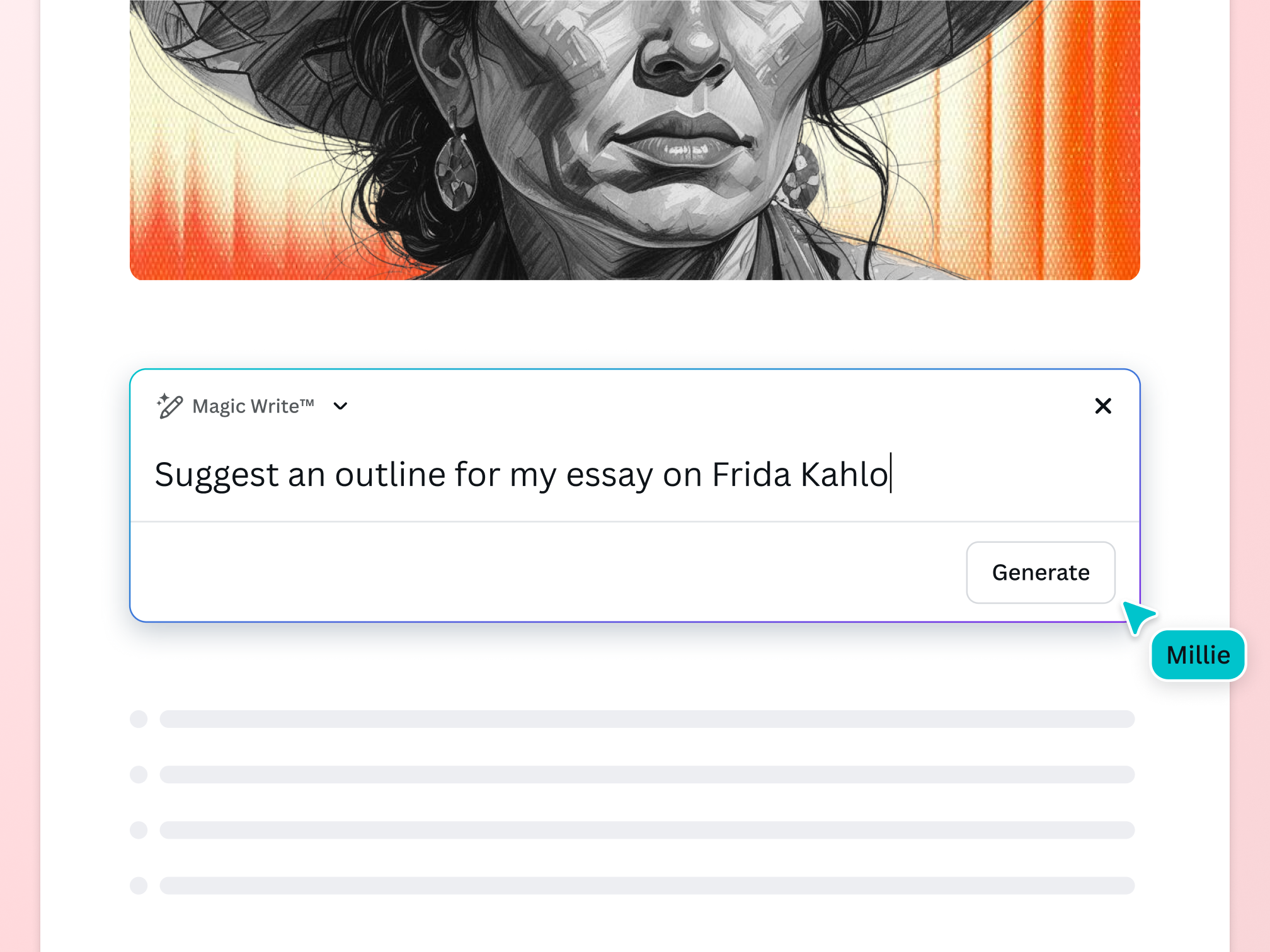
The market offers several distinct approaches to generating outlines. Choosing the right type depends on your workflow and primary use case.
| Type | Description | Best For |
|---|---|---|
| Standalone AI outline tools | Dedicated platforms like Friday.app or Taskade’s AI assistant, focused solely on structure creation. | Writers who need quick, distraction-free outlines. |
| Integrated writing assistants | Tools like Jasper, Writesonic, or Copy.ai that have outline generation as one feature within a full content suite. | Teams wanting an all-in-one content creation ecosystem. |
| SEO-focused content optimizers | Platforms like Surfer SEO, Frase, or NeuronWriter that build outlines based on top-ranking pages’ structures. | SEO specialists who need outlines perfectly aligned with search intent. |
| General-purpose AI chatbots | ChatGPT, Claude, Gemini can generate outlines when prompted correctly. | Users comfortable with crafting detailed prompts. |
SEO-Optimized vs. Creative Outlines
SEO-driven AI outline generators analyze the top 10 or 20 search results for a keyword. They extract common headings, frequently asked questions, and content gaps. The output is a blueprint designed to rank. Creative generators, on the other hand, focus on narrative arc and originality, often used for fiction or thought leadership. Many writers blend both: an SEO backbone enriched with creative angles.
Key Benefits of Using an AI Outline Generator
The shift from manual outlining to AI-assisted structuring yields measurable gains across content operations. These benefits go well beyond saving a few minutes.
- Eliminates writer’s block. The hardest part of writing is often starting. A solid outline provides immediate direction and a series of small, achievable tasks.
- Ensures comprehensive coverage. The generator surfaces sub-topics you might have missed, reducing the risk of thin content that fails to satisfy user intent.
- Improves content organization. It enforces a logical flow from introduction to conclusion, which boosts readability and time on page.
- Speeds up research. By identifying what subtopics matter, you know exactly what to research, avoiding rabbit holes.
- Scalable production. Teams can produce 3x more briefs in the same time, making large content calendars manageable.
- Better SEO alignment. SEO-specific generators incorporate semantic keywords and heading structures that match what search engines expect.
- Formulaic structures. Since the AI learns from existing content, outlines might lack originality. Every blog post on “best productivity apps” could start looking identical.
- Outdated information. Training data has a cutoff. For fast-moving industries, the suggested subtopics may miss recent developments or trends.
- Lack of nuance. The generator doesn’t know your unique angle, brand voice, or a specific case study you want to highlight. It provides a skeleton, but the flesh must come from your expertise.
- Over-optimized for SEO. Some tools may recommend headings that feel forced or unnatural when you try to write the actual text, leading to a poor reading experience.
- Contextual blindness. If you are writing for a hyper-niche audience, generic outlines may miss the deep technical details your readers expect.
- The exact topic and angle: “A complete guide to pour-over coffee for absolute beginners.”
- Content type: “Blog post, 2000 words, instructional.”
- Target audience: “People who have never brewed coffee manually.”
- Specific questions to answer: “Include sections on water temperature, grind size, and common mistakes.”
- Tone: “Friendly and encouraging, not pretentious.”
- Digital marketing agencies: Creating dozens of monthly content briefs for clients, each with a consistent format and SEO structure.
- E-learning and course creation: Building lesson plans and module outlines for online courses in minutes, ensuring curriculum coverage.
- Academic writing support: Students use it to structure essays, thesis chapters, and literature reviews, though they must write the content themselves to maintain integrity.
- Video scriptwriting: YouTubers and corporate video producers generate outlines for intros, key points, B-roll ideas, and calls to action.
- Business reports and proposals: Consultants structure client deliverables with consistent, persuasive frameworks.
- Book authors: Novelists and non-fiction writers use AI to break a book idea into chapter outlines and scene beats.
- Accepting the first draft without critique. The outline is a starting point, not a finished blueprint. Always spend 10 minutes improving it.
- Ignoring the target audience. If you don’t specify audience, the AI assumes a general reader. This can lead to an outline that is too basic or too advanced.
- Overloading headings with keywords. Some SEO tools suggest headings stuffed with keywords. This reads badly. Always rephrase to natural language while preserving the topic.
- Skipping the “why” sections. AI sometimes focuses on “what” and “how” but neglects “why it matters.” Add a rationale section where needed to boost engagement.
- Not checking for factual accuracy. The AI may suggest covering a statistic or a case study that doesn’t actually exist in the way described. Verify everything before writing.
- Using the same outline for similar topics. If you write about “email marketing” and “email marketing for SaaS,” manually differentiate the outlines. The AI may reuse 70% of the same structure.
Limitations and Potential Pitfalls to Watch For
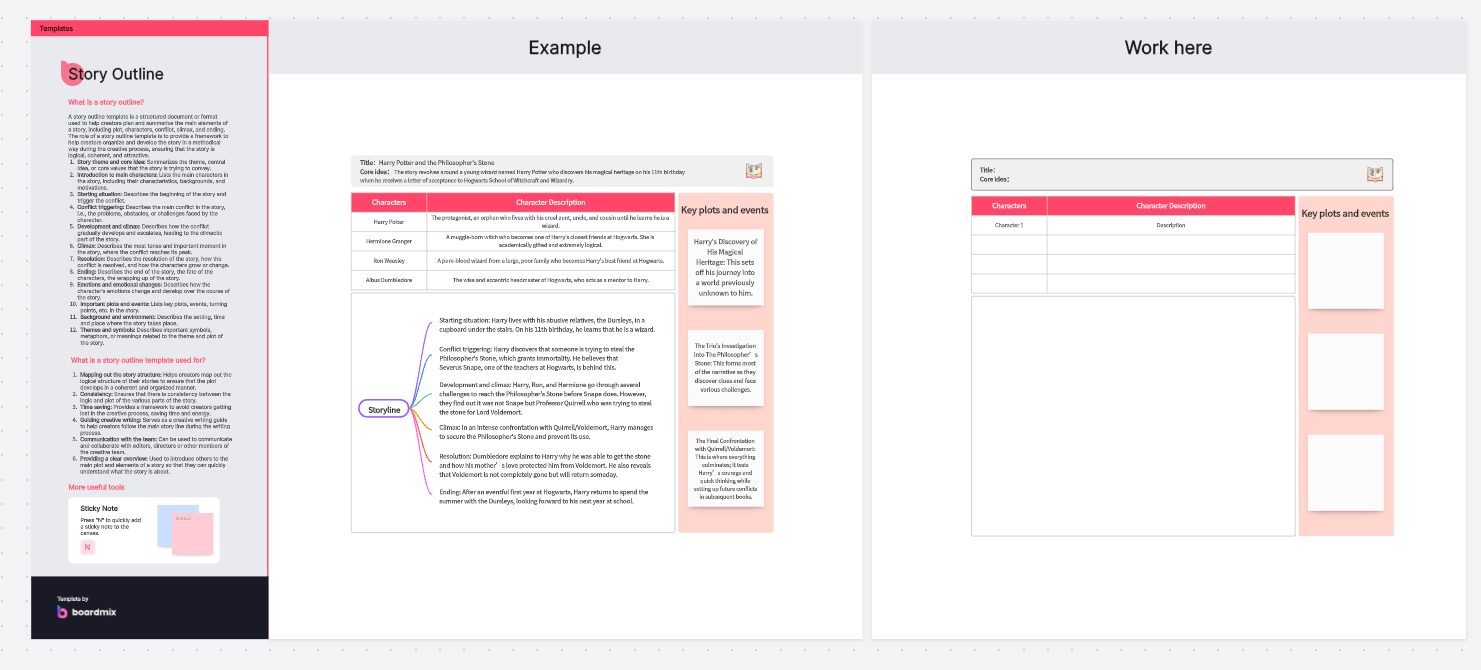
While powerful, an AI outline generator is not a magic wand. Relying on it blindly can lead to generic, shallow content. Recognize these limitations before integrating it into your process.
AI Outline Generator vs. Manual Outlining: A Practical Comparison
It is helpful to see the differences side by side. The following table compares the two approaches on key criteria.
| Criterion | AI Outline Generator | Manual Outlining |
|---|---|---|
| Speed | Produces a full outline in 10–60 seconds. | Takes 20–60 minutes per piece. |
| Breadth of ideas | Surfaces many known subtopics, may miss ultra-niche angles. | Limited to the writer’s existing knowledge unless they research extensively. |
| Originality | Tends toward common patterns; can be generic. | Highly original, reflecting personal insight. |
| SEO alignment | Excellent when using SEO-specific tools. | Depends entirely on the writer’s SEO knowledge. |
| Consistency | Standardized structure every time. | Varies with writer’s experience and mood. |
| Best use case | High-volume content, SEO blogs, standardized reports. | Thought leadership, unique angles, fiction. |
The most effective workflow is a hybrid: use an AI tool to draft the skeleton quickly, then manually refine it. Add your original research, remove redundant sections, and inject your unique perspective. This gives you both efficiency and authenticity.
Step-by-Step: How to Use an AI Outline Generator for Maximum Results
Getting a usable outline requires more than typing a keyword. Follow this practical process to generate a solid foundation every time.
1. Prepare a Detailed Prompt
Whether you use a dedicated tool or a chatbot, the prompt is everything. A weak prompt like “create an outline about coffee” yields generic results. A strong prompt specifies:
2. Choose the Right Tool for the Job
If your primary goal is to rank on Google, use an SEO content optimizer like Frase or Surfer. These will give you an outline enriched with terms and headings from top-ranking pages. If you need a creative structure for a narrative piece, a general chatbot with a very descriptive prompt may perform better.
3. Review and Reorder the Generated Structure
AI often produces outlines in a logical but not optimal order. Scan the H2s and ask: Does this flow naturally? Should the “benefits” come before or after the “how-to” section? Rearrange headings to match your story arc.
4. Inject Your Own Sub-Points and Data
An AI outline generator gives broad strokes. Go through each heading and add the specific data you plan to include: statistics, quotes from experts, personal anecdotes, or step-by-step instructions. This is where the outline becomes uniquely yours.
5. Identify Content Gaps
Search the topic yourself for 10 minutes. Are there emerging trends or counterarguments the AI missed? Add new sections to cover them. This ensures your piece is more up-to-date than what the training data contained.
6. Estimate Word Count per Section
To maintain balance, assign approximate word counts. For a 2000-word article, your introduction might be 150 words, each of four main sections about 400 words, and the conclusion 150. This prevents over-developing one part and skimming over another.
Top Industries and Use Cases for AI Outline Generators
The versatility of this technology makes it valuable far beyond blogging. Here are real-world applications across sectors.
Common Mistakes When Using an AI Outline Generator and How to Avoid Them
Even a great tool can produce poor results if used incorrectly. Watch for these frequent missteps.
Important Notes for Getting the Most from Your AI Outline Generator
To integrate this tool into a professional content workflow, keep the following principles in mind.
Combine data from multiple sources. If you use a dedicated SEO tool, also run the topic through a general chatbot to see if any creative angles emerge. Cross-pollinating ideas leads to richer outlines.
Keep a human in the loop for final approval. An editor or subject matter expert should review every AI-generated outline before a writer begins. This gatekeeping prevents factual errors and ensures brand alignment.
Document your base prompts. Create a library of prompt templates for your common content types. This saves time and ensures consistent output quality across your team.
Respect copyright and originality. An AI outline generator creates structures, not text. The final article must be written in your own words. Directly copying headings from competitor pages, even if suggested by an AI, can lead to legal and ethical issues.
Monitor performance and iterate. After publishing articles built from AI outlines, track metrics like bounce rate and time on page. If certain sections consistently underperform, adjust your prompts to alter the future outline structure.
Frequently Asked Questions About AI Outline Generators
What is the best AI outline generator for blog posts?
The best tool depends on your needs. For SEO-focused blogs, Frase and Surfer SEO are industry leaders because they create outlines based on real-time SERP analysis. For general content, Jasper and Copy.ai offer intuitive outline features within a broader writing platform. Free options like ChatGPT with a well-crafted prompt also produce competent outlines for most non-specialized blog topics.
Can an AI outline generator replace a human content strategist?
No. A generator can speed up the structural work, but a human strategist brings audience empathy, brand understanding, and creative direction that AI lacks. The strategist decides the angle, the unique value proposition, and how the content fits into a larger funnel. The AI is a powerful assistant, not a replacement.
How do I make an AI outline generator produce more creative outlines?
Use prompts that explicitly ask for unusual angles, analogies, or narrative frameworks. For example: “Create a blog post outline about time management for freelancers, using the metaphor of a financial budget. Include sections that map time to money, discuss ‘time debt,’ and offer a ‘time investment plan.’” Specific, creative constraints force the AI to break away from standard patterns.
Is it ethical to use an AI outline generator for academic work?
This is a gray area. Using an AI to suggest a structure for an essay can be acceptable as a brainstorming aid, but submitting work where the AI heavily influenced the content may violate academic integrity policies. Students should always check their institution’s guidelines and ensure they write the actual paper themselves, using the outline only as a loose guide.
Do AI outline generators work for non-English content?
Most leading tools support multiple languages, but the quality varies. English outlines benefit from the largest training datasets. For languages like Spanish, German, or Japanese, the structures may be less nuanced. Always review outlines in non-English languages with a native speaker to catch unnatural phrasing or missing local context.
Can an AI generate an outline with citation suggestions?
A few advanced research-oriented tools, like Elicit or Consensus, aim to provide citation-backed outlines for academic or scientific content. However, mainstream AI outline generators typically do not suggest specific sources. If you need references, you will have to locate them during the writing phase.
Conclusion
The AI outline generator has moved from a novelty to a core component of modern content creation. It removes the friction of starting, ensures thorough topic coverage, and enforces a logical flow that readers appreciate. Yet its real power unlocks only when paired with human judgment. The best outlines are those that begin with an AI’s broad pattern recognition and end with a writer’s refined touch—reshaping, personalizing, and deepening the structure. Whether you are a solo blogger, a marketing team lead, or an educator designing a course, this technology gives you a dependable starting point every time you face a blank page.
Xem thêm:
- AI SEO for Events: The Complete Guide to Boosting Attendance in 2025
- AI SEO Alerts: The Ultimate Guide to Automated Search Monitoring and Real-Time Warnings
- AI SEO NLP Keyword Analysis: The Complete Guide to Smarter Search Rankings
- AI Ecommerce Content: The Complete Guide to Scaling Product Copy, SEO, and Sales
- AI SEO Lead Generation: The Complete Playbook for 2025
Bài viết cùng chủ đề:

AI SEO SEO Automation with Make: The Complete Workflow Guide

AI SEO SEO Automation with Zapier: The Complete Workflow Guide

AI SEO SEO Automation with n8n: The Complete Workflow Guide
AI SEO SEO Automation with Gemini: The Complete Guide to Scaling Organic Growth

AI SEO SEO Automation with Claude: The Complete Guide to Scaling Content in 2025

AI SEO SEO Automation with ChatGPT: The Complete Playbook for 2025

AI SEO & SEO Automation for Affiliate Sites: The 2025 Playbook for Passive Income Growth
AI SEO & SEO Automation for Bloggers: The Complete Guide to Scaling Your Content

AI SEO & SEO Automation for Agencies: The Complete 2025 Playbook

AI SEO and SEO Automation for Ecommerce: The Complete Playbook for 2025

AI SEO & SEO Automation for WordPress: The Complete Playbook for 2025
AI SEO SEO Automation Strategy: The Complete Playbook for 2025

Mastering the AI SEO SEO Automation Process: A Complete Guide to Scaling Organic Growth
AI SEO SEO Automation System: The Complete Guide to Scaling Organic Growth in 2025
AI SEO SEO Automation Platform: The Complete Guide to Scaling Organic Growth in 2025
AI SEO SEO Automation Software: The Complete Guide to Scaling Organic Growth in 2025















