
No products in the cart.
The Ultimate Guide to AI SEO WordPress Plugins: Automate Rankings and Smart Content Strategy
29
Jul
Jul
Artificial intelligence has reshaped search engine optimization, and now These tools take the guesswork out of on‑page optimization, automate routine audits, and generate content briefs that match search intent in seconds. For site owners who want to scale organic traffic without adding hours of manual work, understanding how these plugins function and which ones deliver genuine results is no longer optional — it’s a competitive necessity.
By combining natural language processing, machine learning models trained on ranking data, and real‑time analysis of SERP features, modern AI SEO plugins do far more than old‑school checklists. They predict which internal links will reinforce topical authority, rewrite underperforming paragraphs while preserving your voice, and even generate schema markup that helps Google understand your content better. The goal of this guide is to walk you through every layer of that ecosystem, from core mechanics to practical implementation, so you can make an informed choice without falling for marketing hype.
What Are AI SEO WordPress Plugins?
An AI SEO WordPress plugin is a software add‑on that uses machine learning algorithms to analyze, suggest, and automate search engine optimization tasks directly within your WordPress dashboard. Unlike traditional SEO plugins that rely on static rule‑based checks — like counting keyword density or flagging missing meta descriptions — these tools interpret context, understand semantic relationships, and adapt recommendations based on live ranking signals.
The artificial intelligence component typically lives in three areas. First, natural language generation models create or optimize content snippets, titles, and descriptions by analyzing top‑performing pages. Second, predictive analytics engines assess ranking probability and suggest actions with the highest expected impact. Third, image and entity recognition algorithms scan media files to auto‑fill alt text and ensure visual content supports overall topic relevance.
These plugins integrate with the WordPress REST API, classic editor, and popular page builders, injecting AI‑powered insights into the content creation flow. Some function as standalone solutions, while others layer intelligence on top of established SEO frameworks like Yoast or Rank Math. The common thread is a shift from reactive optimization — fixing what is broken — to proactive strategy building where the plugin spots opportunities before a human reviewer would.
How AI Elevates SEO Beyond Traditional Plugins
Traditional WordPress SEO tools excel at enforcing best practices: they check headings structure, measure readability scores, and verify that every image has an alt attribute. Those checks remain valuable, but they treat every page as if it follows the same template. AI changes the game by understanding that a blog post about medical advice has different entity expectations than a product review, and it calibrates recommendations accordingly.
Semantic analysis engines inside AI SEO plugins map your content against a knowledge graph of related concepts. Instead of counting how many times you use a target keyword, they evaluate whether your text covers the subtopics that Google expects for a given query. If the top ten results for “home espresso machine maintenance” all discuss water hardness and descaling frequency, the plugin will flag that your guide is incomplete without mentioning those points — even if you never explicitly typed those keywords.
Another leap forward is automated SERP intent matching. AI models parse the dominant content type, format, and angle currently ranking. A plugin can then recommend transforming a listicle into a step‑by‑step tutorial or adding a comparison table because it detects that informational intent is shifting toward transactional. This level of real‑time adaptability simply does not exist in static optimization checklists.
Core Capabilities of the Best AI SEO Plugins
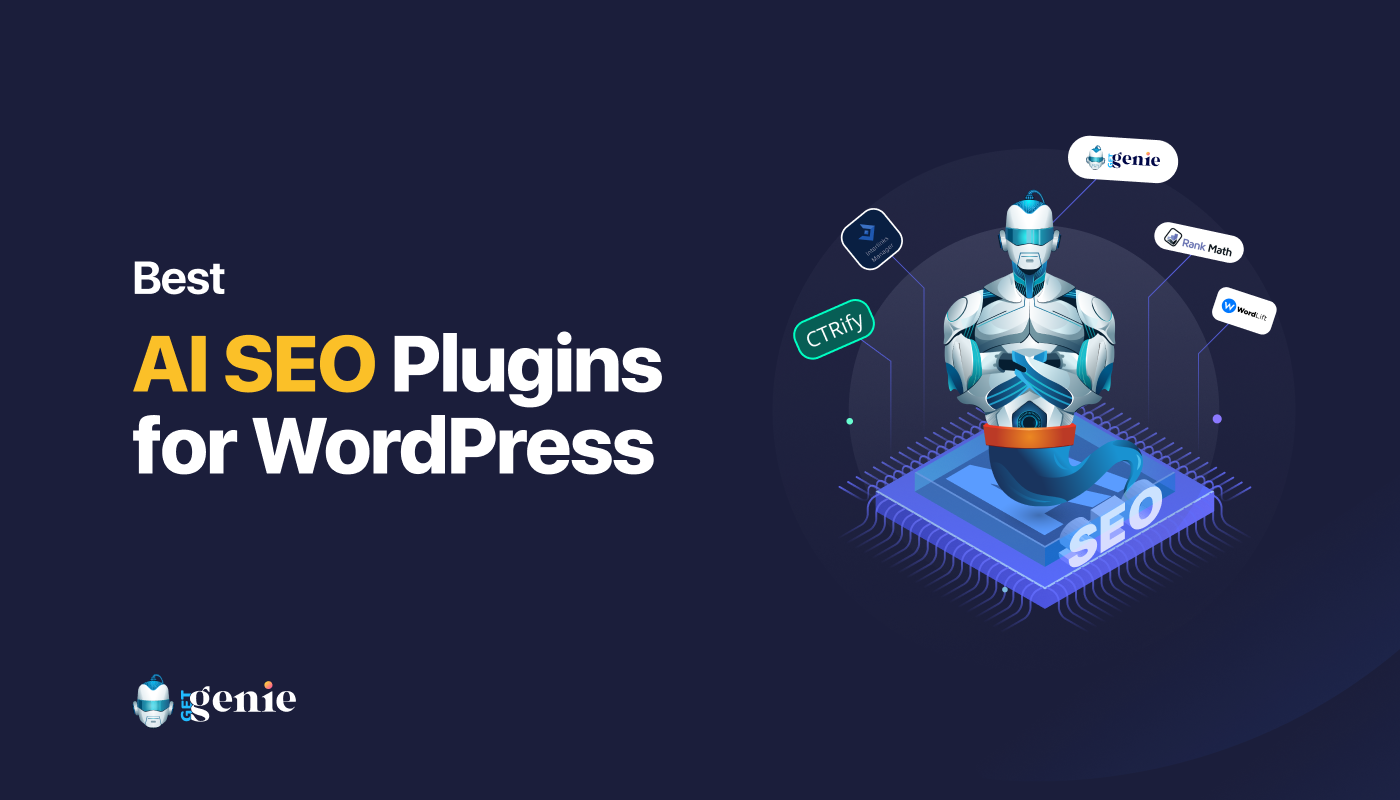
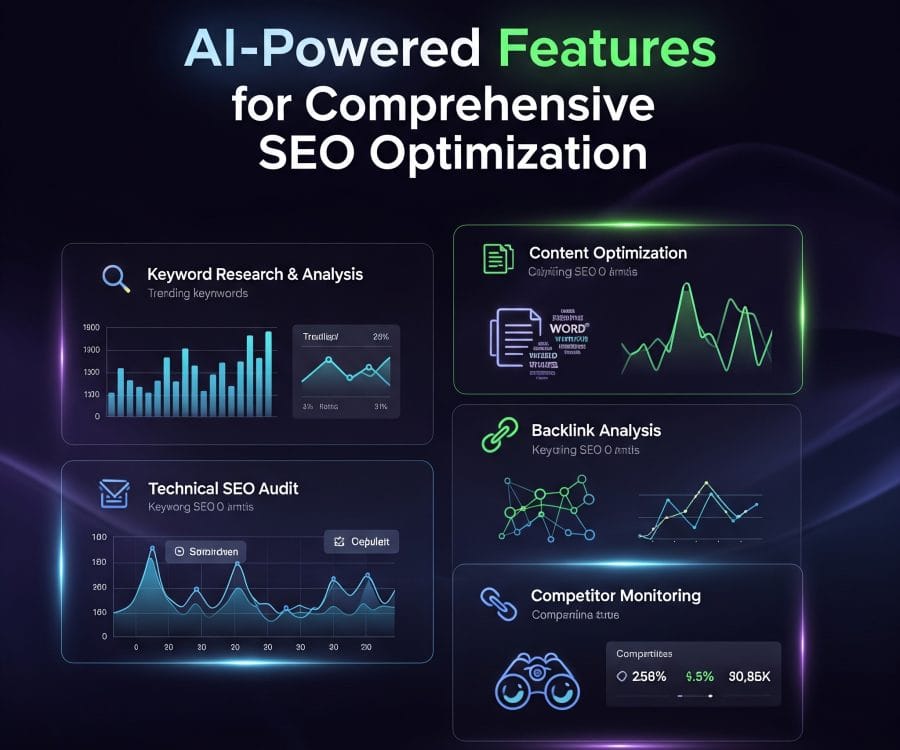
While feature sets vary, the most effective AI SEO WordPress plugins share a set of advanced capabilities that go beyond basic on‑page tweaks. Understanding these functions helps you avoid purchasing a tool that merely slaps a “powered by AI” label onto decades‑old logic.
- Intelligent keyword research and clustering: The plugin analyzes thousands of related terms and groups them into semantic clusters, suggesting pillar pages and supporting content that build topical authority instead of isolated one‑off posts.
- Auto‑generated content briefs: By scanning the current top‑ranking pages, the AI extracts must‑include headers, word count ranges, media suggestions, and question‑answer opportunities, delivering a comprehensive brief in under a minute.
- On‑page optimization with NLP scoring: Rather than a green‑light checklist, you see a content score based on how well your draft matches the language model’s understanding of topic completeness and readability for the target audience.
- Internal link recommendations: The AI crawls your existing site and suggests links that strengthen semantic bridges, not just random posts with overlapping keywords, boosting crawl efficiency and topical relevance.
- Automated schema generation: From FAQ and How‑To schemas to Article and Product markup, the plugin dynamically creates and inserts structured data aligned with the page content, improving rich snippet eligibility.
- Image SEO and alt text generation: Computer vision models describe images accurately, inserting keyword‑aware alt text that enhances accessibility and image search performance.
- Content decay monitoring and rewriting: The AI tracks traffic trends and suggests rewrites of aging content, injecting updated statistics, refreshing outdated examples, or expanding thin sections to recover lost rankings.
- Time compression: Tasks that once took hours — SERP analysis, competitor outline extraction, metadata drafting — now finish in minutes, freeing the team to focus on original research and expert commentary.
- Consistency at scale: Maintaining optimization standards across hundreds of pages becomes manageable because the AI enforces a baseline of completeness regardless of who writes the content.
- Data‑backed content decisions: Instead of guessing which subtopics matter, you have access to quantitative scoring that reflects what is actually ranking, reducing reliance on gut feeling.
- Improved E‑E‑A‑T signals: Automated schema and internal linking reinforce your site’s information architecture, helping Google understand author authority and content relationships.
- Mediocre factual accuracy: Large language models can generate plausible but incorrect statements. An SEO plugin that suggests a “best practice” based on outdated training data can steer you wrong if you accept every recommendation without vetting.
- Homogenized content risk: If every site uses the same AI‑generated outlines and keyword clusters, originality suffers. The tool should augment your expertise, not replace the unique perspective that earns backlinks.
- Credit costs and API fees: High‑volume publishers can burn through AI credits quickly, making the effective monthly cost far higher than the base subscription. Always calculate per‑article expense before committing.
- Over‑optimization traps: Chasing a perfect NLP score sometimes leads to bloated content stuffed with semantically related terms that dilute readability and bore readers. Search engines reward helpfulness, not an algorithmic checklist.
Top AI SEO WordPress Plugins Compared
The market now includes both dedicated AI‑first tools and traditional plugins that have integrated AI modules. The following table distills the major differences to help you align a solution with your specific goals, technical resources, and budget.
| Plugin Name | Standout AI Features | Pricing Model | Best Suited For |
|---|---|---|---|
| Rank Math PRO (with Content AI) | NLP‑based content scoring, AI‑powered keyword suggestions, automated FAQ schema, SERP data integration | Freemium; AI credits from $5.99/month | Bloggers and agencies wanting all‑in‑one SEO with integrated AI without switching dashboards |
| All In One SEO (AIOSEO) with AI Assistant | OpenAI integration for generating titles/descriptions, smart meta tag optimization, link assistant | Premium from $49.60/year; AI via add‑on | Users who prioritize reliability and want gradual AI adoption within a familiar interface |
| SEOPress PRO with AI | Automatic content generation for metadata, structured data types, Google Trends integration, AI‑based redirects | $49/year unlimited sites | Developers and site owners on a budget who need unlimited AI features without per‑site fees |
| WordLift | Knowledge graph creation, entity‑based internal linking, schema markup automation, content recommendation engine | From €49/month | Publisher and content‑heavy sites focused on E‑E‑A‑T and semantic search strategy |
| Surfer SEO (via plugin connector) | Full content editor with real‑time NLP scoring, SERP gap analysis, anchor text planning, audit integration | From $89/month | Content teams that need detailed briefs and want to optimize existing posts against page‑level competitor data |
| NeuronWriter | AI content drafting, internal link suggestions using NLP, content planning interface, Google NLP integration | From $19/month | Multilingual site owners needing AI writing assistance and internal linking strategy in one tool |
Each plugin in the table connects to WordPress either natively or through an API‑based plugin, meaning setup rarely requires technical expertise beyond installing and activating. The key differentiator is whether you need deep content generation features (Surfer, NeuronWriter) or prefer an all‑in‑one SEO suite with AI enhancements (Rank Math, AIOSEO).
Step‑by‑Step: Implementing an AI SEO Plugin for Maximum Impact

Getting value from an AI SEO WordPress plugin depends more on workflow integration than on activation alone. The following steps walk through a typical implementation using Rank Math’s Content AI, but the principles apply broadly across any tool you choose.
First, install the plugin from your WordPress repository or upload the premium zip. After activation, connect the AI module through the plugin’s settings panel; this usually requires an API key or account linking. You will then navigate to the SEO settings and enable Content AI features for posts, pages, and custom post types. Assign a reasonable credit allocation if your plan includes limited AI calls per month; a single post typically consumes one to three credits depending on the depth of analysis requested.
While editing a post, open the AI meta box. Enter your focus keyword or primary topic. The plugin will generate a content score and list of suggested keywords, related questions, and link opportunities pulled from live SERP data. Use the suggested headings to outline your content structure. Write your draft, periodically checking the NLP score. Instead of chasing a perfect 100, aim to cover each suggested subtopic adequately. The A
Once the draft is complete, run the link suggestion scan. Drag and drop recommended internal links into your content, ensuring they appear with natural anchor text. Then trigger the schema generator to add appropriate structured data. Preview the snippet in the SERP simulator to confirm the title, description, and URL slug are compelling and within pixel limits. Schedule a content decay review in 90 days if the plugin supports it, so you receive a reminder to refresh statistics or expand thin sections.
Benefits and Hidden Limitations of AI‑Driven SEO
The upside of adopting these tools is substantial, but a clear‑eyed look at the trade‑offs prevents frustration later. A balanced understanding separates strategic implementation from blind automation.
Key Benefits
Limitations to Watch For
Common Mistakes That Sabotage Your AI SEO Efforts
Even the most powerful plugin cannot fix flawed strategy. Several recurring errors surface among site owners who jump into AI automation without adjusting their mental model of what good SEO looks like today.
Treating AI suggestions as mandates. The tool recommends a word count range based on the average of top‑ranking pages. If you force every article to hit exactly 2,500 words when the topic needs only 800, you will produce filler. Use the number as a guideline, not a quota.
Ignoring brand voice for the sake of a score. Some AI SEO plugins suggest rephrasing sentences to increase readability metrics. If your niche audience appreciates academic depth or industry jargon, robotic simplification can erode trust. Calibrate the plugin’s target audience settings and manually override suggestions that clash with your tone.
Neglecting technical SEO fundamentals. An AI‑powered content optimizer does not fix crawl budget issues, slow server response times, or broken canonical tags. Before investing in AI tools, verify that your core technical infrastructure — site speed, mobile usability, clean navigation — meets modern standards.
Automating internal links without anchor text review. Clicking a single button to insert ten internal links feels efficient, but if the plugin pulls generic or repetitive anchor text, you miss the chance to signal topical relevance. Always scan the link list and edit anchors to be descriptive and varied.
Failing to update content brief sources. AI plugins often pull data from today’s SERP. If you create a brief but wait three months to write the article, the intent landscape may have shifted. Regenerate the analysis close to your publishing date to stay current.
Important Considerations Before You Commit
Choosing an AI SEO WordPress plugin extends beyond a feature comparison table. The following points address practical concerns that surface only after weeks of daily use.
Data privacy and API data flow. Many AI modules send your content to external servers for processing. If your site handles sensitive client information or operates under strict GDPR requirements, verify where data is transmitted and whether the plugin offers on‑device processing or a data processing agreement.
Plugin compatibility and conflict potential. Running multiple SEO‑related tools simultaneously — for example, a caching plugin with its own minification and an AI SEO plugin that inserts schema — can cause conflicts. Test thoroughly in a staging environment, and consider consolidating around a single ecosystem that covers all needs.
Training and team adoption. Writers who are accustomed to drafting freely may resist the structured approach an AI plugin imposes. Invest time in demonstrating how the content brief saves research effort and how the NLP score catches gaps early, reducing the number of revision rounds later.
Long‑term vendor viability. The AI SEO space evolves rapidly. A startup plugin with impressive demos may struggle to maintain server uptime or adapt to Google algorithm shifts. Prioritize tools with a proven track record, active community support, and transparent update logs.
Frequently Asked Questions
Do AI SEO WordPress plugins automatically write entire blog posts?
Most serious plugins focus on optimization and content brief generation rather than fully autonomous writing. They will suggest headings, meta descriptions, and paragraph improvements, but a human editor should always review and refine the output to ensure factual accuracy, unique insights, and brand voice consistency. Some tools offer AI drafting, but relying on unedited machine text risks thin‑content penalties.
Can these plugins replace hiring an SEO professional?
They significantly reduce the manual workload, but strategic decisions — topic selection, competitive gap analysis, technical audits — still require human judgment. The plugin acts as a force multiplier for an experienced team member rather than a complete replacement. For complex sites in competitive niches, combining human expertise with AI efficiency yields the best results.
How does AI‑powered schema markup affect rich snippets?
Plugins that auto‑generate schema increase the likelihood that your content qualifies for featured snippets, FAQ accordions, and how‑to walkthroughs directly in search results. Properly implemented structured data does not guarantee a rich result, but it removes the technical barrier and reduces implementation errors that can invalidate your eligibility.
Will using an AI plugin make all my content sound robotic?
Only if you accept every rewriting suggestion without filtering. The best AI SEO plugins allow you to set the tone and reading level, and you can always dismiss changes that strip personality. Use the tool to catch missing topics and structural issues; keep your own voice intact for the prose itself.
Are there free AI SEO WordPress plugins that actually work?
Some freemium plugins like Rank Math offer limited AI features without a credit card. These free tiers work well for small sites testing the waters. However, serious content operations will quickly outgrow the free allotments and need a paid plan for unlimited analysis and deeper functionality.
Conclusion
AI SEO WordPress plugins represent the evolution of optimization from a checklist‑based chore into a data‑driven creative partner. They surface content gaps you did not know existed, accelerate publishing workflows, and maintain structural health across large sites with minimal manual oversight. The real value, however, emerges only when the technology serves a clear editorial strategy rather than dictating it. Choose a plugin that matches your content volume, technical comfort, and budget, then integrate it into a workflow where human judgment always makes the final call on quality, nuance, and originality. That balance of machine efficiency and human expertise is what turns good content into sustainable search dominance.
Xem thêm:
- AI SEO Google Knowledge Graph: The Complete Guide to Dominating Search in 2025
- AI SEO Competitor Backlinks: The Complete Guide to Automated Link Gap Analysis
- AI Entity SEO: The Definitive Blueprint for Ranking in a Semantic Search World
- AI SEO Topic Authority: The Complete Guide to Dominating Search Rankings in 2025
- AI SEO Semantic Keywords: The Complete Guide to Smarter Content Optimization
Bài viết cùng chủ đề:

AI SEO SEO Automation with Make: The Complete Workflow Guide

AI SEO SEO Automation with Zapier: The Complete Workflow Guide

AI SEO SEO Automation with n8n: The Complete Workflow Guide
AI SEO SEO Automation with Gemini: The Complete Guide to Scaling Organic Growth

AI SEO SEO Automation with Claude: The Complete Guide to Scaling Content in 2025

AI SEO SEO Automation with ChatGPT: The Complete Playbook for 2025

AI SEO & SEO Automation for Affiliate Sites: The 2025 Playbook for Passive Income Growth
AI SEO & SEO Automation for Bloggers: The Complete Guide to Scaling Your Content

AI SEO & SEO Automation for Agencies: The Complete 2025 Playbook

AI SEO and SEO Automation for Ecommerce: The Complete Playbook for 2025

AI SEO & SEO Automation for WordPress: The Complete Playbook for 2025
AI SEO SEO Automation Strategy: The Complete Playbook for 2025

Mastering the AI SEO SEO Automation Process: A Complete Guide to Scaling Organic Growth
AI SEO SEO Automation System: The Complete Guide to Scaling Organic Growth in 2025
AI SEO SEO Automation Platform: The Complete Guide to Scaling Organic Growth in 2025
AI SEO SEO Automation Software: The Complete Guide to Scaling Organic Growth in 2025















